Synthwave Grid

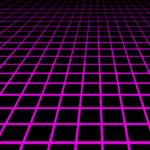
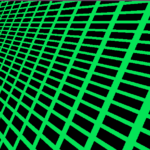
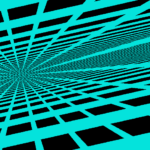
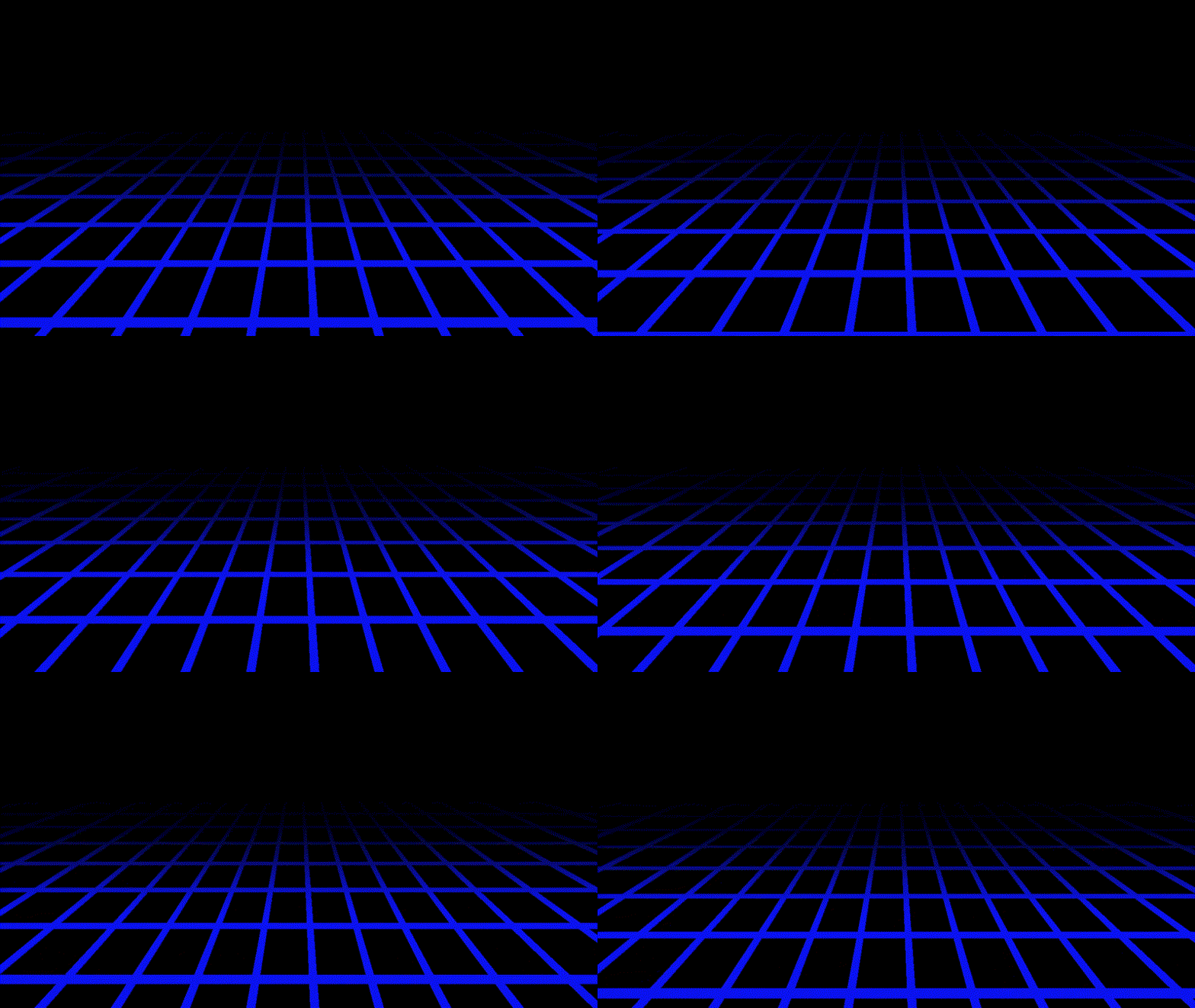
A synthwave style grid with the appearance of depth for Godot 4. Tested in Godot 4.7 with the compatibility renderer. To use add a shader material to a ColorRect and copy the code into the shader.
Variables:
Line Color (vec4): The colour of the grid
Vanishing Point (vec2): The point in uv coordinates where the lines of the grid converge and vanish, can be placed outisde or inside the canvas uv
Depth gradient (float) (greater than 0): Defines the perceived depth of the grid, larger values means the vanshing point appears further away, and the grid appears to be steeper
V Line Density (float) (greater than 0): Vertical line density, larger values increases the amount, and reduces the thickness of vertical lines
V Line Sin Cutoff (float) (in range (-1,1)): Defines how thick the vertical lines should appear, values close to 1 result in very think vertical lines with a lot of negative space between them. Conversly values close to -1 result in very little negative space.
H Line Density (float) (greater than 0): Same as V Line Density for Horizontal lines
H Line Sin Cutoff (float) (in range (-1,1)): Same as V Line Sin Cutoff for horizontal lines
H Line Scroll Rate (float): Defines how fast the horizontal lines on the grid move. Negative values means the grid moves the opposite direction
Horizon Y UV (float) (in range [0,1]): Defines the UV y coordinate above which the grid stops rendering
Fade Horizon Y UV (float) (in range [Horizon Y UV,1]): Defiens the UV y coordinate above which the grid starts to fade away before reaching the Horizon Y UV. (If this value is less than Horizon Y UV, then the grid fades towards the bottom of the color rect instead of the top.)
Shader code
shader_type canvas_item;

uniform vec4 line_color : source_color = vec4(0.039,0.071,0.961,1.0);
uniform vec2 vanishing_point = vec2(0.5,0.15); // Vanishing point can be outside the canvas UV if needed
uniform float depth_gradient = 5.0;

uniform float v_line_density = 50.0;
uniform float v_line_sin_cutoff : hint_range(-1.0, 1.0, 0.01) = 0.9;

uniform float h_line_density = 50.0;
uniform float h_line_sin_cutoff : hint_range(-1.0, 1.0, 0.01) = 0.9;
uniform float h_line_scroll_rate : hint_range(-0.2, 0.2, 0.0001) = -0.02;

uniform float horizon_y_uv : hint_range(0.0, 1.0, 0.01) = 0.25;
uniform float fade_horizon_y_uv : hint_range(0.0, 1.0, 0.01) = 0.75;

void fragment() {
	// Calculate basis change for UV coordinates to represent perpendicular and parallel distance towards 0.5 left of vanishing point
	// If vanishing point always lies on line UV.x = 0.5 then the change of basis is unnecessary and can be removed
	vec2 vanishing_y_direction = normalize(vanishing_point - vec2(0.5,0.0));
	vec2 vanishing_x_direction = vec2(vanishing_y_direction.y, -vanishing_y_direction.x);
	mat2 basis_change = mat2(vanishing_x_direction, vanishing_y_direction);

	// Calculate angle of coordinates from vanishing point and of y position according to the depth gradient
	vec2 displacement = basis_change * (UV - vanishing_point);
	float angle = atan(displacement.x / displacement.y);
	float yangle = atan(depth_gradient * displacement.y);
	yangle = mod((yangle + h_line_scroll_rate*TIME),PI) + PI * 0.5;

	// Use calculated angles to determine if there should be a vertical and/or horizontal line present at current UV
	float v_presence = step(v_line_sin_cutoff, sin(v_line_density * angle));
	float h_presence = step(h_line_sin_cutoff, sin(2.0 * h_line_density * yangle));

	// Add a colour where there is a line present
	COLOR = vec4(v_presence);
	COLOR += vec4(h_presence);
	COLOR = min(COLOR, vec4(1.0)); // Clamp the colour so that the parts where the lines cross don't appear brighter

	// Fade out the plane where it approaches the horizon (remove bellow line if you don't want this)
	COLOR *= smoothstep(horizon_y_uv, fade_horizon_y_uv,UV.y);

	// Set plane to correct colour
	COLOR *= line_color;
}
Live Preview