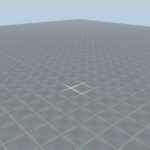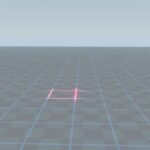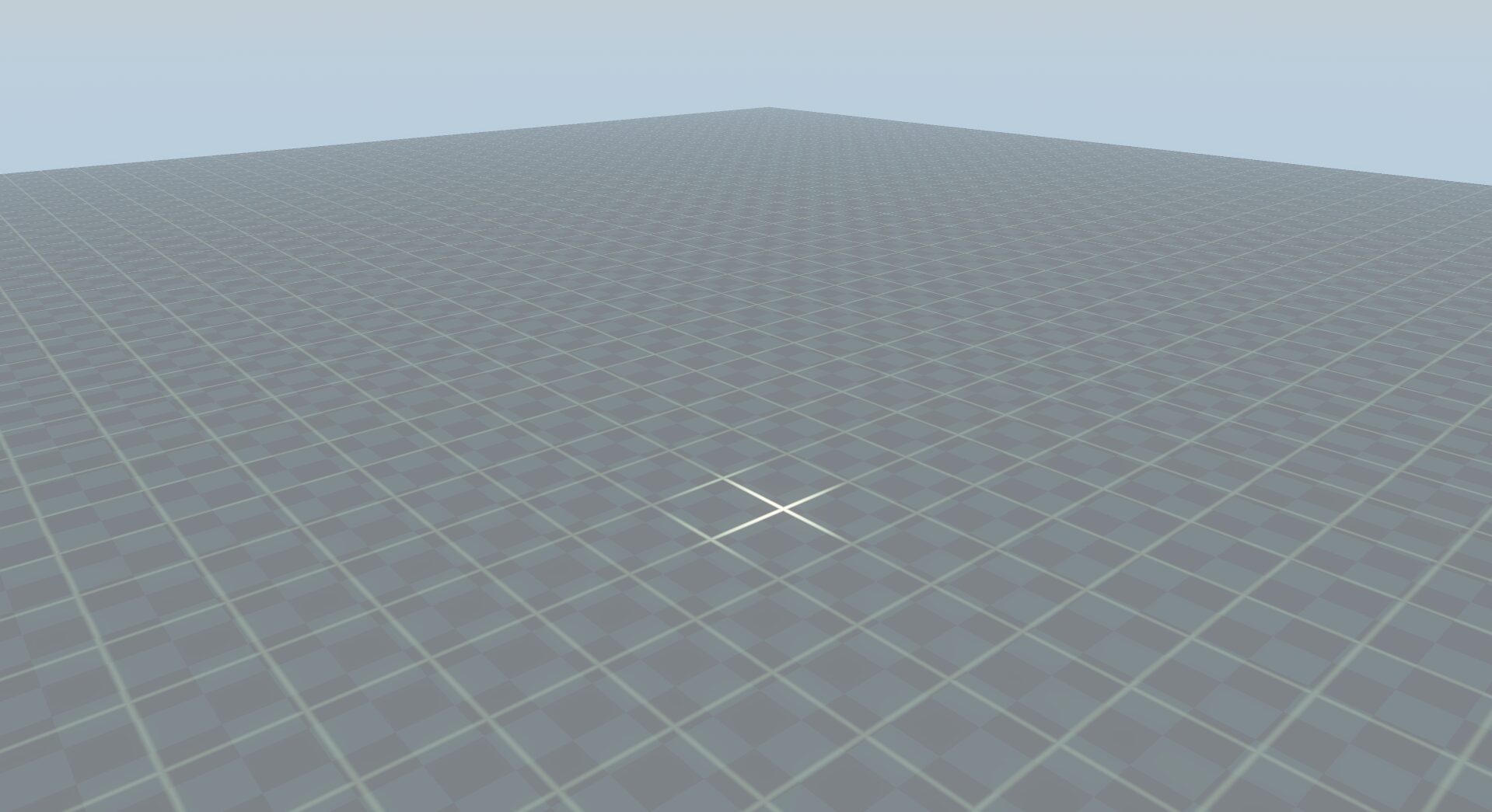
3D Grid Overlay with Mouse Highlight

How to Apply It in Godot:
-
Setup your Overlay Mesh:
-
Add a large
MeshInstance3Dflat plane (e.g.PlaneMesh) slightly hovering just above your floor orGridMap.
-
-
Apply the Shader Material:
-
Go to the inspector of your mesh, create a New ShaderMaterial under
MaterialorMaterial Override. -
Create a New Shader, open it, and paste the code above.
-
-
Connect it via GDScript (Camera Raycasting):
-
To update the cursor highlighting, attach a script to your
Camera3Dthat sends the mouse’s 3D intersection position to the shader at runtime: - Example Script:
-
extends Camera3D

@export var grid_mesh: MeshInstance3D
var shader_material: ShaderMaterial

func _ready() -> void:
	if grid_mesh and grid_mesh.material_override:
		shader_material = grid_mesh.material_override as ShaderMaterial

func _physics_process(_delta: float) -> void:
	if not shader_material: return

	var mouse_pos = get_viewport().get_mouse_position()
	var origin = project_ray_origin(mouse_pos)
	var to = origin + project_ray_normal(mouse_pos) * 1000.0

	var space_state = get_world_3d().direct_space_state
	var query = PhysicsRayQueryParameters3D.create(origin, to)
	var result = space_state.intersect_ray(query)

	if not result.is_empty():
		shader_material.set_shader_parameter("highlight_pos", result.position)
	else:
		shader_material.set_shader_parameter("highlight_pos", Vector3(9999, 9999, 9999))
-
Shader code
shader_type spatial;
render_mode blend_mix, diffuse_lambert, specular_schlick_ggx;

uniform vec3 grid_color : source_color = vec3(1.0, 1.0, 1.0);
uniform float grid_size = 2.0;
uniform float line_width = 0.05;
uniform float base_opacity : hint_range(0.0, 1.0) = 0.1;

uniform vec3 highlight_pos;
uniform float highlight_radius = 4.0;
uniform float highlight_opacity : hint_range(0.0, 1.0) = 0.5;
uniform vec3 highlight_color : source_color = vec3(1.0, 0.8, 0.0);

varying vec3 world_position;

void vertex() {
	world_position = (MODEL_MATRIX * vec4(VERTEX, 1.0)).xyz;
}

void fragment() {
	vec2 grid_uv = fract((world_position.xz / grid_size) + 0.5);
	vec2 grid_line = smoothstep(0.5 - (line_width / grid_size), 0.5, abs(grid_uv - 0.5));

	float grid_mask = max(grid_line.x, grid_line.y);

	float dist_to_mouse = distance(world_position.xz, highlight_pos.xz);

	float mouse_factor = 1.0 - clamp(dist_to_mouse / highlight_radius, 0.0, 1.0);
	mouse_factor = smoothstep(0.0, 1.0, mouse_factor);

	float final_opacity = base_opacity + (highlight_opacity * mouse_factor);

	vec3 final_color = mix(grid_color, highlight_color, mouse_factor);

	ALBEDO = final_color;
	ALPHA = grid_mask * final_opacity;
}
Live Preview