
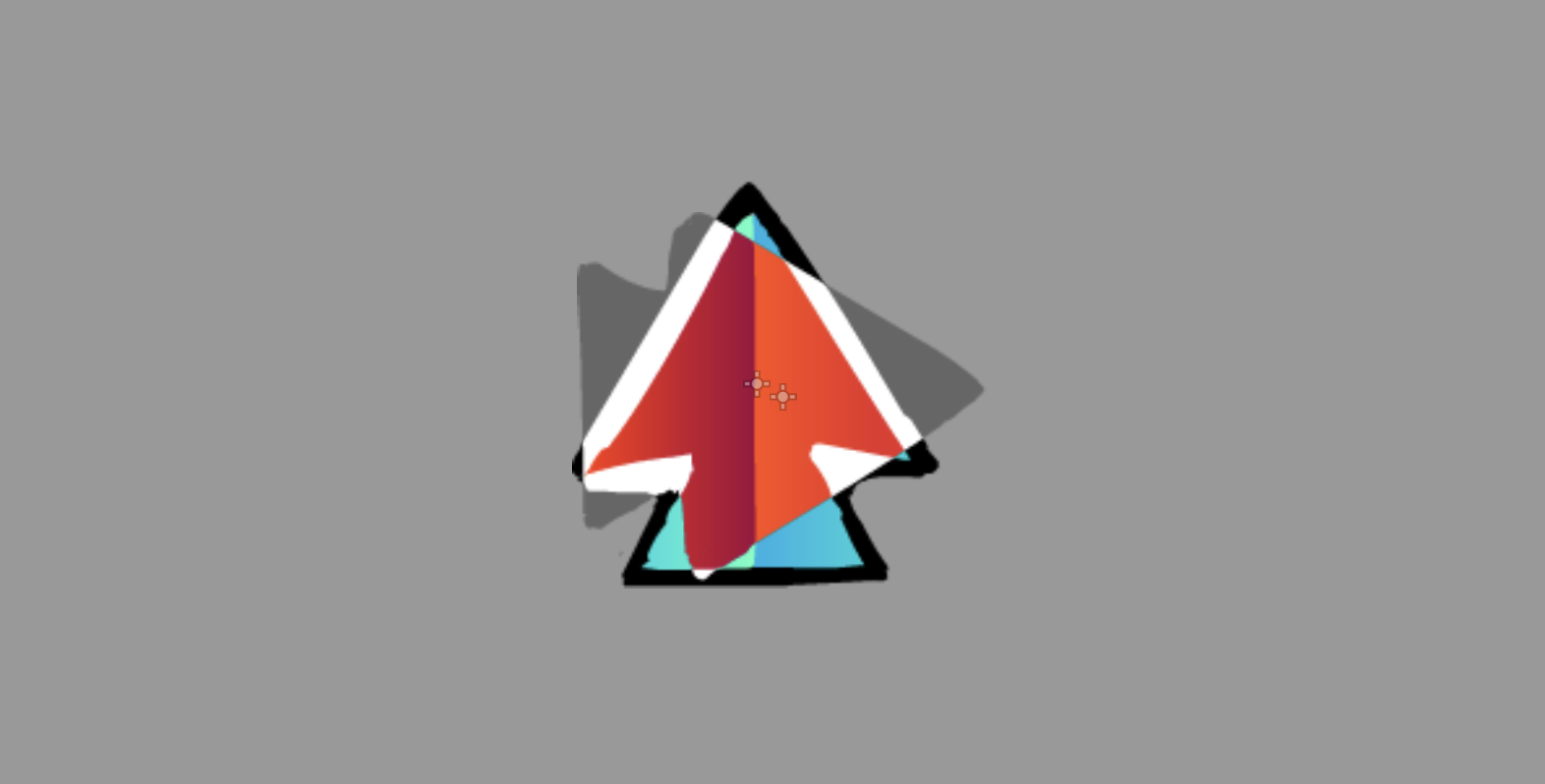
Adobe Animate Blend Modes

this is a canvas item shader that includes a uniform that lets you change to any of the adobe animate / flash movie clip blend modes!
it probably could be more optimized but it works and i think that’s valuable
Shader code
shader_type canvas_item;

uniform sampler2D SCREEN_TEXTURE : hint_screen_texture;
uniform int blend_mode : hint_enum(
	"Normal", // 0
	"Darken", // 1
	"Multiply", // 2
	"Lighten", // 3
	"Screen", // 4
	"Overlay", // 5
	"Hard Light", // 6
	"Add", // 7
	"Subtract", // 8
	"Difference", // 9
	"Invert", // 10
	"Alpha", // 11
	"Erase" // 12
) = 0;

// most from https://godotshaders.com/snippet/blending-modes/
vec3 multiply(vec3 base, vec3 blend){
	return base * blend;
}

vec3 screen(vec3 base, vec3 blend){
	return 1.0 - (1.0 - base) * (1.0 - blend);
}

vec3 darken(vec3 base, vec3 blend){
	return min(base, blend);
}

vec3 lighten(vec3 base, vec3 blend){
	return max(base, blend);
}

vec3 difference(vec3 base, vec3 blend){
	return abs(base - blend);
}

vec3 overlay(vec3 base, vec3 blend){
	vec3 limit = step(0.5, base);
	return mix(2.0 * base * blend, 1.0 - 2.0 * (1.0 - base) * (1.0 - blend), limit);
}

vec3 linear_dodge(vec3 base, vec3 blend) {
	return base + blend;
}

vec3 subtract(vec3 base, vec3 blend) {
	return base - blend;
}

vec3 invert(vec3 base) {
	return vec3(1.0) - base;
}

void fragment() {
	if (blend_mode > 0) {
		vec4 screen_c = texture(SCREEN_TEXTURE, SCREEN_UV);
		switch (blend_mode) {
			case 1:
				COLOR.rgb = darken(COLOR.rgb, screen_c.rgb);
				break;
			case 2:
				COLOR.rgb = multiply(COLOR.rgb, screen_c.rgb);
				break;
			case 3:
				COLOR.rgb = lighten(COLOR.rgb, screen_c.rgb);
				break;
			case 4:
				COLOR.rgb = screen(COLOR.rgb, screen_c.rgb);
				break;
			case 5:
				COLOR.rgb = overlay(screen_c.rgb, COLOR.rgb);
				break;
			case 6:
				COLOR.rgb = overlay(COLOR.rgb, screen_c.rgb);
				break;
			case 7:
				COLOR.rgb = linear_dodge(COLOR.rgb, screen_c.rgb);
				break;
			case 8:
				COLOR.rgb = subtract(screen_c.rgb, COLOR.rgb);
				break;
			case 9:
				COLOR.rgb = difference(COLOR.rgb, screen_c.rgb);
				break;
			case 10:
				COLOR.rgb = invert(screen_c.rgb);
				break;
			case 11: // adobe animate skill issue
			case 12:
				discard;
				break;
		}
	}
}