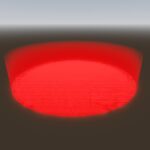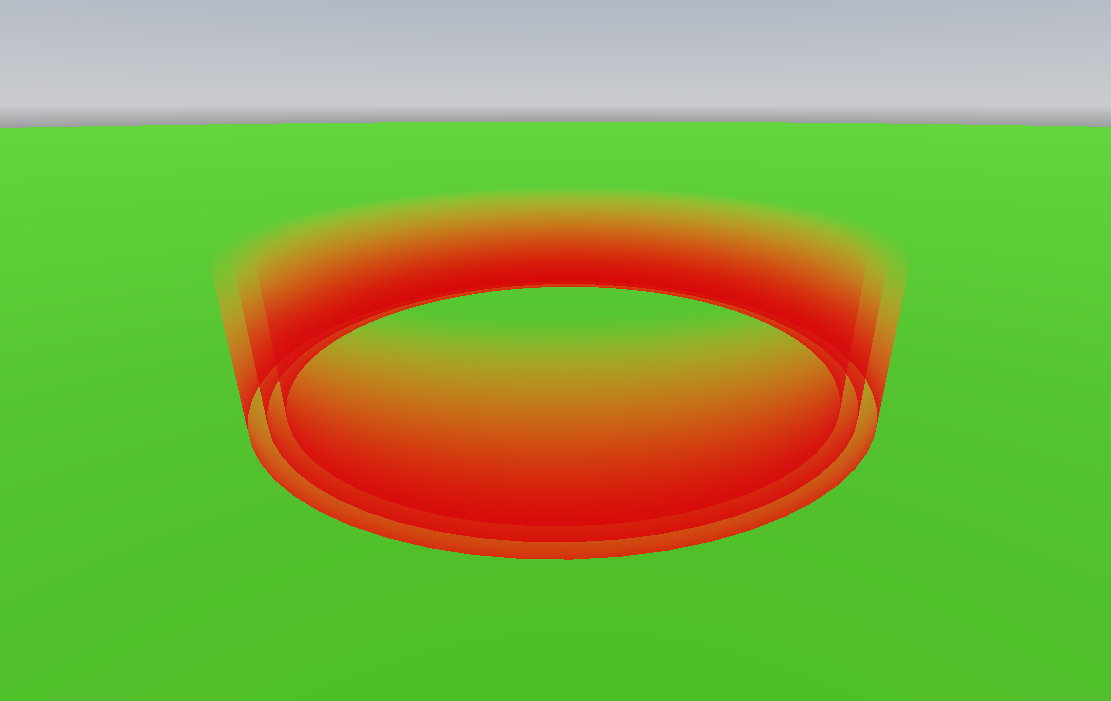
Basic Checkpoint
I made a checkpoint shader for a game I am currently working on.
It was inspired by the red checkpoint shader in Grand Theft Auto San Andreas.
Steps To Setup:
- Create A MeshInstance3D.
- Assign it to a ShaderMaterial.
- Adjust the Threshold and Error Correction as needed.
- Colorize!
You Can Use It In Your Game and Edit It If Needed. Credit is appreciated but not required.
Shader code
shader_type spatial;
render_mode cull_disabled;

varying vec3 vert;

uniform float threshold : hint_range(-1.0, 1.0, 0.1);
uniform float error_correction : hint_range(0.0, 1.0, 0.1);
uniform vec4 color : source_color;

void vertex() {
	vert = VERTEX;
}

void fragment() {
	ALBEDO = color.rgb;

	if (vert.y > threshold && vert.y < error_correction) {
		ALPHA = -vert.y * color.a;
	} else {
		ALPHA = 0.;
	}
}
Live Preview