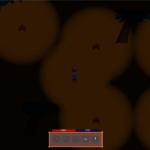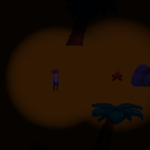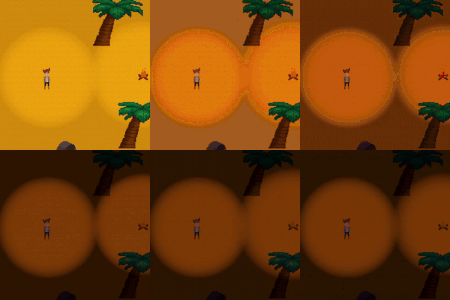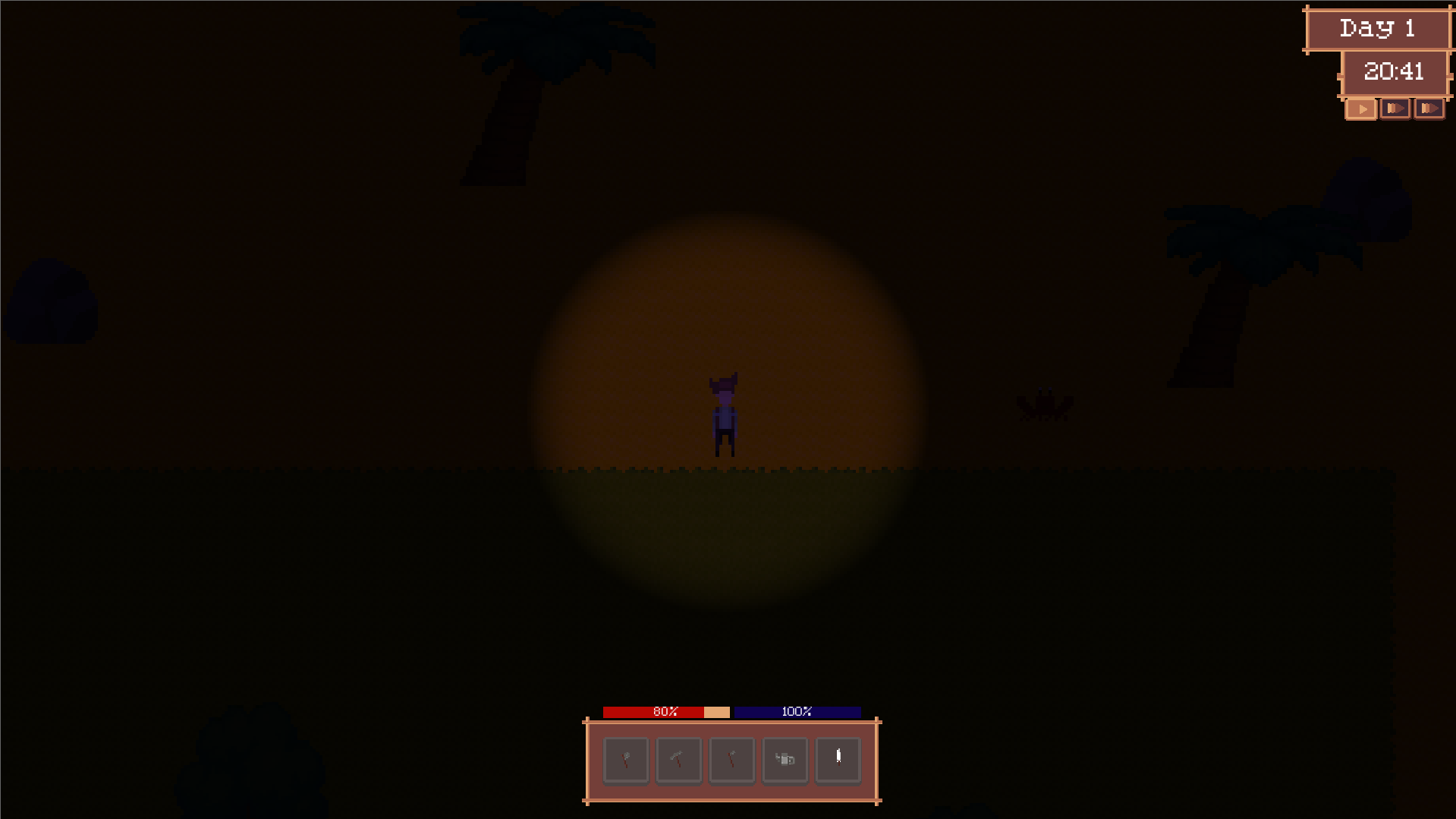
Game Endeavor Shader Updated to Godot 4.4

The shader provided by https://www.youtube.com/@GameEndeavor in his video
https://www.youtube.com/watch?v=XaJ58TxKTTc. In his description there is a link to their patreon post https://www.patreon.com/posts/42040761 that has the shader, but this is for an older version of godot so when I was looking around for ways to make lighting look better and I came across this one I decided we need this for Godot 4+
So here it is!
Shoutout to GameEndeavor for providing this for free! I feel like it’s only fair to carry on the same way!
If you want to follow allong with the game I am making where I am using this you can find all my socials and the steam page on https://www.flowforgestudios.co.uk
Shader code
shader_type canvas_item;
render_mode blend_mix, unshaded;

uniform vec2 camera_position;
uniform vec2 camera_zoom;
uniform vec2 viewport_size;
uniform sampler2D light_data;
uniform int n_lights = 0;
uniform vec4 dark_color : source_color = vec4(0.1, 0.1, 0.2, 1.0);
uniform vec4 default_light_color : source_color = vec4(1.0, 1.0, 1.0, 1.0);
uniform float light_level : hint_range(0.0, 1.0) = 0.3;
uniform float offset_modifier : hint_range(0.0, 8.0) = 1.0;
uniform int n_light_bands : hint_range(1, 13) = 5;
uniform bool will_smooth_shade = false;
uniform float band_decay_rate : hint_range(0.0, 1.0, 0.05) = 0.7;
uniform float light_strength_modifier : hint_range(0.0, 2.0) = 1.5;
uniform sampler2D screen_texture : hint_screen_texture;

varying vec2 world_position;

void vertex() {
	// Convert screen position to world position manually
	// VERTEX ranges from (0,0) to viewport_size
	vec2 screen_pos = VERTEX;

	// Convert to normalized coordinates (-0.5 to 0.5)
	vec2 normalized_pos = (screen_pos / viewport_size) - 0.5;

	// Scale by zoom and offset by camera position
	world_position = camera_position + (normalized_pos * viewport_size / camera_zoom);
}

void fragment() {
	vec2 frag_position = floor(world_position);
	vec4 final_color = vec4(0.0); // Start with black instead of dark_color

	for (int i = 0; i < n_lights; i++) {
		vec4 texel = texelFetch(light_data, ivec2(i, 0), 0);
		float radius = texel.a;
		float strength = texel.b;
		vec4 light_color = texelFetch(light_data, ivec2(i, 1), 0);

		float dist = distance(texel.xy, frag_position);
		dist = min(dist / radius, 1.0);
		dist = max((dist * offset_modifier) - (offset_modifier - 1.0), 0.0);

		float value = 0.0;
		if (will_smooth_shade) {
			value = (1.0 - dist) * strength * light_strength_modifier;
		} else {
			float offset = pow(band_decay_rate, float(n_light_bands));
			for (int p = 0; p < n_light_bands; p++) {
				float radius_check = 1.0 - pow(band_decay_rate, float(p + 1)) + offset;
				if (dist < radius_check) {
					value = (pow(band_decay_rate, float(p)) - offset)
							* strength * light_strength_modifier;
					break;
				}
			}
		}

		value = clamp(value, 0.0, 1.0);

		// Screen blend mode - but only blend the light contribution
		if (value > 0.0) {
			vec4 light_contribution = light_color * value;
			// Screen blend: 1 - (1-a) * (1-b)
			final_color = vec4(1.0) - (vec4(1.0) - final_color) * (vec4(1.0) - light_contribution);
		}
	}

	// Calculate light intensity BEFORE mixing with dark_color
	float light_intensity = min(length(final_color.rgb), 1.0);

	// Remap light_level (0.05 to 0.45) to a more useful range
	float normalized_light = (light_level - 0.05) / (0.45 - 0.05);
	normalized_light = clamp(normalized_light, 0.0, 1.0);

	// Base darkening amount based on time of day
	float base_darkening = 1.0 - normalized_light;

	// Lights completely remove darkening - use a stronger power curve
	float final_darkening = base_darkening * pow(1.0 - light_intensity, 2.0);

	// Mix the final light result with dark_color
	vec4 ambient_color = mix(dark_color, final_color, light_intensity);
	ambient_color.a *= final_darkening;

	vec2 screen_uv = SCREEN_UV;
	vec4 screen_color = texture(screen_texture, screen_uv);
	COLOR = screen_color * ambient_color;
}
Live Preview