
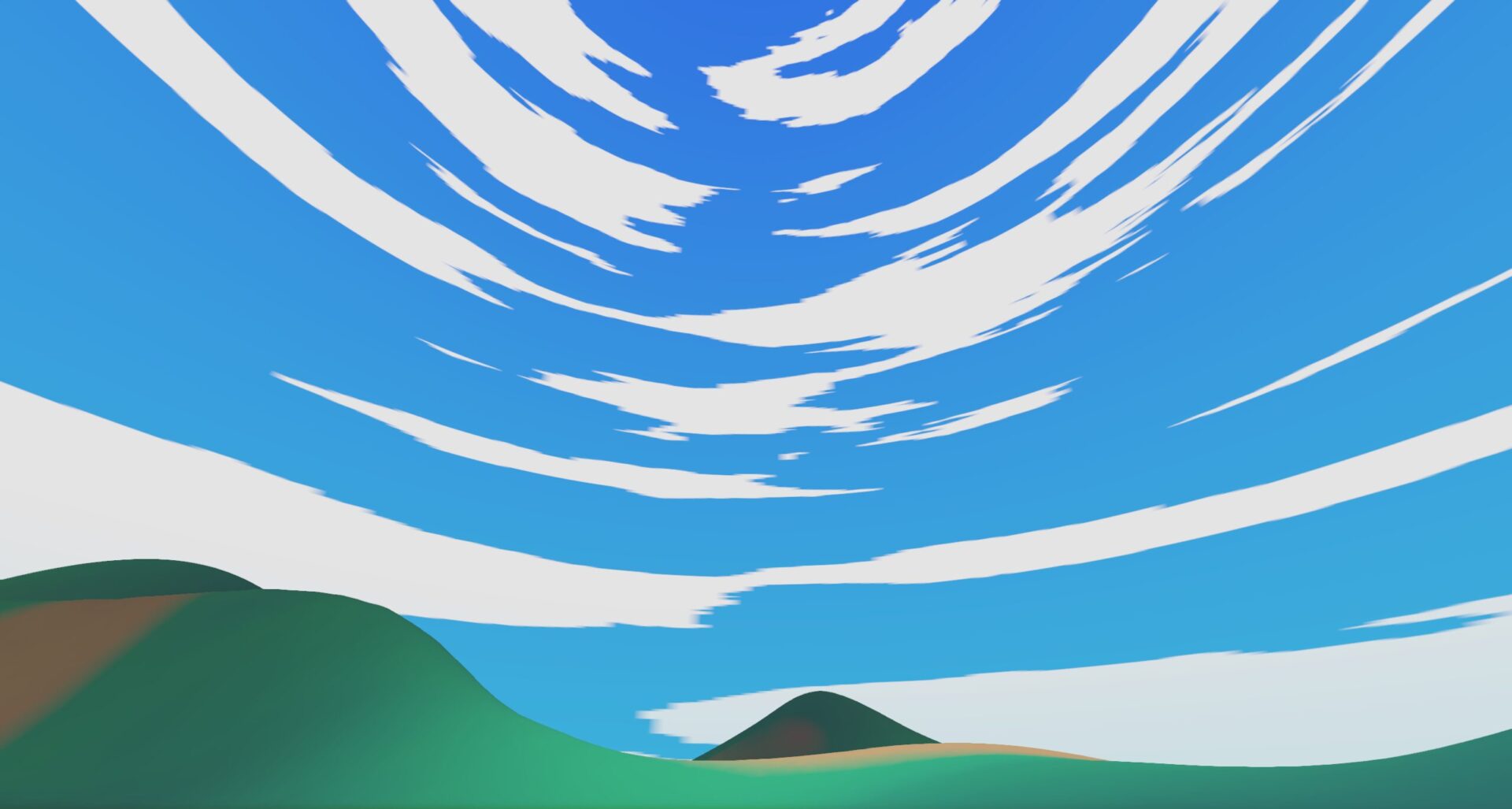
Separate Sky Lighting (HDRI or other) from Overlay

Made this to be able to use HDRI lighting, but still have stylised sky overlay. Doesn’t have to be HDRI, it can use any texture input for ‘hdri_background’, including simple gradient. Also includes cloud cover mapped to sky overlay, and their colour with gradient.
Shader code
shader_type sky;

uniform sampler2D hdri_background : filter_linear, source_color, hint_default_black;
uniform sampler2D sky_background : filter_linear, source_color, hint_default_black;
uniform sampler2D clouds : filter_linear, source_color, hint_default_black;
uniform sampler2D cloud_color : source_color;
uniform float exposure : hint_range(0, 128) = 1.0;

void sky() {
	if(AT_CUBEMAP_PASS){
		COLOR = texture(hdri_background, SKY_COORDS).rgb * exposure;
	}
	else{
		COLOR = mix(texture(sky_background, SKY_COORDS).rgb, texture(cloud_color, SKY_COORDS).rgb, texture(clouds, SKY_COORDS).r);
	}
}

Where are the Textures for the Cloud etc
Make these using Noise Textures, if you make the width really narrow (like shown in the short), it’ll wrap around like in the banner picture