Seperate Specular Alpha Trick

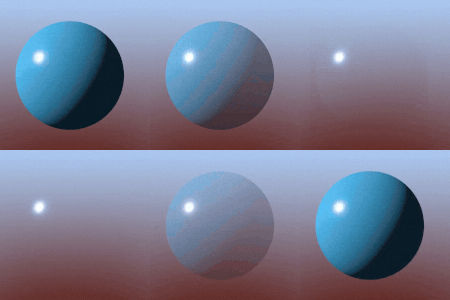
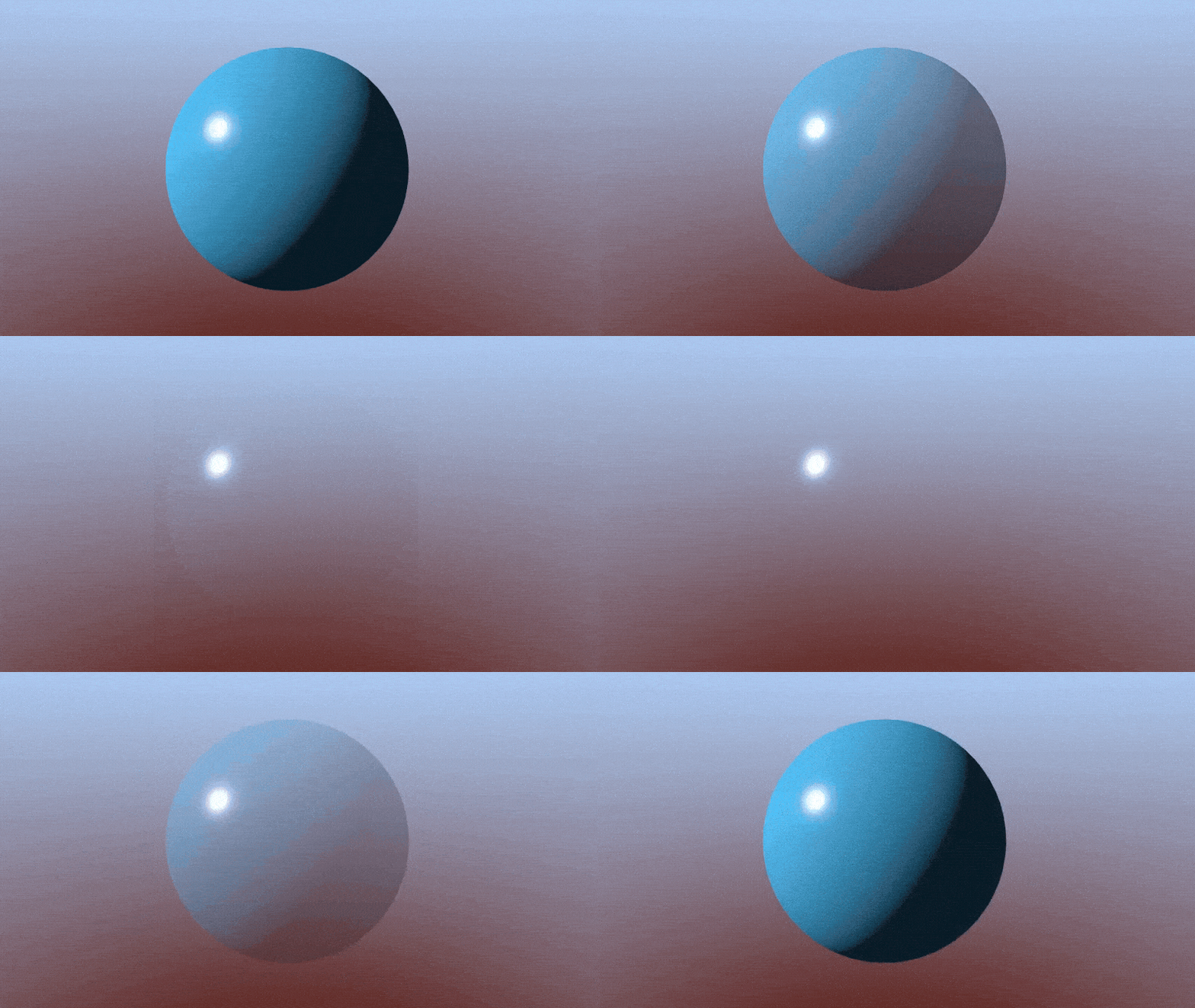
Normally, ALPHA will change the transparency of both Diffuse and Specular light. There are times we only want Diffuse to become transparent, like when we are making a glass shader.
The solution is very simple, just add blend_premul_alpha as a render mode and multiply your ALBEDO by your transparency uniform! No more unintentional specular darkening! To adjust how much Specular is effected just change the speculars brightness.
Shader code
shader_type spatial;
render_mode blend_premul_alpha; //Add premultiplied alpha

uniform vec3 diffuse : source_color;
uniform float roughness : hint_range(0.0, 1.0, 0.1) = 0.5;
uniform float transparency : hint_range(0.0, 1.0, 0.01) = 1.0;

void fragment() {
	ALBEDO = diffuse * transparency; //multiply diffuse by transparency to make only albedo become transparent!
	ROUGHNESS = roughness;
	ALPHA = transparency;
}
Live Preview