
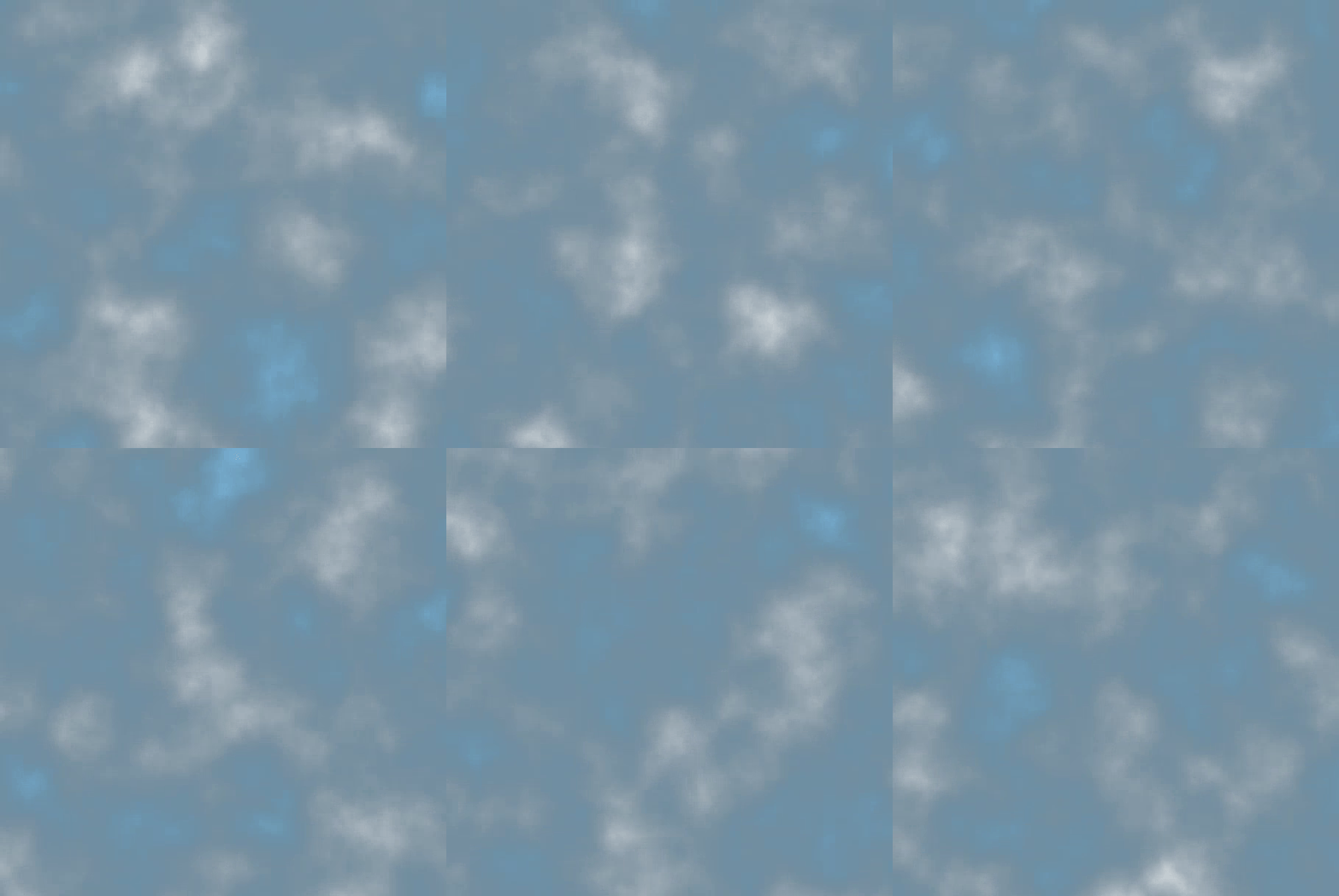
Simple Cloud Layer

An easy way to generate cloud layer by moving and mixing two noise textures.
Usage:
Attach it to a CanvasItem and set it as a ShaderMaterial, then configure the following parameters:
Cloud Texture 1/2: The cloud texture, recommanded to be set to a NoiseTexture -> FastNoiseLite
Cloud Moving Speed 1/2: The moving speed (2D) of cloud layer 1/2.
Sky Color: The background color of cloud layer.
Mix Ratio: The mixing ratio of the two cloud layers.
Shader code
shader_type canvas_item;


group_uniforms cloud_layer_1;
uniform sampler2D cloud_texture_1;
uniform vec2 cloud_moving_speed_1 = vec2(0.01, -0.2);

group_uniforms cloud_layer_2;
uniform sampler2D cloud_texture_2;
uniform vec2 cloud_moving_speed_2 = vec2(-0.02, -0.15);

uniform vec4 sky_color : source_color = vec4(0.53, 0.81, 0.98, 1.0);
uniform float mix_ratio : hint_range(0.0, 1.0) = 0.2;

void fragment() {
    vec2 offset1 = TIME * cloud_moving_speed_1;
    vec2 offset2 = TIME * cloud_moving_speed_2;
    vec2 uv1 = UV + offset1;
    vec2 uv2 = UV + offset2;

    uv1 = fract(uv1);
    uv2 = fract(uv2);

    vec4 color = texture(TEXTURE, uv1);
    color = texture(cloud_texture_1, uv1) * mix_ratio + texture(cloud_texture_2, uv2) * (1.0 - mix_ratio);

    // mix with sky color
    color.a = color.r;
    color = mix(sky_color, color, color.a);

    COLOR = color;
}