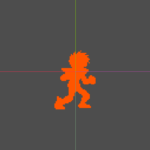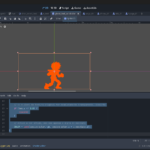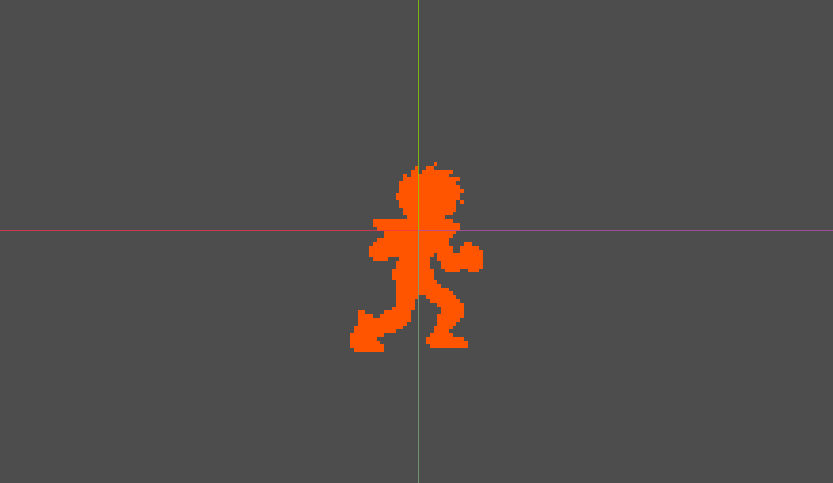
Solid color mask for Sprite2d or any canvas item you have

This shader paints all non-empty pixels in the image and replaces them with a solid color, it changes opacity based on the node’s modulate.a, so it works great if you want to make a ghost trail with tween.
Just apply it to the canvas_item node(sprite2d or something else) and… done.
Shader code
shader_type canvas_item;

uniform vec4 custom_color : source_color; // Cor sólida que será usada

varying vec4 v_modulate;

void vertex() {
    v_modulate = COLOR; // Captura a cor do Sprite2D.modulate
}

void fragment() {
    vec4 tex = texture(TEXTURE, UV);

    // Se o pixel da textura original for completamente transparente, descarta
    if (tex.a <= 0.0) {
        discard;
    }

    // Aplica a cor sólida, mas usa apenas o alpha do modulate
    COLOR = vec4(custom_color.rgb, custom_color.a * v_modulate.a);
}
Live Preview