
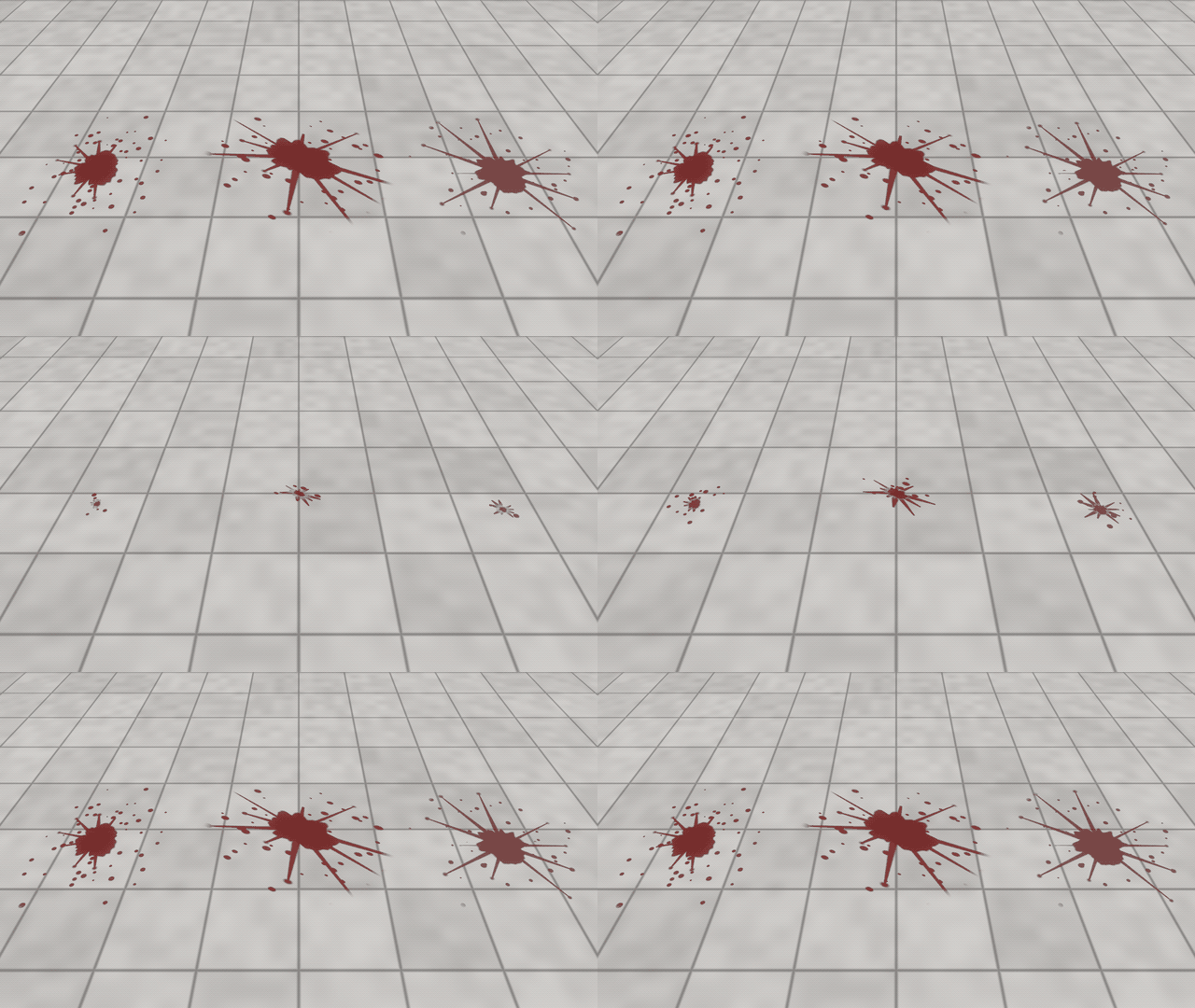
Blood Splatter Decal Shader

A blood splatter for floors and walls: a ragged blob, streaks that end in a round drop, and a spray of small drops around it. Use a new seed for every hit and rotate the node for more variety.
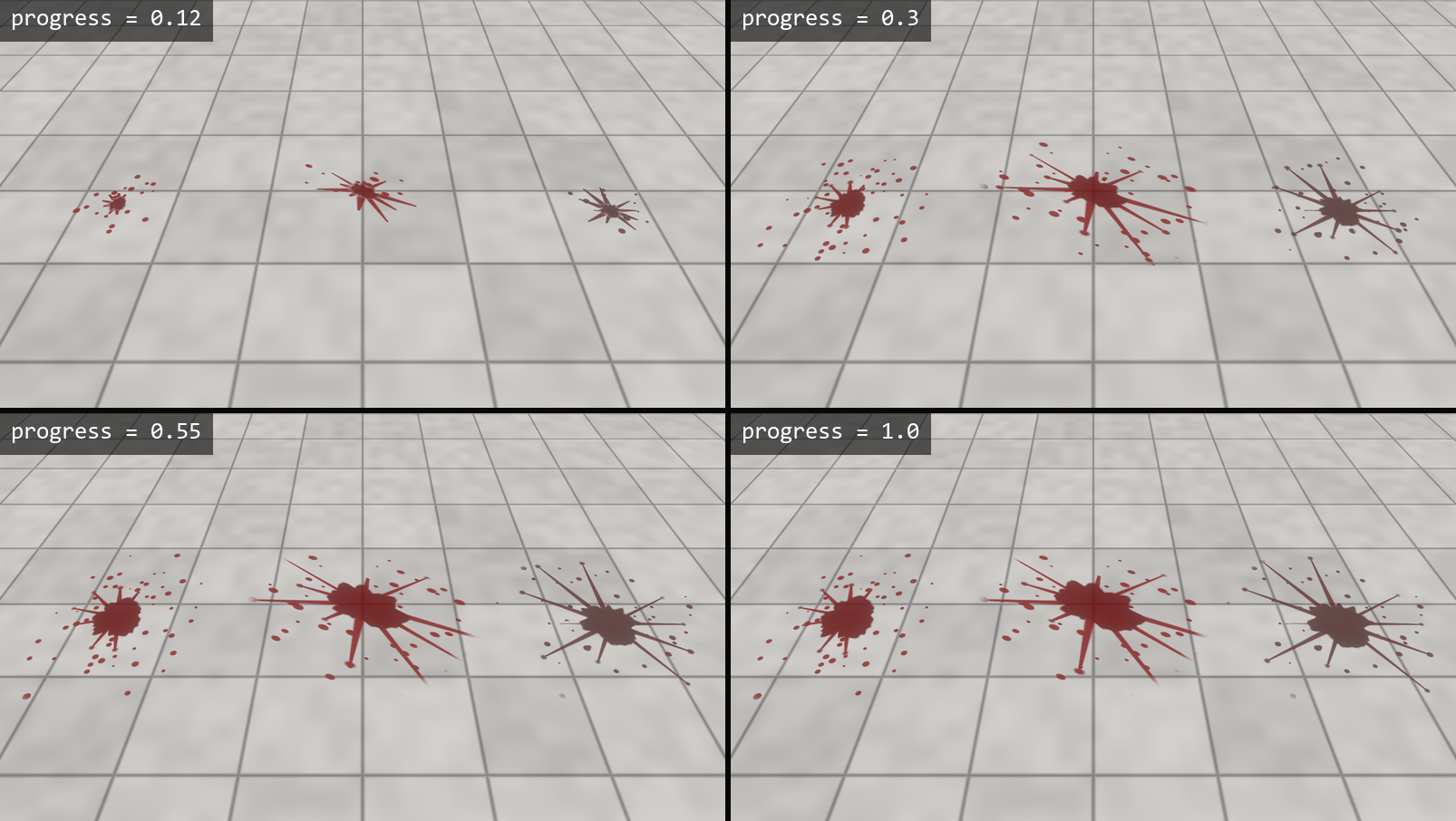
Lay a PlaneMesh or QuadMesh of about 2 x 2 on the surface. The shader lifts it a few millimetres so it doesn’t flicker. Animate progress from 0 to 1 and the splash shoots out and settles. dry goes from fresh and glossy to dark and matte, and stretch with stretch_angle pulls it into an ellipse for a hit at an angle. My first streaks were straight sticks of the same width, so now they taper and end in a drop.
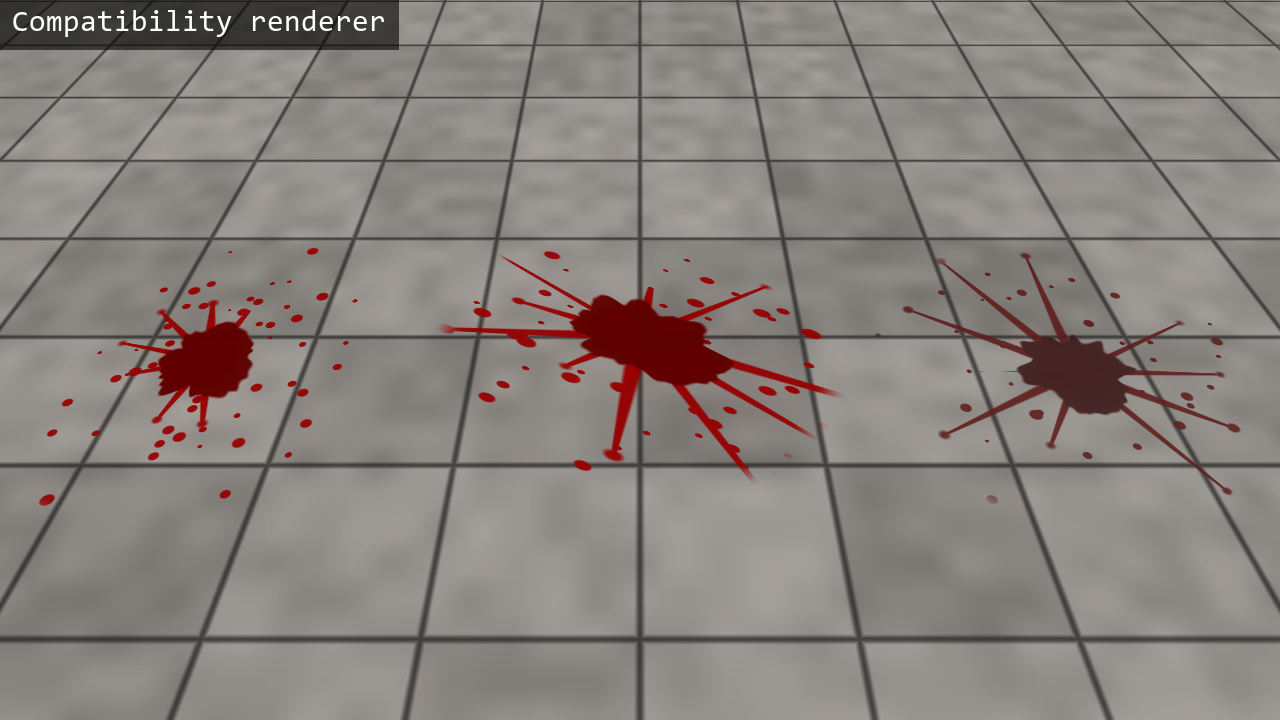
No textures, and it looked the same on Forward+, Mobile and Compatibility in 4.4 and 4.7.
The code was written with the help of an AI coding assistant.
I wrote this as a small take on the blood marks in my Blood & Hit VFX pack for Godot 4, which also has wound shaders and impact effects. The free version is the first link and the full pack is the second.
https://gennai.itch.io/free-hit-flash-vfx-godot-4?utm_source=godotshaders&utm_medium=referral&utm_campaign=blood
https://gennai.itch.io/blood-hit-vfx-godot-4?utm_source=godotshaders&utm_medium=referral&utm_campaign=blood
Shader code
// Procedural Blood Splatter Decal for Godot 4
// MIT License. Copyright (c) 2026 gennai (https://gennai.itch.io)
//
// A blood splatter for floors and walls: a ragged central blob, long streaks that end in a
// round drop, and many small satellite drops around it. Put it on a MeshInstance3D with a
// flat PlaneMesh or QuadMesh (for example 2 x 2) and lay it on the surface, just in front
// of it. The shader pushes the mesh a little along its normal, so it does not flicker
// against the surface. Use a new seed for every splatter and rotate the node for variety.
//
// Animate progress from 0 to 1 for a hit: the splash shoots out and settles within about
// a quarter of a second. dry goes from 0 (fresh and glossy) to 1 (dark and matte) over time.
// stretch pulls the splatter into an ellipse along stretch_angle, for a hit at an angle.
// No textures: the pattern is computed in the shader with sin-free hashes, so it looks
// the same on every renderer.
shader_type spatial;
render_mode blend_mix, depth_draw_never, cull_disabled, shadows_disabled;

group_uniforms splash;
// 0 = nothing yet, 1 = the finished splatter. Animate this for a hit.
uniform float progress : hint_range(0.0, 1.0) = 1.0;
// Changes the pattern. Use a different value for every splatter.
uniform float seed : hint_range(0.0, 100.0) = 1.0;
// Size of the central blob, as a fraction of the plane.
uniform float blob_size : hint_range(0.05, 0.6) = 0.22;
// Number of long streaks.
uniform int streak_count : hint_range(3, 24) = 12;
// How many small drops are around the splatter.
uniform float droplets : hint_range(0.0, 1.0) = 0.6;
// Pulls the splatter into an ellipse. 0 = round.
uniform float stretch : hint_range(0.0, 2.0) = 0.0;
// Direction of the stretch, in degrees on the plane.
uniform float stretch_angle : hint_range(-180.0, 180.0) = 0.0;

group_uniforms look;
// 0 = fresh, red and glossy. 1 = dry, dark brown and matte.
uniform float dry : hint_range(0.0, 1.0) = 0.0;
uniform vec4 color_fresh : source_color = vec4(0.5, 0.02, 0.025, 1.0);
uniform vec4 color_dry : source_color = vec4(0.2, 0.04, 0.03, 1.0);
// How far the mesh is pushed along its normal, in metres.
uniform float lift : hint_range(0.0, 0.05) = 0.004;

float bs_hash(vec2 p) {
	vec3 p3 = fract(vec3(p.xyx) * 0.1031);
	p3 += dot(p3, p3.yzx + 33.33);
	return fract((p3.x + p3.y) * p3.z);
}

float bs_hash1(float p) {
	p = fract(p * 0.1031);
	p *= p + 33.33;
	p *= p + p;
	return fract(p);
}

float bs_noise(vec2 p) {
	vec2 i = floor(p);
	vec2 f = fract(p);
	f = f * f * (3.0 - 2.0 * f);
	return mix(mix(bs_hash(i), bs_hash(i + vec2(1.0, 0.0)), f.x),
			mix(bs_hash(i + vec2(0.0, 1.0)), bs_hash(i + vec2(1.0, 1.0)), f.x), f.y);
}

void vertex() {
	VERTEX += NORMAL * lift;
}

void fragment() {
	vec2 p = (UV - 0.5) * 2.0;
	float ca = cos(radians(stretch_angle));
	float sa = sin(radians(stretch_angle));
	p = vec2(ca * p.x + sa * p.y, -sa * p.x + ca * p.y);
	p.x /= 1.0 + stretch;
	float r = length(p);
	float ang = atan(p.y, p.x);
	float s = seed * 3.17;
	// The splash shoots out fast and then settles.
	float g = 1.0 - pow(1.0 - clamp(progress, 0.0, 1.0), 3.0);
	float aa = max(fwidth(r) * 1.5, 0.004);

	// central blob with a ragged edge
	vec2 dir = vec2(cos(ang), sin(ang));
	float rag = bs_noise(dir * 3.0 + s) * 0.7 + bs_noise(dir * 7.0 + s * 2.0) * 0.3;
	float blob_r = blob_size * g * (0.65 + 0.7 * rag);
	float blob = 1.0 - smoothstep(blob_r - aa, blob_r + aa, r);

	// streaks that end in a drop
	float n = float(streak_count);
	float sect = (ang / TAU + 0.5) * n + bs_hash1(s) * 10.0;
	float id = floor(sect);
	float f = abs(fract(sect) - 0.5) * 2.0;
	float h0 = bs_hash1(id * 1.31 + s);
	float h1 = bs_hash1(id * 2.17 + s + 4.0);
	float len = (0.35 + 0.6 * h0 * h0) * g;
	float jitter = (h1 - 0.5) * 0.5;
	float tfrac = clamp((r - blob_r * 0.5) / max(len, 0.01), 0.0, 1.0);
	float lat = f * PI * r / n;
	float wd = 0.004 + 0.03 * (1.0 - tfrac) * (0.5 + h1);
	float streak = (1.0 - smoothstep(wd * 0.5, wd, lat)) * step(r, len) * step(h1, 0.78);
	streak *= smoothstep(0.0, 0.1, r);
	// round drop at the end of a streak
	float dist_tip = length(vec2(r - len, lat));
	float drop_r = 0.012 + 0.02 * h1;
	float tip = (1.0 - smoothstep(drop_r - aa, drop_r + aa, dist_tip)) * step(h1, 0.78) * step(0.12, h0) * step(0.6, g);

	// small satellite drops in a grid, thinning out with distance
	float dsum = 0.0;
	vec2 q = p * 11.0;
	vec2 qi = floor(q);
	vec2 qf = fract(q);
	for (int y = -1; y <= 1; y++) {
		for (int x = -1; x <= 1; x++) {
			vec2 gc = vec2(float(x), float(y));
			vec2 cid = qi + gc + s;
			vec2 o = vec2(bs_hash(cid), bs_hash(cid + 19.1));
			float present = bs_hash(cid + 7.7);
			float rr = length((qi + gc + o) / 11.0);
			float prob = droplets * smoothstep(1.0, 0.25, rr) * smoothstep(blob_r * 0.8, blob_r * 1.6, rr);
			float sz = 0.1 + 0.28 * bs_hash(cid + 3.3);
			float dd = length(gc + o - qf);
			float on = step(present, prob * 0.55) * step(rr, g * 1.05);
			dsum = max(dsum, on * (1.0 - smoothstep(sz * 0.7, sz, dd)));
		}
	}

	float m = max(max(blob, max(streak, tip)), dsum);
	float edge_fade = smoothstep(1.0, 0.85, length((UV - 0.5) * 2.0));
	vec3 col = mix(color_fresh.rgb, color_dry.rgb, dry);
	// thick places (the blob) are darker, thin places (streaks) are lighter
	float thick = clamp(blob * 1.0 + 0.2, 0.0, 1.0);
	col *= mix(1.25, 0.7, thick);
	ALBEDO = col;
	ROUGHNESS = mix(0.12, 0.8, dry);
	SPECULAR = mix(0.9, 0.3, dry);
	ALPHA = clamp(m, 0.0, 1.0) * edge_fade * mix(0.96, 0.9, dry);
}
Live Preview

Comments 0
No comments yet.