

Triplanar Blood Shader

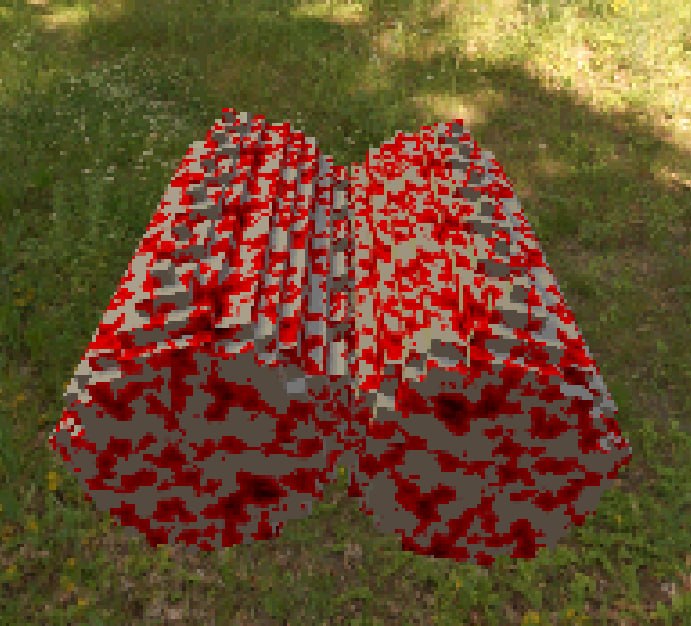
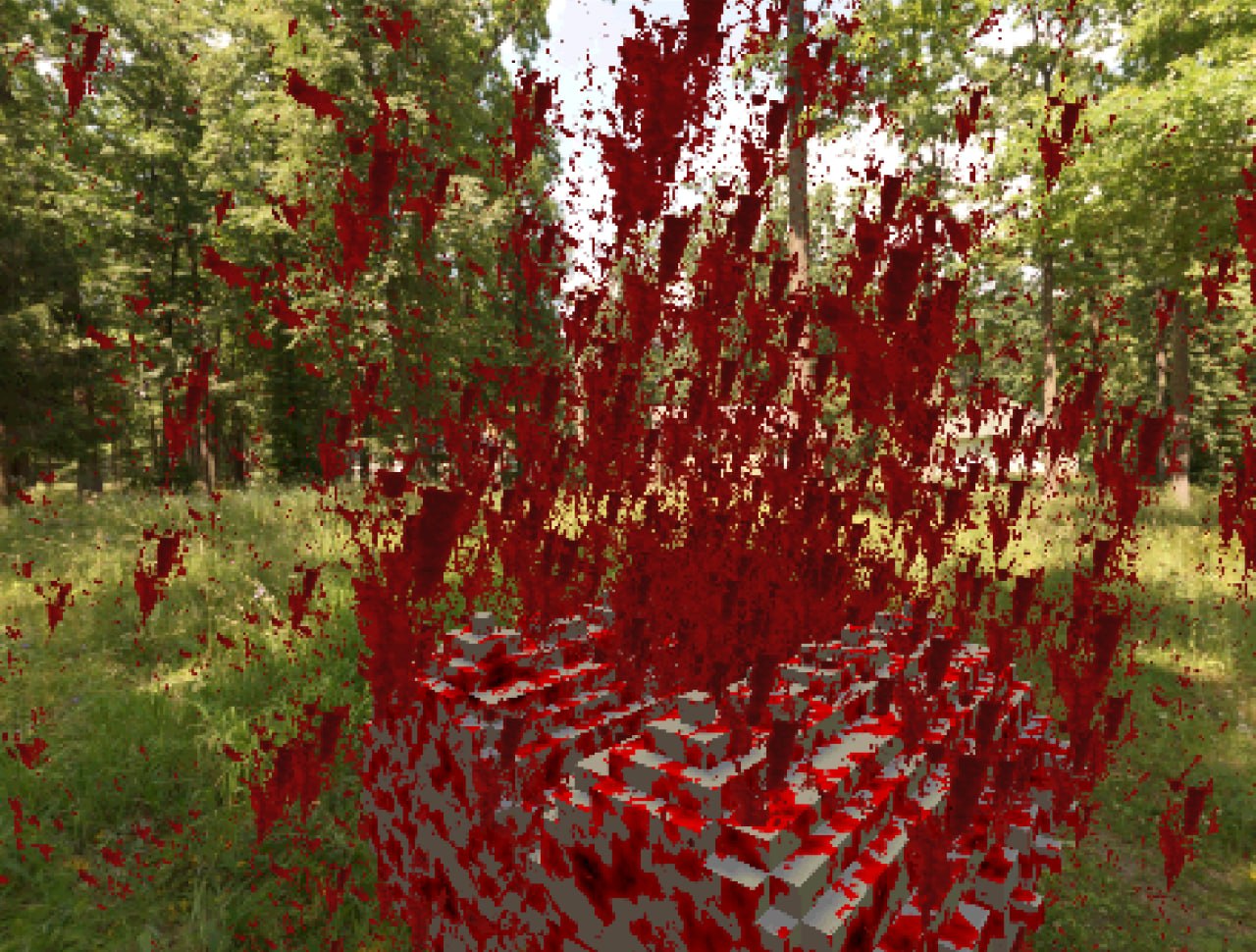
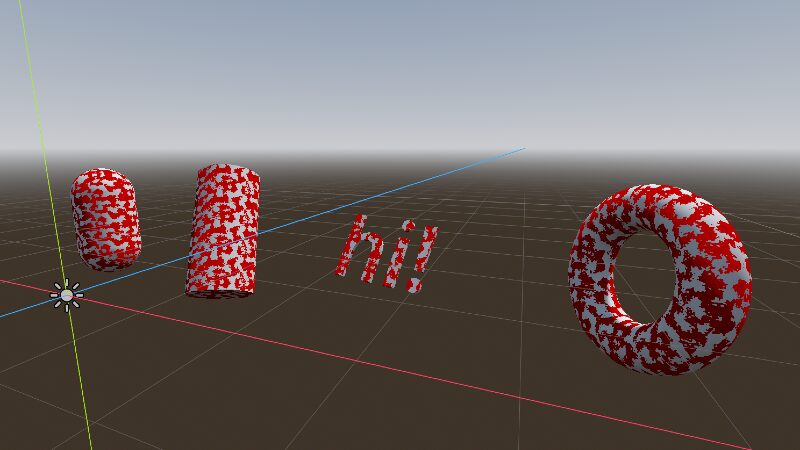
this shader is designed to create procedural blood that “bleeds through” the surface of the model. instead of using uv mapping, it projects a texture from three directions (triplanar mapping), making it ideal for any organic shapes, voxels, floors, walls – without seams or texture stretching
based on this shader —> https://godotshaders.com/shader/blood-mix-shader/
Shader code
shader_type spatial;

render_mode depth_prepass_alpha;
render_mode diffuse_toon;
render_mode specular_toon;

uniform sampler2D noise : repeat_enable;
uniform float noise_scale = 2.0;
uniform float noise_shading : hint_range(0.0, 1.0) = 1.0;
uniform float intensity : hint_range(0.0, 1.0) = 0.0;
uniform vec4 color : source_color = vec4(1.0, 0.0, 0.0, 1.0);

varying vec3 obj_pos;
varying vec3 obj_normal;

void vertex() {
	obj_pos = VERTEX;
	obj_normal = NORMAL;}

vec4 triplanar_texture(sampler2D tex, vec3 pos, vec3 normal) {
	vec3 blending = abs(normal);
	blending = normalize(max(blending, 0.00001));
	blending /= (blending.x + blending.y + blending.z);
	vec2 x_uv = pos.yz * noise_scale;
	vec2 y_uv = pos.xz * noise_scale;
	vec2 z_uv = pos.xy * noise_scale;
	vec4 x_tex = texture(tex, x_uv);
	vec4 y_tex = texture(tex, y_uv);
	vec4 z_tex = texture(tex, z_uv);
	return x_tex * blending.x +
	       y_tex * blending.y +
	       z_tex * blending.z;}

void fragment() {
	vec4 noise_texture = triplanar_texture(noise, obj_pos, normalize(obj_normal));
	vec3 shaded = mix(vec3(0.5), noise_texture.rgb, noise_shading);
	ALBEDO = color.rgb * shaded;
	ALPHA = color.a * step(noise_texture.r, intensity);}
Live Preview

Comments 0
No comments yet.