
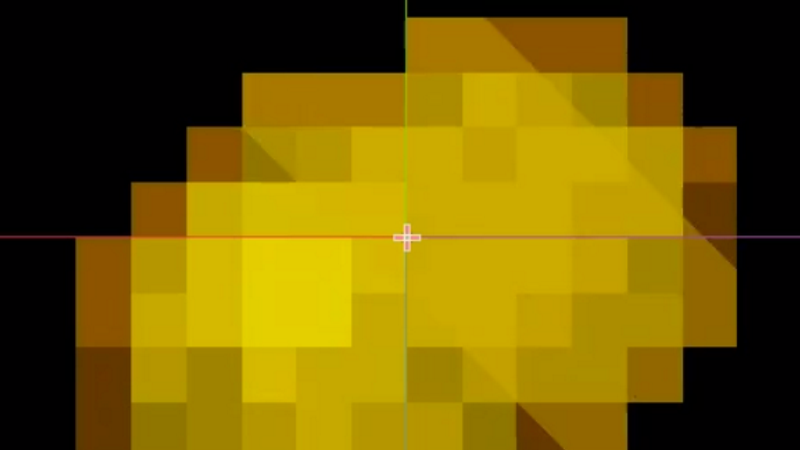
2D Shine Highlight

Found on reddit, thought I’d share it here too. Has 3 params:
- shine_color: A color (can be transparent!)
- shine_speed: How quickly it passes
- shine_size: how wide it is
Shader code
shader_type canvas_item;

uniform vec4 shine_color : hint_color = vec4(1.0);
uniform float shine_speed : hint_range(0.0, 10.0, 0.1) = 1.0;
uniform float shine_size : hint_range(0.01, 1.0, 0.01) = 0.01;

void fragment() {
	COLOR = texture(TEXTURE, UV);
	float shine = step(1.0 - shine_size * 0.5, 0.5 + 0.5 * sin(UV.x - UV.y + TIME * shine_speed));
	COLOR.rgb = mix(COLOR.rgb, shine_color.rgb, shine * shine_color.a);
}
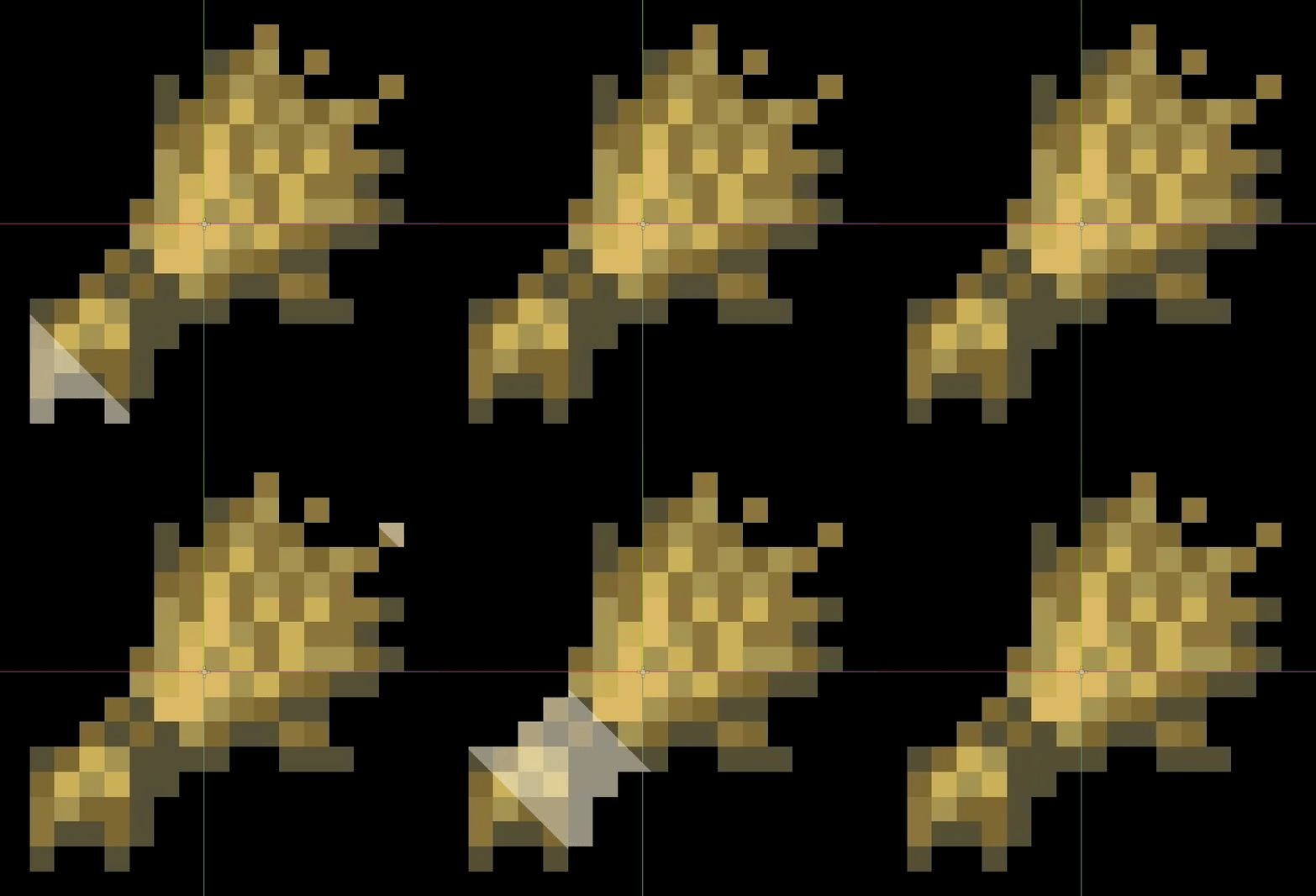
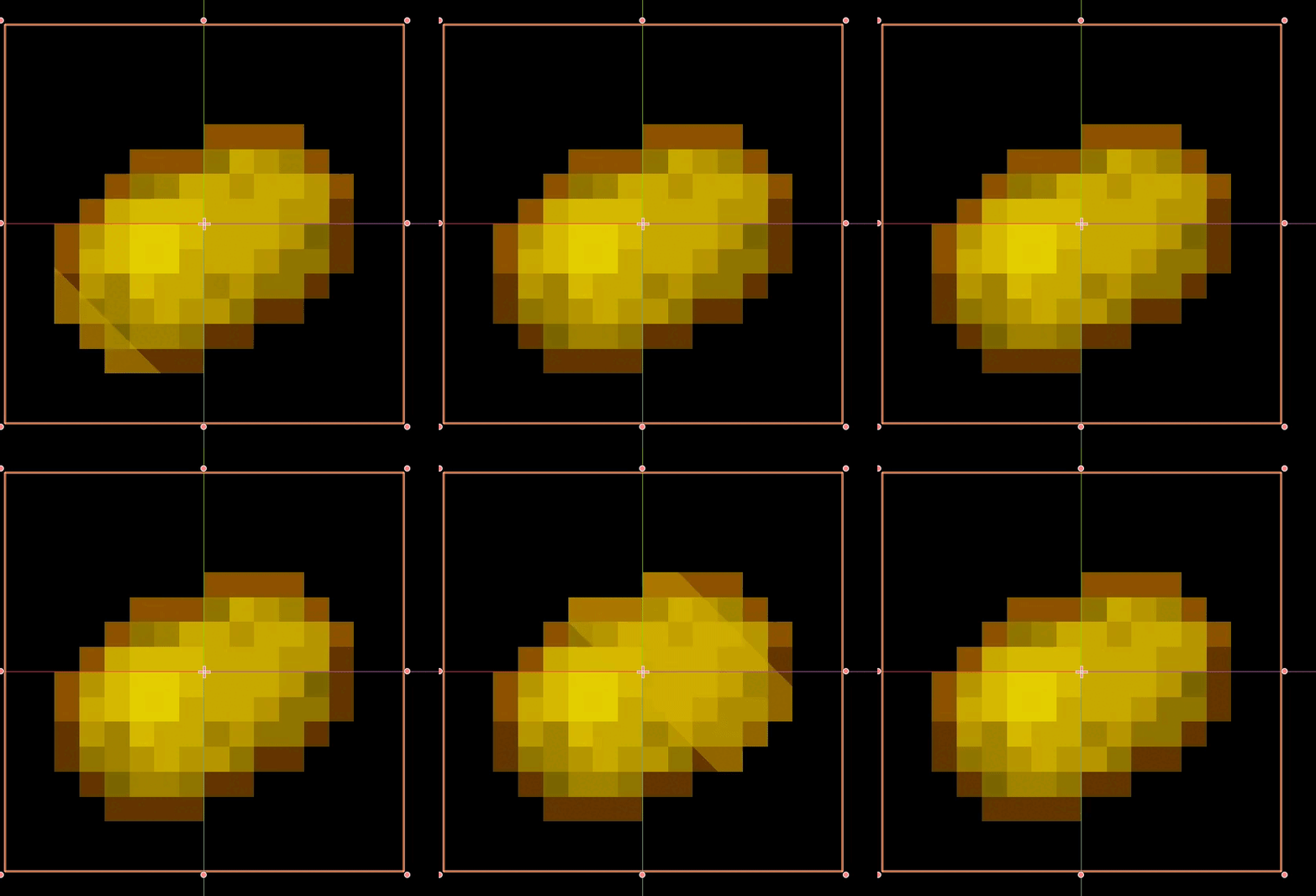
Live Preview

Comments 4
how do i make it cycle faster?
Hey all, I just put out an "improved" version of this shader here that allows you to adjust the progress and angle of the shine animation.
Here's a version where you can control the shine_speed (movement speed of the shine effect) and shine_frequency (time between each shine) separately. Also with the hint_color changed to source_color for Godot 4.2+.
(This is mostly for myself so I can find it again later, but might be useful for others :P)
shader_type canvas_item; uniform vec4 shine_color : source_color = vec4(1.0); uniform float shine_speed : hint_range(0.0, 10.0, 0.1) = 1.0; uniform float shine_frequency : hint_range(0.0, 10.0, 0.1) = 1.0; uniform float shine_size : hint_range(0.01, 1.0, 0.01) = 0.01; void fragment() { COLOR = texture(TEXTURE, UV); float shine = step(1.0 - shine_size * 0.5, 0.5 + 0.5 * sin(shine_frequency * (UV.x - UV.y + TIME * shine_speed))); COLOR.rgb = mix(COLOR.rgb, shine_color.rgb, shine * shine_color.a); }Nice! I needed to add an angle to it as well
shader_type canvas_item;


uniform vec4 shine_color : source_color = vec4(1.0);
uniform float shine_speed : hint_range(0.0, 10.0, 0.1) = 1.0;
uniform float shine_frequency : hint_range(0.0, 10.0, 0.1) = 1.0;
uniform float shine_size : hint_range(0.01, 1.0, 0.01) = 0.01;
uniform float shine_angle : hint_range(0.0, 360.0, 1.0) = 45.0;


void fragment() {
    COLOR = texture(TEXTURE, UV);


    float angle_rad = radians(shine_angle);
    float cos_angle = cos(angle_rad);
    float sin_angle = sin(angle_rad);


    vec2 rotated_UV;
    rotated_UV.x = UV.x * cos_angle - UV.y * sin_angle;
    rotated_UV.y = UV.x * sin_angle + UV.y * cos_angle;


    float shine = step(1.0 - shine_size * 0.5, 0.5 + 0.5 * sin(shine_frequency * (rotated_UV.x + TIME * shine_speed)));
    COLOR.rgb = mix(COLOR.rgb, shine_color.rgb, shine * shine_color.a);
}