
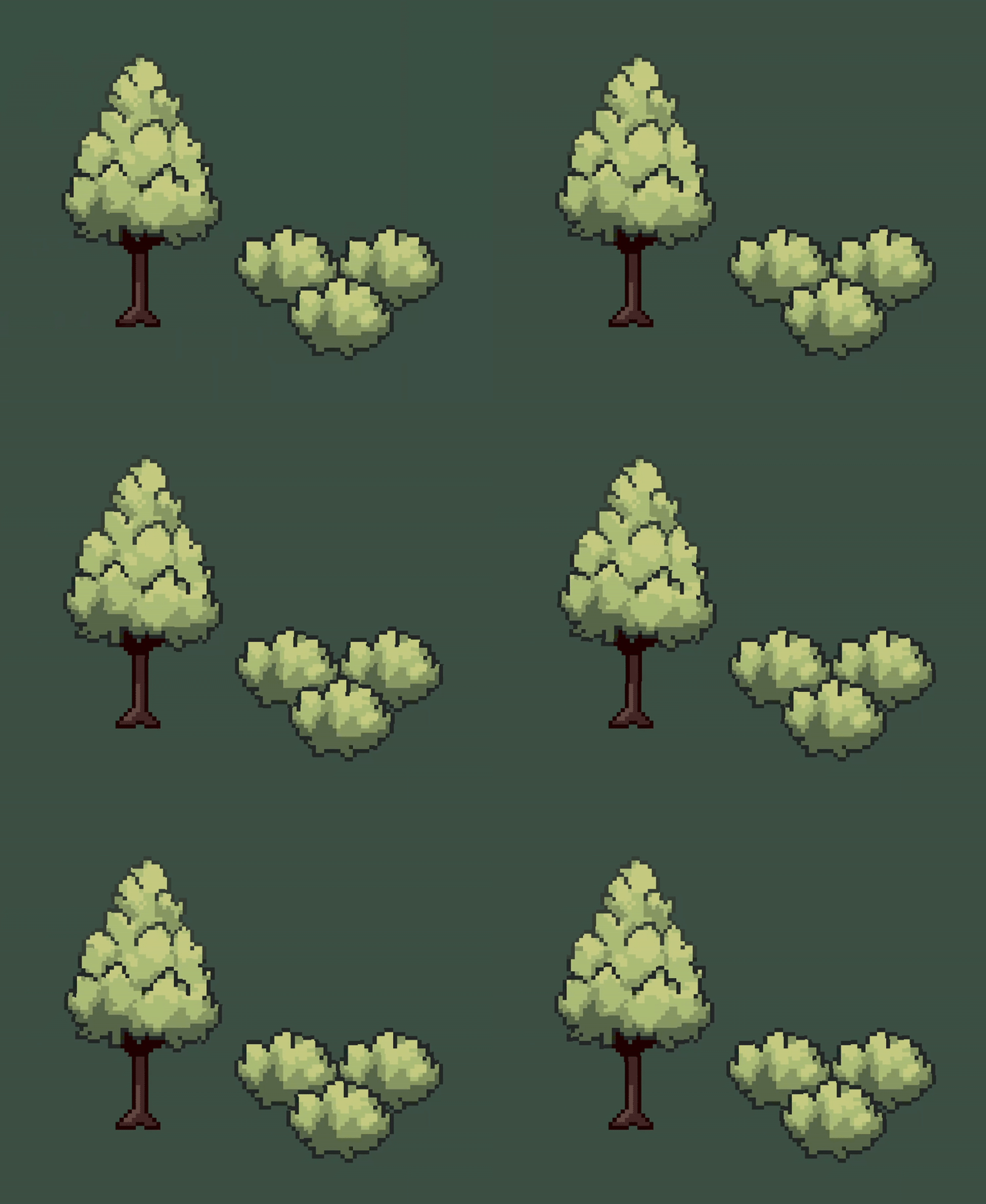
2D Foliage Wind Effect
A fragment shader made in Godot 4.4 that creates a windy effect. It works by rotating UVs around a specified pivot point, and fluctuates the strength based on a noise texture. By rotating around a fixed point at the bottom of the trunk, the tree trunk can remain still while the top of the leaves can move freely.
Apply the shader to a Sprite2D node, and add a noise texture, then set the parameters however you want.
Other notes:
- You can preview the noise texture by setting
render_noiseparameter to true (useful for debugging purposes). - Uses the “world position” of each pixel rather than local position to avoid repetition when this effect is used across many trees.
rotation_pivotis in texture space, e.g. the center of the texture would be 0.5,0.5 and the bottom-middle would be 0.5,1.0- I also created a pixelised version of this shader, it can be found in the GitHub repository.
Shader code
shader_type canvas_item;

uniform bool render_noise = false;
uniform sampler2D noise_texture : repeat_enable; // set in inspector
uniform float amplitude : hint_range(0.0, 0.5, 0.01) = 0.2;
uniform float time_scale : hint_range(0.0, 5.0, 0.01) = 0.04;
uniform float noise_scale : hint_range(0.0, 2.0, 0.0001) = 0.001;
uniform float rotation_strength : hint_range(0.0, 5.0, 0.1) = 1;
uniform vec2 rotation_pivot = vec2(0.5, 1);
varying vec2 world_position;

void vertex(){
    world_position = (MODEL_MATRIX * vec4(VERTEX, 0.0, 1.0)).xy;
}

vec2 get_sample_pos(vec2 pos, float scale, float offset) {
	pos *= scale;
	pos += offset;
	return pos;
}

vec2 rotate_vec(vec2 vec, vec2 pivot, float rotation) {
	float cosa = cos(rotation);
	float sina = sin(rotation);
	vec -= pivot;
	return vec2(
		cosa * vec.x - sina * vec.y,
		cosa * vec.y + sina * vec.x
	) + pivot;
}

void fragment() {
	// get noise from texture
	vec2 noise_sample_pos = get_sample_pos(world_position, noise_scale, TIME * time_scale);
	float noise_amount = texture(noise_texture, noise_sample_pos).r - 0.5f;

	// get rotation position around a pivot
	float rotation = amplitude * noise_amount;
	vec2 rotated_uvs = rotate_vec(UV, rotation_pivot, rotation);

	// blend original uvs and rotated uvs based on distance to pivot
	float dist = distance(UV, rotation_pivot) * rotation_strength;
	vec2 result_uvs = mix(UV, rotated_uvs, dist);

	// output color
	COLOR = texture(TEXTURE, result_uvs);

	// optional, preview noise texture for debugging
	if (render_noise) {
		vec4 noise_color = texture(noise_texture, noise_sample_pos);
		COLOR = noise_color;
	}
}
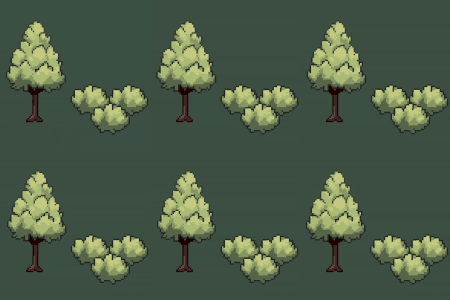
Live Preview

how to use this in tilemap
You need to open the Tileset (in the bottom menu). Click on Select in Tilset menu. Then select a tile in your atlas. In the Select menu, click on Rendering, then choose Material
This is awesome, thank you!
This is such a cool shader, thanks for sharing this!
I’ve just been finding difficulty using the pixelised version, as it seems to be bugged. Any part of the sprite that ISN’T affected by the shader (anything below the cutoff point, or the whole sprite if rotation or amplitude are set to 0) has its resolution go all funky. I’ve tried having a look through the shader code but I can’t tell what’s wrong with it 🙁
I’ve attached screenshots below that show the issue. I’m using Godot 4.5.1
https://imgur.com/a/ZtYk4fA
How do I make this compatible with modulate?