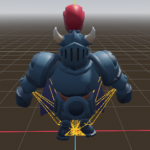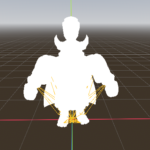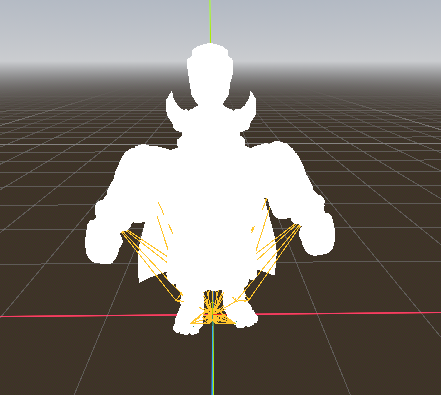
3d Flash hit

There’s alot of 2D flash shaders and that’s well and good but alot of us need it for 3D, so I made this SUPER SIMPLE shader that just makes the material white.
How to use:
1. Add it as a NEXT PASS to the MESHES surface material, NOT AS A OVERRIDE
and in code just use this to turn it on:
func flash_white():
	# Get any mesh that uses the shared material
	var mesh: MeshInstance3D = skeleton.get_child(0)

	# Get the base material (shared)
	var base_mat: Material = mesh.get_active_material(0)

	# Get the next-pass flash material
	var flash_mat: ShaderMaterial = base_mat.next_pass

	# Enable flash
	flash_mat.set("shader_parameter/flash", 1.0)
	await get_tree().create_timer(0.05).timeout
	flash_mat.set("shader_parameter/flash", 0.0)
Shader code
shader_type spatial;
render_mode blend_mix, unshaded, depth_draw_never;

uniform float flash : hint_range(0.0, 1.0) = 0.0;
uniform vec3 custom_color : source_color = vec3(1.0, 1.0, 1.0);
uniform sampler2D custom_texture;

void fragment() {
    vec3 tex_color = texture(custom_texture, UV).rgb; // sample texture
    vec3 final_color = mix(vec3(0.0), custom_color * tex_color, flash);
    ALBEDO = final_color;
    ALPHA = flash;
}
Live Preview