
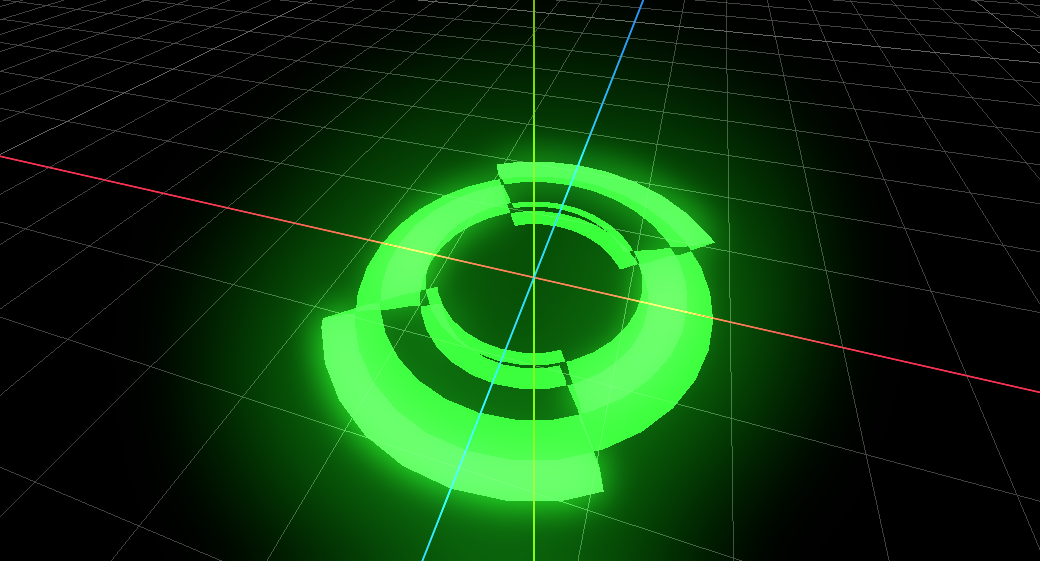
3D selection Ring or AOE
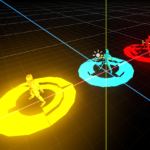
A dynamic ring-based VFX shader for Godot 4, useful for gameplay indicators such as player selection circles, AOE warnings, targeting zones, danger indicators, and hologram-style UI rings.
This shader uses a mask texture to define the ring shape and scrolls it over time to create a smooth animated effect.
You can customize the color, scroll direction, speed, and intensity to create anything from subtle highlights to strong attack warnings.
Features:-
Works in 3D (spatial)
Additive & unshaded for a clean glowing look
Texture scrolling animation
Adjustable effect intensity
Mask-based ring shaping
Fully color-controlled
Lightweight and performance-friendly
Parameters:-
color – main color of the ring
offset – texture scrolling direction
speed – scroll speed
mask_texture – just put empty noise texture (to get exact result)
intensity – glow strength
Use Cases:-
Player or enemy selection indicators
AOE / skill warning circles
Attack telegraphs
Targeting markers
Sci-fi / hologram rings
Environment or UI effects
This shader requires a mesh (custom mesh) to display properly. Please visit my GitHub by clicking “Get demo project” to download the whole project (mesh + texture).
or
you can visit my youtube channel to see tutorial by clicking on “See more about this shader”.
Shader code
shader_type spatial;
render_mode blend_add, unshaded,cull_disabled;

//Main color of the effect
uniform vec4 color:source_color;

//scrolling direction
uniform vec2 offset;

// scroll speed of the texture
uniform float speed;

// Mask Texture
uniform sampler2D mask_texture;

//Intensity of effect
uniform float intensity;

void fragment(){

	vec2 uv = UV;

	float scroll = TIME * speed;

	float scroll_amount = offset.x * scroll;

	vec2 scrolled = uv + vec2(scroll_amount);

	vec4 mask_color = texture(mask_texture,scrolled);

	float mask_alpha = mask_color.a;

	float mask_binary = round(mask_color.r);

	vec3 final_color = color.rgb * mask_binary;

	float clamped_intensity = clamp(intensity, 0, 5.0);
	float final_alpha = color.a * mask_alpha * clamped_intensity;

	ALBEDO = final_color;
	ALPHA = final_alpha;
}

This shader requires a mesh (custom mesh) to display properly. Please visit my GitHub by clicking “Get demo project” to download the whole project (mesh + texture).

or

you can visit my youtube channel to see tutorial by clicking on "See more about this shader".
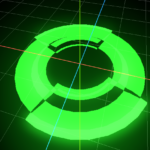
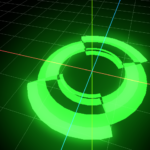
Live Preview

Really nice and inspiring one!