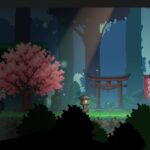
Advanced Side Vignette

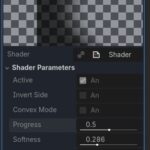
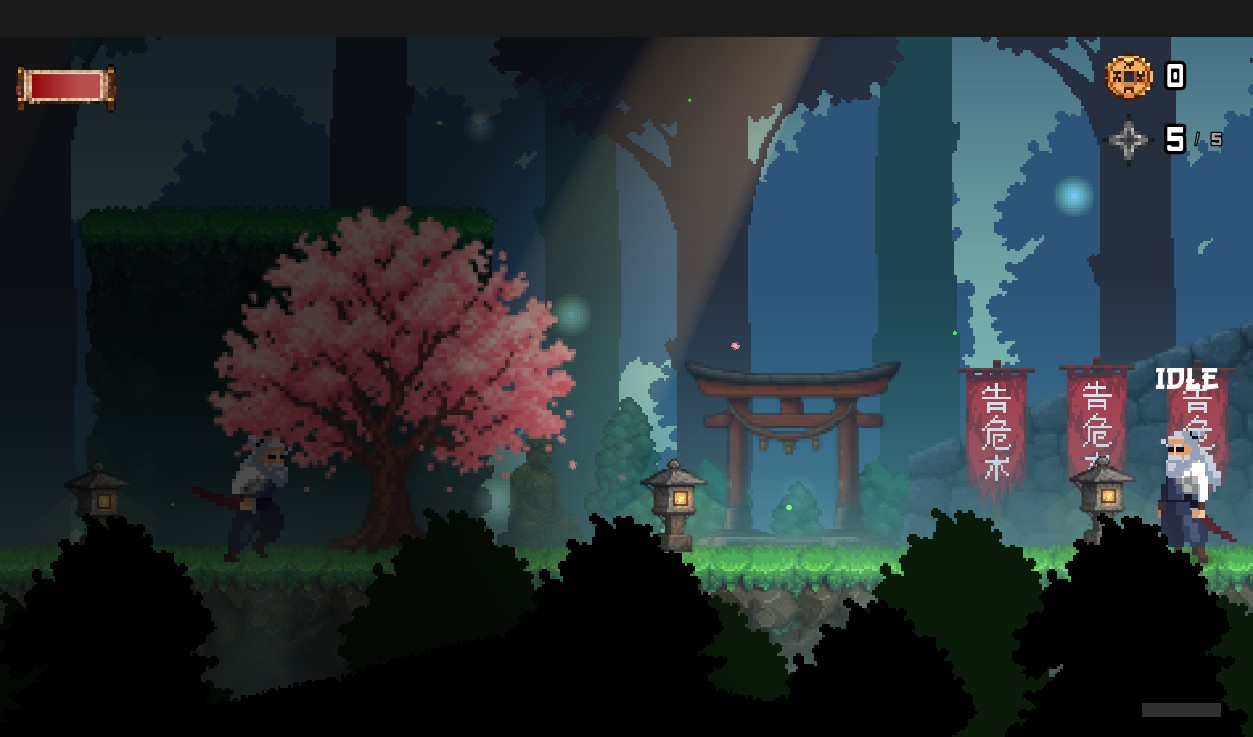
This versatile screen-space transition and atmosphere shader for Godot 4 creates a linear darkening effect that originates from the screen edges, specifically designed for side-scrolling progression or cinematic scene wipes. Unlike standard radial vignettes, it offers comprehensive directional control, allowing the effect to sweep seamlessly from left-to-right or right-to-left. The integrated curved lens geometry includes a “Convex/Concave” toggle to warp the transition line into an organic, lens-like shape for added depth. With its dynamic progress parameter, the darkness level can be easily linked to player movement or scripted cutscenes, while adjustable optics allow for fine-tuning of gradient softness, shadow intensity, and curvature strength to achieve the perfect cinematic look.
Shader code
shader_type canvas_item;

uniform bool active = true;
uniform bool invert_side = false;
uniform bool convex_mode = false;
uniform float progress : hint_range(-1.0, 2.0) = 0.5;
uniform float softness : hint_range(0.0, 1.0) = 0.4;
uniform float curvature : hint_range(0.0, 2.0) = 0.8;
uniform float intensity : hint_range(0.0, 1.0) = 1.0;
uniform vec4 vignette_color : source_color = vec4(0.0, 0.0, 0.0, 1.0);

void fragment() {
    if (!active) {
        discard;
    }

    vec2 uv = SCREEN_UV;
    float x = invert_side ? 1.0 - uv.x : uv.x;

    float dist_from_center_y = abs(uv.y - 0.5);

    float curve_offset = dist_from_center_y * dist_from_center_y * curvature;

    float modified_x = convex_mode ? (x + curve_offset) : (x - curve_offset + (curvature * 0.25));

    float v = smoothstep(progress, progress + softness, modified_x);
    float mask = 1.0 - v;

    vec4 final_color = vignette_color;
    final_color.a = mask * intensity;

    COLOR = final_color;
}
Live Preview