
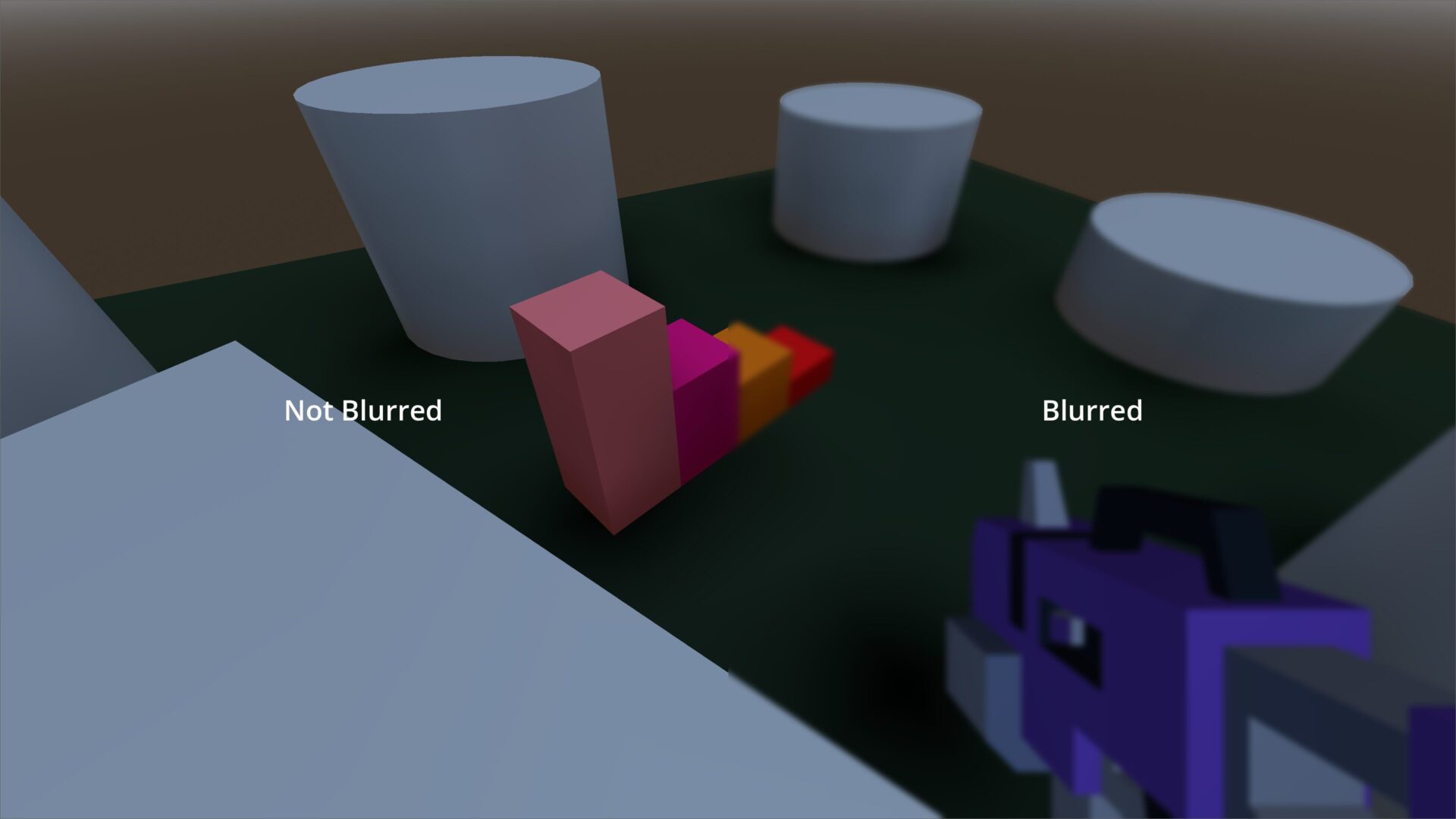
Basic Background Blur (4.3)
This shader is extremely basic and leans on the mipmap filtering to provide a blur effect on screenspace.
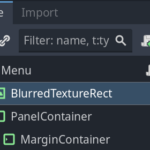
Attach it to a TextureRect node and nodes “above” it will be impacted by the blur while nodes “below” it will not be.
In the example screnshot, you can see a panel and margin container below this BlurredTextureRect which are not impacted by the blur effect (not shown on cover image).
Shoutout to Simple Blur Godot 4.1, which has some minor differences (due mostly to Godot version), but takes this same approach and provides a few more options I’d encourage you to add if you find interesting.
[extra]
If curious, I made the left/right blur with the following… since I’m lazy and didn’t want to stitch 2 images together, but the actual full-screen shader is shown in the Shader Code section. I’m sure there’s a better way to identify the left and right sides of the screen, but again.. I’m being lazy
shader_type canvas_item;

uniform sampler2D screen_texture : hint_screen_texture, filter_linear_mipmap;
uniform float blur = 2.0;

void fragment() {
	if (FRAGCOORD.x > 1920.) { // I'm on a 4k display so this would cover the right side of the screen
		COLOR = texture(screen_texture, SCREEN_UV, blur);
	} else { // this covers the left side of the screen
		COLOR = texture(screen_texture, SCREEN_UV);
	}
}
Shader code
shader_type canvas_item;

uniform sampler2D screen_texture : hint_screen_texture, filter_linear_mipmap;
uniform float blur = 2.0;

void fragment() {
	COLOR = texture(screen_texture, SCREEN_UV, blur);
}
Live Preview

Hey there!
I’ve been trying it out on my game but it doesn’t seem to work. I placed it above other nodes, adjusted the order as well and tried to increase the blur, but nothing.
I’m using the same version and my sprite node are within nodes (I also tried to place it within).
Any recommendations or tips?
How should I credit you? im using this in my game and it works perfectly!