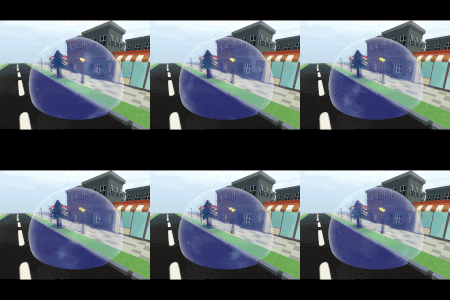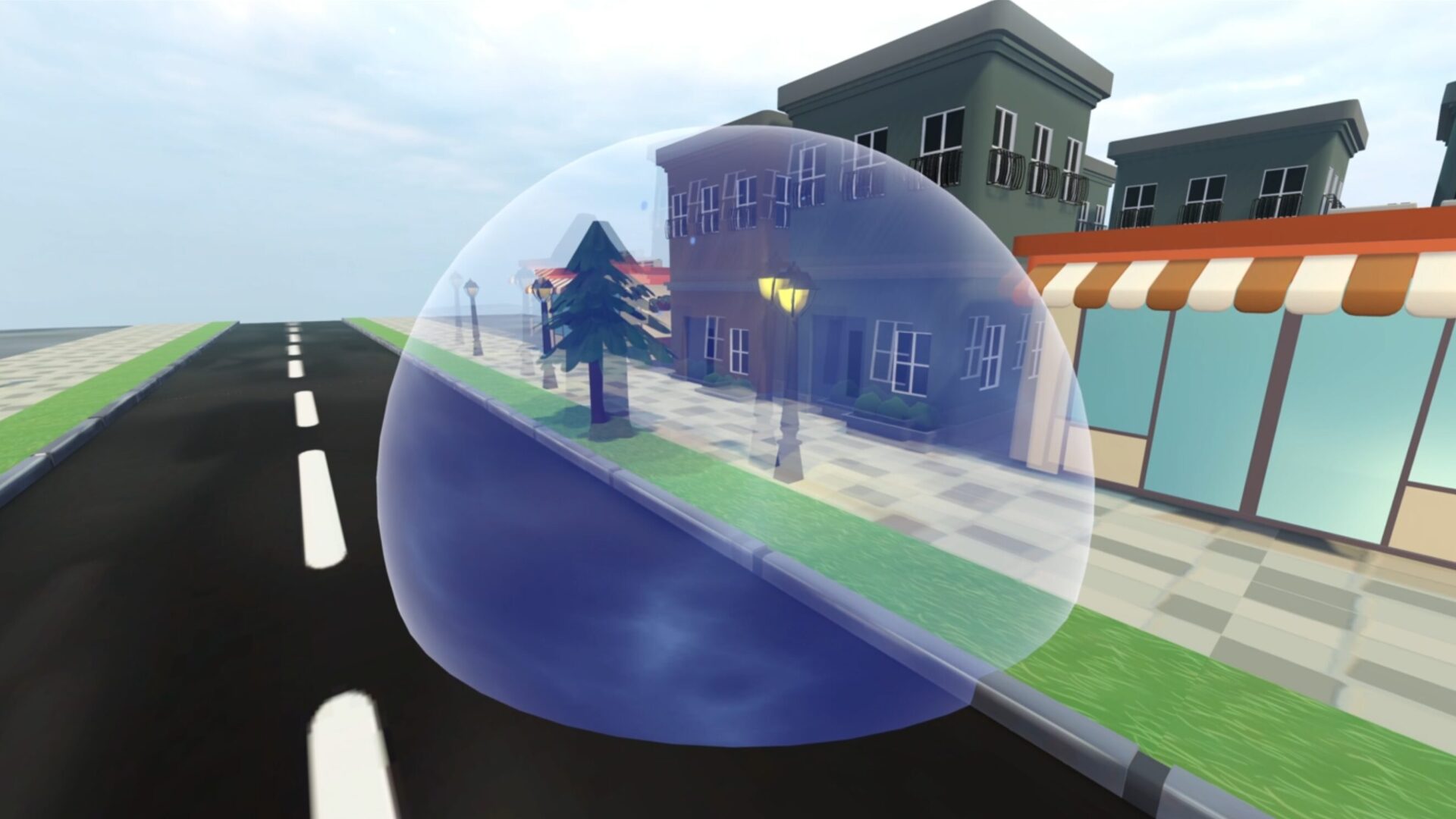
Bubble/Forcefield

This shader creates a bubble or forcefield effect, including distorting the image of anything inside the bubble field. There are options to change the colours of the field and the amount of distortion that occurs.
Guidance for Use
- Add a MeshInstance3D using a Sphere Mesh.
- Add a new Shader Material to the Material slot and copy in the code below for the shader
- Add noise textures to the parameters listed under the Noise Textures section (see below for an explanation of what each of these does)
Overview of Parameters
Displacement Noise Texture – Provides some noise for the displacement of the actual forcefield mesh, giving it a wobble effect.
Panning Noise Texture – This is used to create variation between the primary and secondary colours. The noise texture controls how these are mixed and scroll across the forcefield.
Haze Noise Texture – Provides a distorition effect for objects within the forcefield, giving them a haze/after image style effect.
Base & Secondary Colours – Provides the colours for the forcefield
Displacement Amount – Controls how much the displacement noise texture displaces the mesh
Displacement Speed – Controls how fast the wobble effect from the displacement noise texture occurs
Distortion Speed – Controls how fast the haze effect from the haze noise texture occurs
Shader code
shader_type spatial;
render_mode unshaded, fog_disabled;

// Noise textures for bubble field and haze effect
group_uniforms noise_textures;
uniform sampler2D displacement_noise_texture: source_color;
uniform sampler2D panning_noise_texture: source_color;
uniform sampler2D haze_noise_texture: source_color;
// For adding a distortion effect of everything inside of the bubble field (screen space)
uniform sampler2D SCREENTEXTURE: hint_screen_texture,repeat_disable,filter_linear_mipmap;

// Colours for the bubble field
group_uniforms colours;
uniform vec4 base_colour: source_color = vec4(0.14, 0.21, 0.57, 1.0);
uniform vec4 secondary_colour: source_color = vec4(0.53, 0.68, 1.0, 1.0);

// Adjustments for the distortion and displacement effects
group_uniforms adjustments;
// For adding wobble to field
uniform float displacement_amount: hint_range(0.0, 1.0, 0.05) = 0.15;
uniform float displacement_speed: hint_range(0.0, 1.0, 0.1) = 0.1;
uniform float distortion_speed: hint_range(0.0, 1.0, 0.1) = 0.1;


// Fresnel function to slightly highlight edges of the field
float fresnel(float amount, vec3 normal, vec3 view)
{
	return pow((1.0 - clamp(dot(normalize(normal), normalize(view)), 0.0, 1.0 )), amount);
}


void vertex() {
	// This adds a wobble to the bubble/forcefield
	float noise_val = texture(displacement_noise_texture, UV +  (TIME * displacement_speed)).r;
	vec3 displacement = NORMAL * noise_val * displacement_amount;
	VERTEX += displacement;
}

void fragment() {
	// Set up force field colour, using noise texture to mix the two
	vec2 noise_panning = vec2(-0.1, 0.0) * TIME + UV;  // Vec2 controls panning direction and speed
	float mix_value = texture(panning_noise_texture, noise_panning).r;  // Mix colours based on noise texture
	vec3 final_colour = mix(base_colour.rgb, secondary_colour.rgb, mix_value);

	// Adding haze
	// Create a distortion offset for the getting screen UV
	float noise = texture(haze_noise_texture, UV + TIME * distortion_speed).r * 2.0;
	vec3 distored_screen = texture(SCREENTEXTURE, SCREEN_UV + noise * 0.01).rgb;

	// Add fresnel
	float fresn = fresnel(5.0, NORMAL, VIEW);

	ALBEDO = final_colour + distored_screen + fresn;
	ALPHA = 0.3;
	EMISSION = final_colour + fresn;
}
Live Preview