
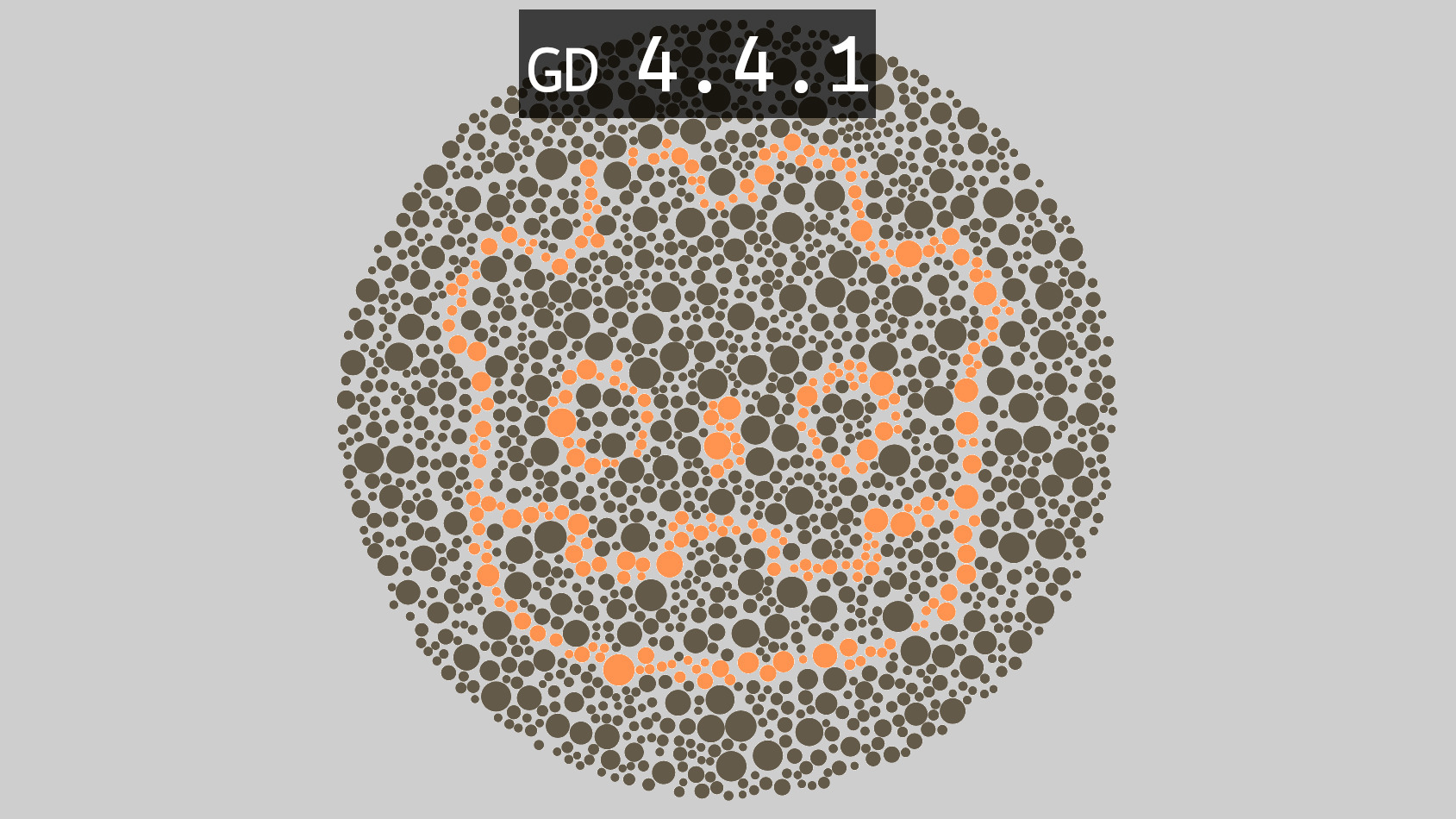
Colorblind Shader (4.4.1 >)

All Credit Goes To The Original Creator –
Create a shader material
then apply the shader code
Shader code
/*
Colorblindness correction shader with adjustable intensity. Can correct for:
* Protanopia (Greatly reduced reds)
* Deuteranopia (Greatly reduced greens)
* Tritanopia (Greatly reduced blues)
The correction algorithm is taken from http://www.daltonize.org/search/label/Daltonize
This shader is released under the CC0 license. Feel free to use, improve and change this shader and consider sharing the modified result.
*/
shader_type canvas_item;

// Add the required uniform for screen texture in Godot 4.4.1
uniform sampler2D SCREEN_TEXTURE : hint_screen_texture, filter_linear_mipmap;

// Color correction mode
// 0 - Protanopia
// 1 - Deutranopia
// 2 - Tritanopia
uniform int mode : hint_range(0, 2) = 0;
uniform float intensity : hint_range(0.0, 1.0) = 1.0;

void fragment()
{
	vec4 tex = texture(SCREEN_TEXTURE, SCREEN_UV);

	float L = (17.8824 * tex.r) + (43.5161 * tex.g) + (4.11935 * tex.b);
	float M = (3.45565 * tex.r) + (27.1554 * tex.g) + (3.86714 * tex.b);
	float S = (0.0299566 * tex.r) + (0.184309 * tex.g) + (1.46709 * tex.b);
	float l, m, s;

	if (mode == 0) //Protanopia
	{
		l = 0.0 * L + 2.02344 * M + -2.52581 * S;
		m = 0.0 * L + 1.0 * M + 0.0 * S;
		s = 0.0 * L + 0.0 * M + 1.0 * S;
	}
	else if (mode == 1) //Deuteranopia
	{
		l = 1.0 * L + 0.0 * M + 0.0 * S;
		m = 0.494207 * L + 0.0 * M + 1.24827 * S;
		s = 0.0 * L + 0.0 * M + 1.0 * S;
	}
	else if (mode == 2) //Tritanopia
	{
		l = 1.0 * L + 0.0 * M + 0.0 * S;
		m = 0.0 * L + 1.0 * M + 0.0 * S;
		s = -0.395913 * L + 0.801109 * M + 0.0 * S;
	}

	vec4 error;
	error.r = (0.0809444479 * l) + (-0.130504409 * m) + (0.116721066 * s);
	error.g = (-0.0102485335 * l) + (0.0540193266 * m) + (-0.113614708 * s);
	error.b = (-0.000365296938 * l) + (-0.00412161469 * m) + (0.693511405 * s);
	error.a = 1.0;
	vec4 diff = tex - error;
	vec4 correction;
	correction.r = 0.0;
	correction.g = (diff.r * 0.7) + (diff.g * 1.0);
	correction.b = (diff.r * 0.7) + (diff.b * 1.0);
	correction = tex + correction;
	correction.a = tex.a * intensity;

	COLOR = correction;
}
DO NOT USE THIS SHADER. Shaders are not how colourblindness works anyway, if you’re applying a filter you’re doing it wrong. But this is a particularly bad one, with broken linear/SRGB. For more info see the thread leading up to this post: https://bsky.app/profile/ianhamilton.bsky.social/post/3lc3ayicgc22x