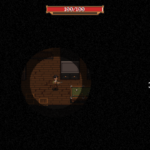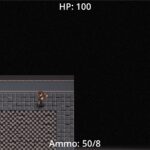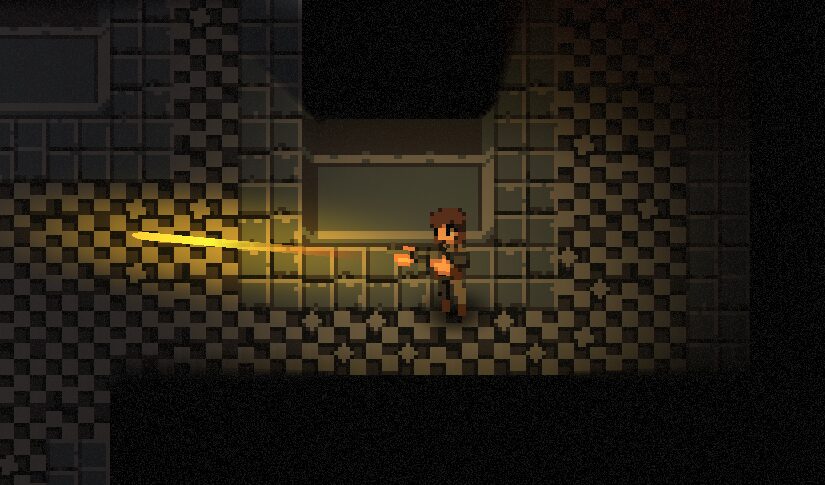
Darkness-Weighted Film Grain Effect

This is a film grain shader that applies a grain effect on darker pixels more strongly than brighter pixels. This is an extension of zuwiwano’s film grain shader.
NOTE: This shader easily works in both Godot 3 and 4. This file is for v4, but to make it work with v3, simply remove `uniform sampler2D SCREEN_TEXTURE: hint_screen_texture, filter_linear_mipmap;`
Set up:
- Create a ColorRect node and set rect to full screen.
- Apply this script to the shader material
- Adjust the sliders to your liking.
Shader code
shader_type canvas_item;
// Gets screen texture and applies a grain filter only on pure black pixels
// A modified version zuwiwano's film grain shader (https://godotshaders.com/shader/grain-old-movie/)
// Extended by Joshulties to apply grain effect to darker areas

uniform float strength: hint_range(0, 20.0, 0.01) = 4;
uniform float exponent: hint_range(0.1, 24.0, 0.01) = 20.0;  // With 20, pixels that are over 80% dark would have grain
uniform sampler2D SCREEN_TEXTURE: hint_screen_texture, filter_linear_mipmap;


void fragment() {
	vec4 screen = texture(SCREEN_TEXTURE, SCREEN_UV);
	vec2 iResolution = 1.0 / SCREEN_PIXEL_SIZE;
	vec2 uv = FRAGCOORD.xy / iResolution.xy;

	float x = (uv.x + 4.0) * (uv.y + 4.0) * (TIME * 10.0);

	// Approximate brightness of pixel using the formula for perceived luminance
	float brightness = dot(screen.rgb, vec3(0.299, 0.587, 0.114));
	float darkness = 1.0 - brightness;

	// Exponential ramp to apply a stronger grain effect the darker a pixel is
	float grain_factor = pow(darkness, exponent);

	// Grain noise mod
	float grain = mod(mod(x, 13.0) * mod(x, 123.0), 0.01) - 0.005;

	// Apply it to the screen
	screen += grain * grain_factor * strength;
	screen = 1.0 - screen;
	COLOR = screen;
}
Live Preview