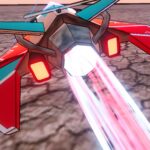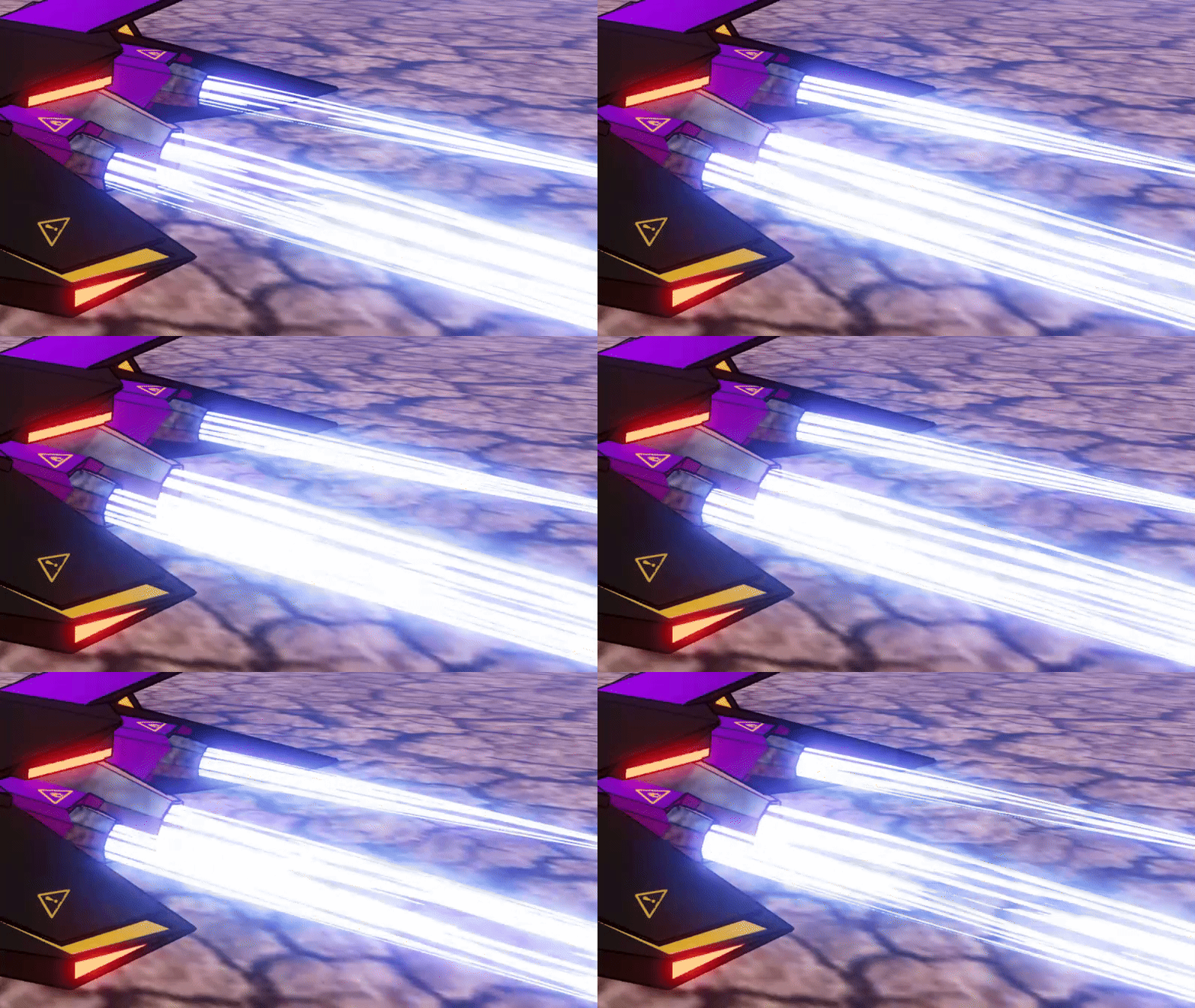
Futuristic Jet Thruster

Jet thruster shader that utilizes a tube trail mesh.
Instructions:
- Create MeshInstance3D and set to TubeTrailMesh.
- Play with TubeTrailMesh settings for your desired length.
- Cap Top and Cap Bottom if desired.
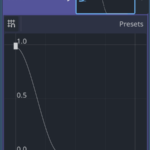
- Insert Curve as shown in screenshots.
- Create new ShaderMaterial.
- Set as Surface Material Override in mesh.
- Create a new shader and set to Shader property.
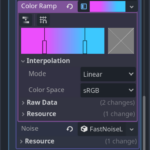
- In Shader Parameters, create a new Noise Texture.
- Check Seamless.
- Check Color Ramp and play with colors as desired for streaky flame colors.
- Create new FastNoiseLite (Perlin recommended) and play with Frequency values.
- Play with emission color and energy. Higher energy values will look more convincing, around ~20.0.
- Adjust alpha threshold values if you want some invisible areas in the noise texture.
- Play with scroll speed for thruster strength.
*** If you’re using a post process shader or any shader that may break emissive material, try setting the Render Priority in the ShaderMaterial properties to something above 0 ***
Shader code
shader_type spatial;

render_mode depth_draw_always, blend_mix;

uniform vec4 main_color: source_color;
uniform sampler2D noise_texture: source_color;
uniform vec4 emission : source_color = vec4(0.0, 0.0, 0.0, 1.0);
uniform float emission_energy = 1.0;
uniform float scroll_speed = 1.0;
uniform float alpha_threshold = 0.0;
uniform bool use_threshold = false;
uniform bool invert_boost_direction = false;

void fragment() {
	vec2 moving_uv = UV;
	vec4 noise = texture(noise_texture, moving_uv);

	if (invert_boost_direction) {
		moving_uv.y += TIME * scroll_speed;
	} else{
		moving_uv.y -= TIME * scroll_speed;
	}

	float noise_value = texture(noise_texture, moving_uv).r;

	ALBEDO = main_color.rgb;
	EMISSION = emission.rgb * emission_energy * noise.rgb;
	float alpha = main_color.a * noise_value;

	if (use_threshold && alpha < alpha_threshold) {
		discard;
	} else {
		ALPHA = alpha;
	}
}
Live Preview