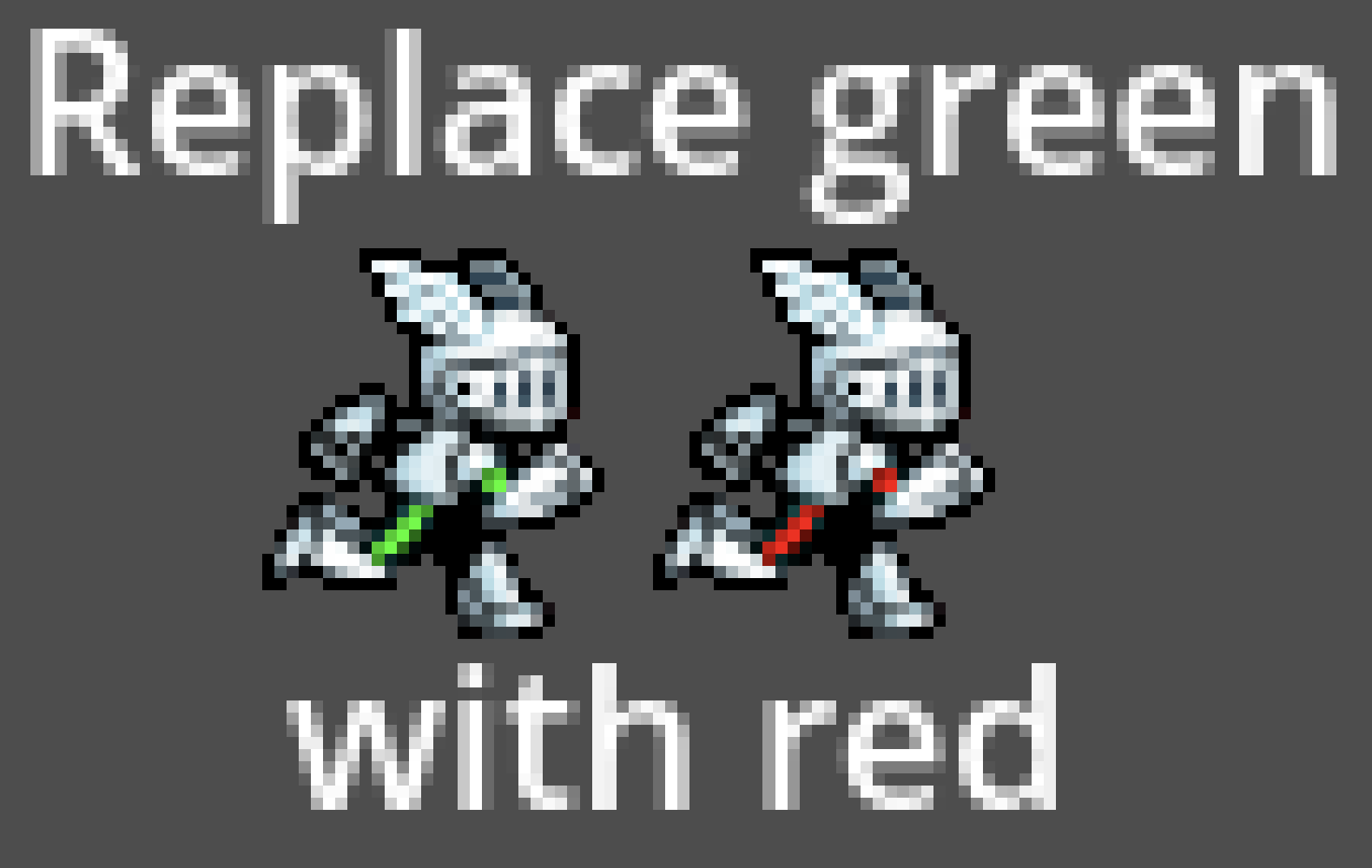
Green color replacement shader

Easily create variations of the same sprite.
It replaces green pixels in the original sprite with a chosen color. Only shades of pure green (red = 0, blue = 0) are replaced. You can use different shades of pure green to get different shades of the replacing color.
See screenshots for example.
You can easily expand this to also use pure blue and red. For that define new colors:
“`
uniform vec4 new_color_r: source_color = vec4(1.0);
uniform vec4 new_color_b: source_color = vec4(1.0);
“`
And duplicate the `if` block, adapting to the if clauses:
“`
if (color.r > .01 && color.g == 0. && color.b == 0.) {
color = new_color_r;
…
}
“`
And:
“`
if (color.b > .01 && color.r == 0. && color.g == 0.) {
color = new_color_b;
…
}
“`
Sprite used was Platform Shmup Hero by Sir Blastalot
Shader code
shader_type canvas_item;

uniform vec4 new_color: source_color = vec4(1.0);

void fragment() {
    vec4 color = texture(TEXTURE, UV);
    float initial_color = color; // Store initial green to then adjust the new color brightness accordingly
    // Using the range of all pure greens (red and blue equal to 0) so simulate having colors with different brightness
    if (color.g > .01 && color.r == 0. && color.b == 0.) {
        color = new_color;
        // Correct color for brightness
        color.rgb = color.rgb * initial_color.g;
        color.a = initial_color.a;
    }
    COLOR = color;
}
Live Preview