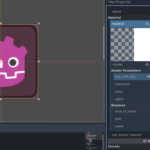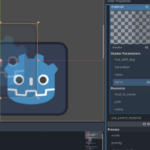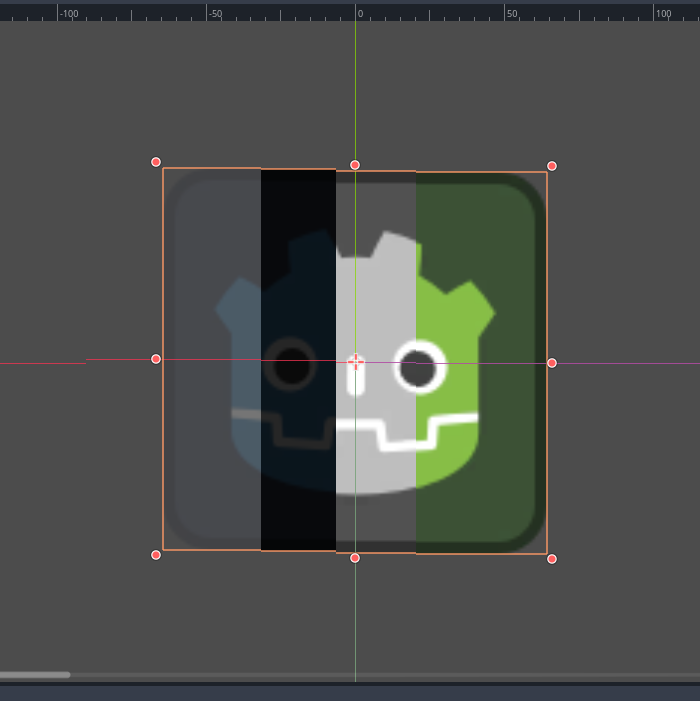
Hue Saturation Value Alpha shift

Make a shader to change color like in photoshop.
Godot 4.4
CC0 license
Shader code
// Luan Ha Trong 2025 //

shader_type canvas_item;

uniform float hue_shift_deg : hint_range(-360.0, 360.0) = 0.0;
uniform float saturation : hint_range(0.0, 2.0) = 1.0;
uniform float value : hint_range(0.0, 2.0) = 1.0;
uniform float alpha : hint_range(0.0, 1.0) = 1.0;

vec3 rgb2hsv(vec3 c) {
    vec4 K = vec4(0.0, -1.0 / 3.0, 2.0 / 3.0, -1.0);
    vec4 p = mix(vec4(c.bg, K.wz),
                 vec4(c.gb, K.xy),
                 step(c.b, c.g));
    vec4 q = mix(vec4(p.xyw, c.r),
                 vec4(c.r, p.yzx),
                 step(p.x, c.r));

    float d = q.x - min(q.w, q.y);
    float e = 1.0e-10;
    return vec3(abs(q.z + (q.w - q.y) / (6.0 * d + e)),
                d / (q.x + e),
                q.x);
}

vec3 hsv2rgb(vec3 c) {
    vec3 rgb = clamp(abs(mod(c.x * 6.0 + vec3(0.0, 4.0, 2.0),
                             6.0) - 3.0) - 1.0,
                     0.0,
                     1.0);
    return c.z * mix(vec3(1.0), rgb, c.y);
}

void fragment() {
    vec4 col = texture(TEXTURE, UV);
    vec3 hsv = rgb2hsv(col.rgb);


    float hue_shift = hue_shift_deg / 360.0;

    hsv.x = mod(hsv.x + hue_shift, 1.0);
    hsv.y *= saturation;
    hsv.z *= value;

    col.rgb = hsv2rgb(hsv);
    col.a *= alpha;
    COLOR = col;
}
Live Preview