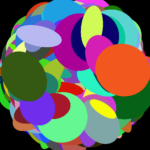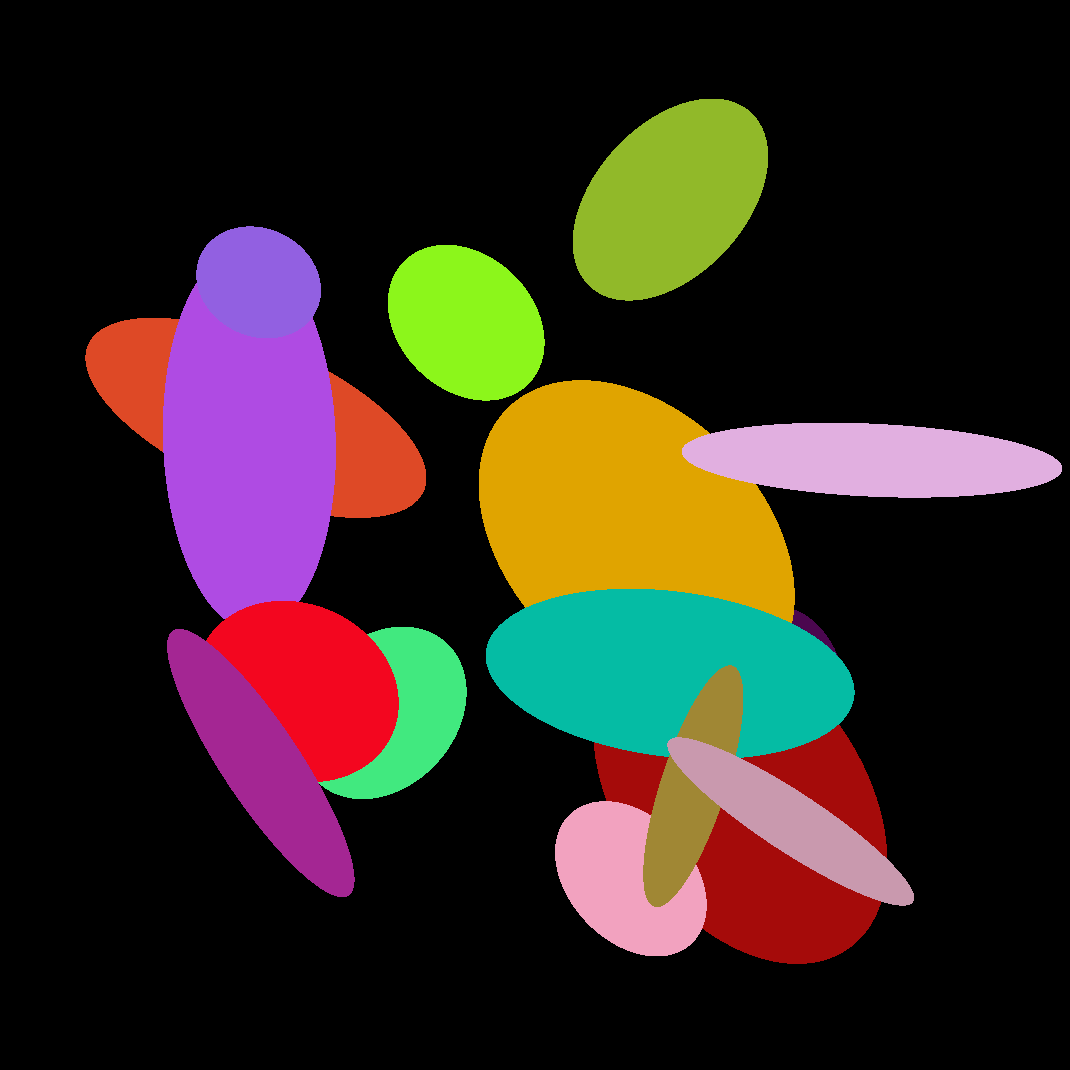
Multiple ellipses with random size, position, rotation, color
An iteration on this – https://godotshaders.com/shader/ellipse-with-customizable-size-position-rotation-color/
Differences include having multiple ellipses and randomized properties.
I really had a lot of trouble figuring ellipses out, especially with rotation – so wanted to share.
This works, but I don’t really understand it! If you know more about this stuff, please comment improvements that could be made.
Used these two things to figure it out:
https://www.shadertoy.com/view/wclGW2
https://godotshaders.com/shader/simple-ellipse-shader/
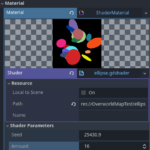
To use it, create a new ShaderMaterial on a canvas item such as a ColorRect or a TextureRect with a PlaceholderTexture2D or similar.
Shader code
shader_type canvas_item;

// The hash functions serve as a random number generator between 0-1, for things like position, height and width
// https://www.shadertoy.com/view/4djSRW
vec2 hash22(vec2 p)
{
	vec3 p3 = fract(vec3(p.xyx) * vec3(.1031, .1030, .0973));
    p3 += dot(p3, p3.yzx+33.33);
    return fract((p3.xx+p3.yz)*p3.zy);

}
float hash12(vec2 p)
{
	vec3 p3  = fract(vec3(p.xyx) * .1031);
    p3 += dot(p3, p3.yzx + 33.33);
    return fract((p3.x + p3.y) * p3.z);
}
float hash11(float p)
{
    p = fract(p * .1031);
    p *= p + 33.33;
    p *= p + p;
    return fract(p);
}

uniform float seed = 2543.1234;
uniform int amount = 16;

void fragment() {
	// Use the below and delete random color part in the for loop, to have all of them be same color
	//vec4 ellipseColor = vec4(1.0, 0.0, 0.0, 1.0);

	// This line sets the background. Delete it to make transparent or edit to make different color
	COLOR = vec4(0.0, 0.0, 0.0, 1.0);

	for (int i = 0; i < amount; i++){
		// The seed seems to bug out if it's too high (more than 7ish digits)
		float seedF = seed + float(i);
		// Random rotation between 0 - 1, converted to degrees and then back to radians lol
		float rotation = hash11(seedF + 0.2841) * 360.0;
		float angle = 1.0 * (radians(rotation / 2.0) * 1.0);

		// Random Color
		vec4 ellipseColor = vec4(hash11(seedF + 0.4213), hash11(seedF + 0.5152), hash11(seedF + 0.98534), 1.0);

		// Random pos
		vec2 pos = hash22(vec2(seedF, seedF + 5.214));

		// Move them toward center of image so that they're less off screen. Delete this if u dont care
		pos = mix(pos, vec2(0.5, 0.5), (distance(pos.x, 0.5) + distance(pos.y, 0.5)) / 2.0);

		// Random H/W. Divided by 3 to make them a reasonable size
		float height = hash12(vec2(seedF, seedF) * pos.xy) / 3.0;
		float width = hash12(vec2(seedF, seedF) * pos.yx) / 3.0;
		// Add a little bit so none of them are so small they're invisible
		width += 0.05;
		height += 0.05;

		// Don't even ask, took the below from - https://www.shadertoy.com/view/wclGW2
		float theta = angle * 2.0; // Ellipse orientation
		mat2 rot = mat2(vec2(cos(theta), -sin(theta)), vec2(sin(theta), cos(theta)));
		vec2 localCoord = rot * (UV - pos);
		float dist = pow(localCoord.x / (width / 2.0), 2.0) + pow(localCoord.y / (height / 2.0), 2.0);

		// It works
		if (floor(dist) < 0.5){
			COLOR = mix(ellipseColor, vec4(0.0, 0.0, 0.0, 1.0), floor(dist));
		}
	}
}
Live Preview