
My Little Pony 3D ( v. 1.0 )

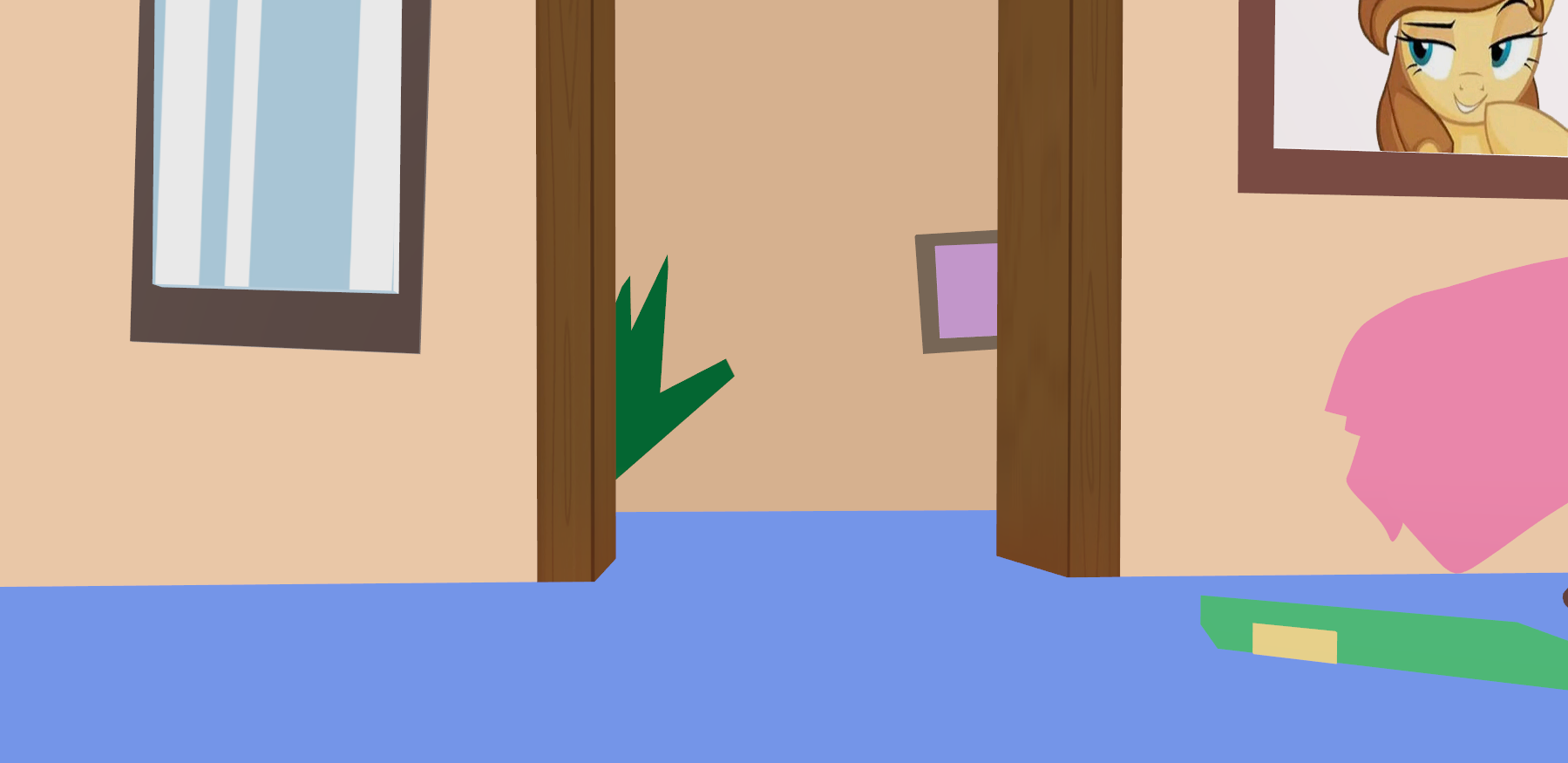
The shader is designed to smooth out shadows, highlights, or highlight them. The effect is my Little Pony from 2010, but in 3D.
P.S.: This is the first version of the shader.
How to use it, for the fools:
1. Copy
2. Create a meshinstance3d
3. Create a shader material
4. Paste the shader!
Note: The shader does not create cartoon textures for my little pony, so you will need to draw them yourself or download them from the internet!
💞I love you!💞
Shader code
shader_type spatial;
render_mode diffuse_toon, specular_toon, depth_prepass_alpha, cull_disabled;

uniform vec4 albedo_color : source_color = vec4(1.0, 0.7, 0.8, 1.0);
uniform sampler2D albedo_texture;
uniform sampler2D tilemap_texture : source_color, filter_linear_mipmap, repeat_enable;
uniform vec2 tilemap_scale = vec2(4.0);
uniform vec2 tilemap_offset = vec2(0.0);
uniform float texture_blend_strength : hint_range(0.0, 1.0) = 1.0;

uniform float roughness : hint_range(0.0, 10.0) = 0.8;
uniform float metallic : hint_range(0.0, 1.0) = 0.0;

uniform bool enable_rim_light = true;
uniform vec4 rim_color : source_color = vec4(1.0, 1.0, 1.0, 1.0);
uniform float rim_power : hint_range(0.1, 10.0) = 3.0;
uniform float rim_intensity : hint_range(0.0, 2.0) = 0.5;
uniform bool rim_ignores_shadows = false;

uniform bool enable_color_gradient = true;
uniform float color_gradient_strength : hint_range(0.0, 1.0) = 0.1;
uniform vec4 albedo_color_top : source_color = vec4(1.0, 0.7, 0.8, 1.0);
uniform vec4 albedo_color_bottom : source_color = vec4(0.9, 0.6, 0.7, 1.0);
uniform float gradient_world_y_start = -1.0;
uniform float gradient_world_y_end = 1.0;

varying vec3 world_vertex_pos;

float inverse_lerp_custom(float a, float b, float value) {
    return (value - a) / (b - a);
}

void vertex() {
    world_vertex_pos = (MODEL_MATRIX * vec4(VERTEX, 1.0)).xyz;
}

void fragment() {
    vec4 tex_color = texture(albedo_texture, UV);
    vec4 tile_color = texture(tilemap_texture, UV * tilemap_scale + tilemap_offset);

    vec4 base_color = mix(albedo_color, tex_color, texture_blend_strength);
    base_color = mix(base_color, tile_color, texture_blend_strength);

    float alpha = min(tex_color.a, tile_color.a);

    if (enable_color_gradient) {
        float t = clamp(inverse_lerp_custom(gradient_world_y_start, gradient_world_y_end, world_vertex_pos.y), 0.0, 1.0);
        vec4 grad_col = mix(albedo_color_bottom, albedo_color_top, t);
        base_color = mix(base_color, grad_col, color_gradient_strength);
    }

    ALBEDO = base_color.rgb;
    ALPHA  = alpha;
    ROUGHNESS = roughness;
    METALLIC  = metallic;
    EMISSION  = vec3(0.0);

    if (enable_rim_light) {
        float rim = pow(1.0 - max(0.0, dot(NORMAL, VIEW)), rim_power) * rim_intensity;
        if (rim_ignores_shadows)
            EMISSION += rim_color.rgb * rim;
        else
            ALBEDO   += rim_color.rgb * rim;
    }
}