Pond Water Shader (2d Top Down)

It takes a map similar to a height map and applies a color ramp to said map in staged intervals. It also keep the pixel resolution as I find non pixel shaders in pixel games to be a bit jarring.
Make sure the color_ramp is a GradientTexture1D
Pixel Amount being 200 worked for me fine
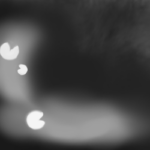
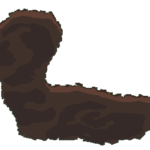
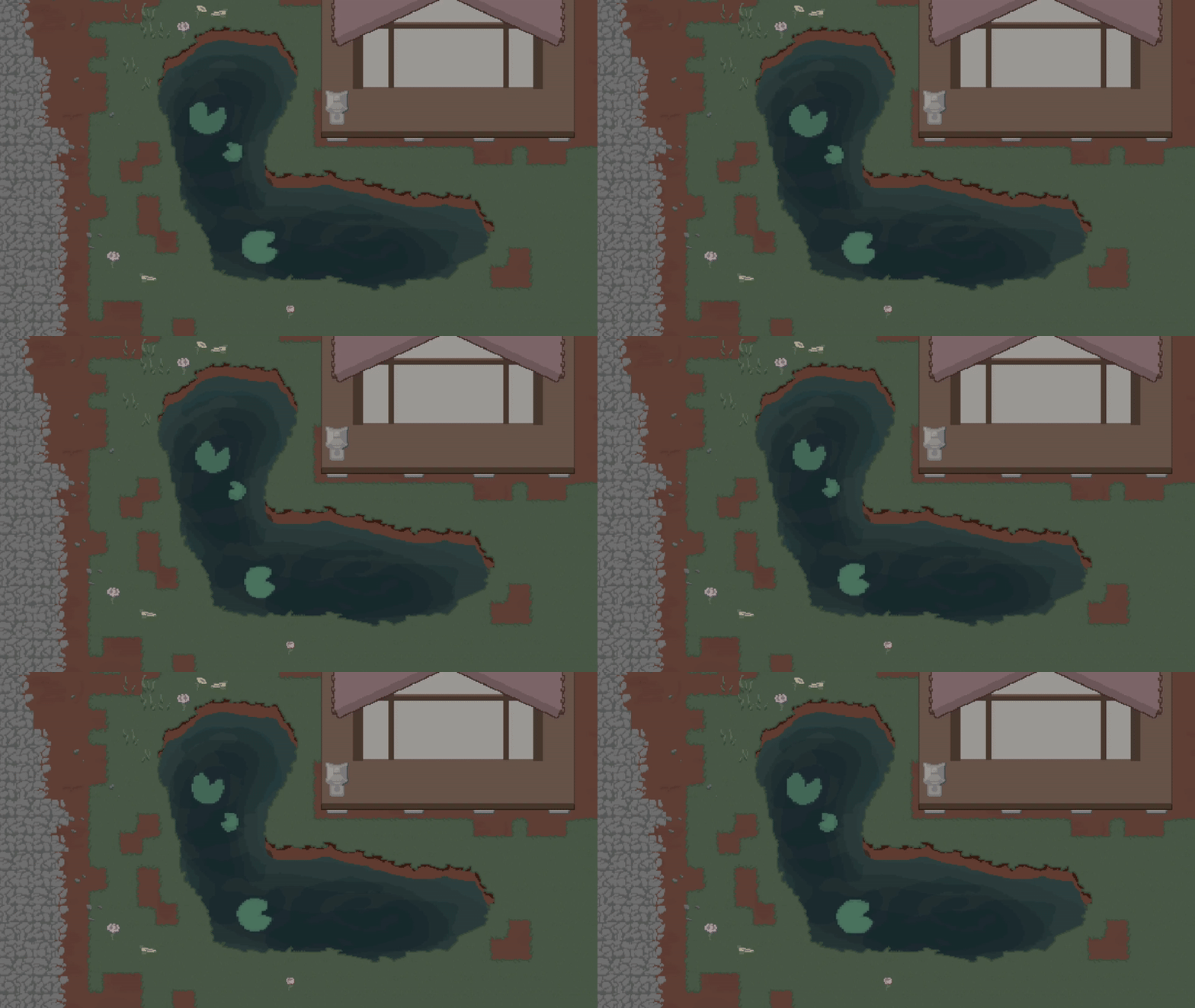
The images underneith go like so:
– noise texture
– what the shader is applied to
– What is underneath the shader
Shader code
shader_type canvas_item;

uniform sampler2D SCREEN_TEXTURE : hint_screen_texture, filter_linear_mipmap;

uniform sampler2D noise_tex : hint_default_white;
uniform vec2 noise_tex_size = vec2(256.0, 256.0);

uniform sampler2D color_ramp : hint_default_white;
uniform int color_amount : hint_range(1,20,1) = 5;

uniform float wave_speed = 1.0;
uniform float frequency_x = 10.0;
uniform float frequency_y = 10.0;
uniform float amplitude_x = 0.02;
uniform float amplitude_y = 0.02;

uniform float pixel_amount = 64.0;

void fragment() {
	float init_alpha = texture(TEXTURE, UV).a;

	//pixelation
	vec2 grid_uv = floor(UV * pixel_amount) / pixel_amount;

	//wave effect
	float off_x = sin(grid_uv.y * frequency_x + TIME * wave_speed) * amplitude_x;
	float off_y = cos(grid_uv.x * frequency_y + TIME * wave_speed) * amplitude_y;
	vec2  offset = vec2(off_x, off_y);

	//ossilation
	vec2 ossilation = grid_uv + vec2(sin(grid_uv.x * frequency_x + TIME * wave_speed) * amplitude_x, cos(grid_uv.y * frequency_y + TIME * wave_speed) * amplitude_y);
	vec2 px = floor(fract(ossilation) * noise_tex_size);
	float noise = texture(noise_tex, (px + 0.5) / noise_tex_size).r;

	//moving the bg under
	vec4 color = texture(SCREEN_TEXTURE, SCREEN_UV + offset);

	//color ramp :D
	vec4 ramp_color = texture(color_ramp, vec2(round(noise*float(color_amount))/float(color_amount), 1));
	color = ramp_color;


	color.a *= init_alpha*ramp_color.a;

	COLOR = color;
}
Live Preview