
Projection Shader (Clickteam Fusion -> Godot)
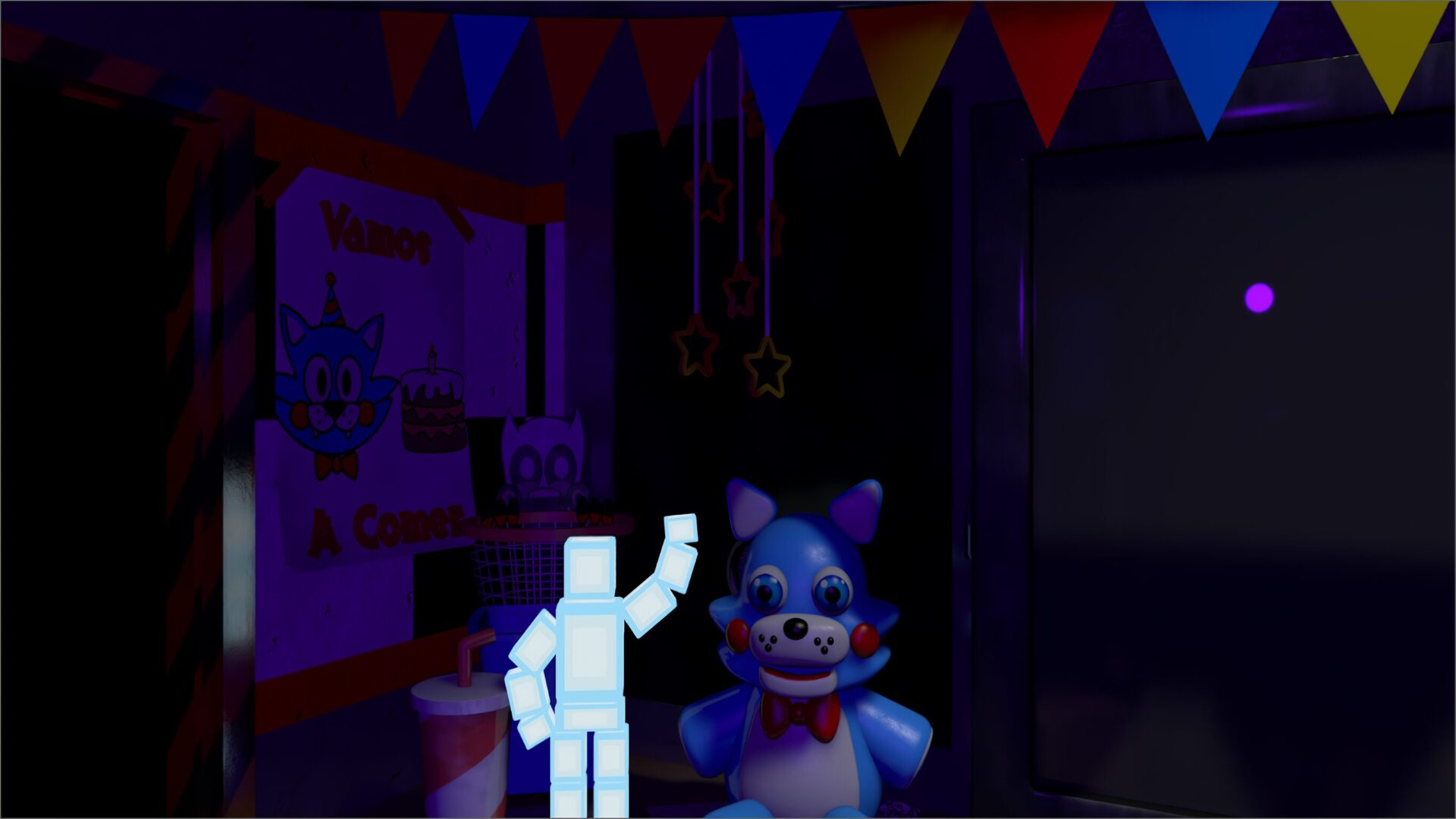
This is an adaptation of the “Projection” shader from Clickteam Fusion. It was adapted for Godot due to the need to replicate a perspective effect similar to that in the Five Nights at Freddy’s games, but with panoramic images more like those used in the office from Five Nights at Candy’s Remastered or Sweet Harmony.
Made for Godot 4.
This shader acts like a kind of lens. Just place it on a ColorRect, and that’s it: all nodes below will be affected by it.
Shader code
shader_type canvas_item;

// Uniform to capture the screen
uniform sampler2D screen_texture : hint_screen_texture, filter_linear_mipmap;

// Field of view control for each axis (adjust as needed)
uniform vec2 fovVar = vec2(1.0, 1.0);
uniform float latitudeVar : hint_range(0.0, 90.0) = 45.0;
uniform float longitudeVar : hint_range(0.0, 180.0) = 90.0;
// Fill color for areas that fall outside the mapping
uniform vec4 fill_color = vec4(0.0, 0.0, 0.0, 1.0);

// Constants using those built into Godot
const float PI_2  = 1.57079632679;
const float PI2   = 6.28318530718;

vec2 project(vec2 uv, vec2 center, vec2 fov) {
    // Convert the center to a range of [-1, 1] and scale
    vec2 m2 = (center * 2.0 - 1.0) * vec2(PI, PI_2);
    // Transform the UV coordinates using the FOV
    vec2 cuv = (uv * 2.0 - 1.0) * fov * vec2(PI, PI_2);

    float x = cuv.x;
    float y = cuv.y;
    float rou = sqrt(x * x + y * y);
    rou = max(rou, 0.0001); // avoid division by zero
    float c = atan(rou);
    float sin_c = sin(c);
    float cos_c = cos(c);

    float lat = asin(cos_c * sin(m2.y) + (y * sin_c * cos(m2.y)) / rou);
    float lon = m2.x + atan((x * sin_c) / (rou * cos(m2.y) * cos_c - y * sin(m2.y) * sin_c));

    // Normalize the latitude and longitude coordinates
    lat = (lat / PI_2 + 1.0) * 0.5;
    lon = (lon / PI + 1.0) * 0.5;
    return vec2(lon, lat) * vec2(PI2, PI);
}

void fragment() {
    // Use SCREEN_UV to sample the screen
    vec2 uv = SCREEN_UV;
    vec2 center = vec2(0.5, 0.5);

    // Project the coordinates
    vec2 dir = project(uv, center, fovVar) / vec2(PI2, PI);

    // Scaling based on correction angles
    float scale_x = 180.0 / longitudeVar;
    float scale_y = 90.0 / latitudeVar;
    // Center the projection
    dir.x = dir.x * scale_x - ((scale_x / 2.0) - 0.5);
    dir.y = dir.y * scale_y - ((scale_y / 2.0) - 0.5);

    // If the mapped coordinates fall outside the range [0,1], use fill_color
    vec4 col = texture(screen_texture, dir);
    if(dir.x < 0.0 || dir.x > 1.0 || dir.y < 0.0 || dir.y > 1.0) {
        col = fill_color;
    }

    COLOR = col;
}
Live Preview


