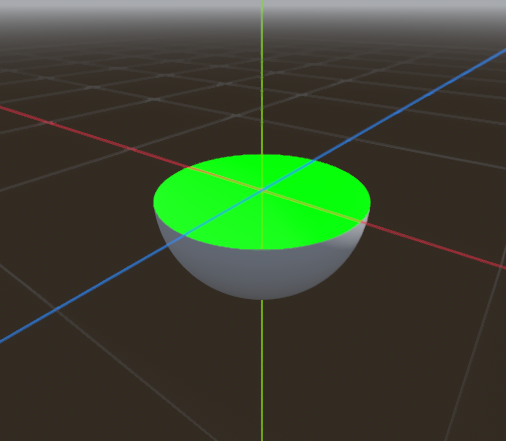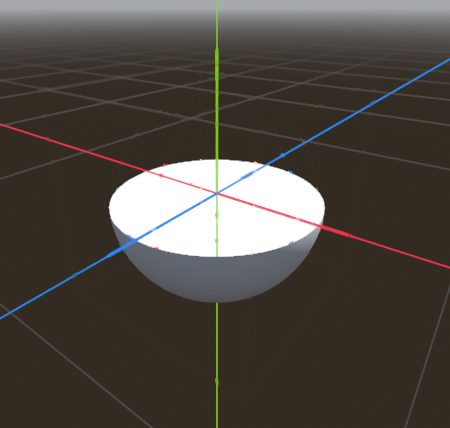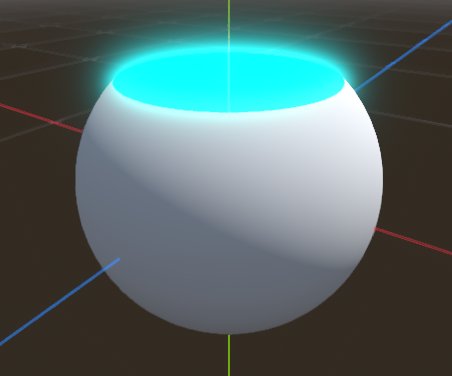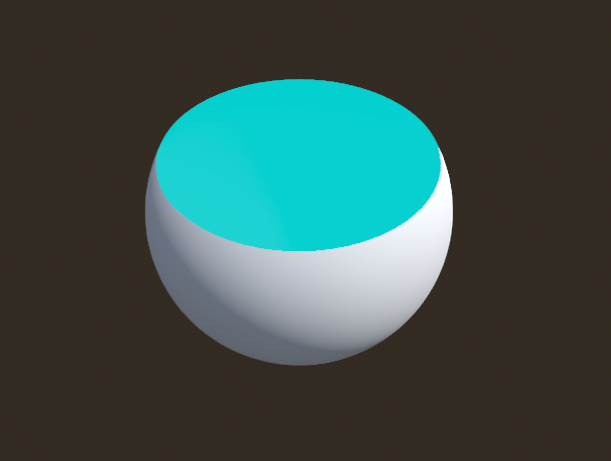
Section Analysis / Profile Cutout – from the bottom up

Animatable 3D shader to render a mesh from the bottom up like a 3D printer.
Good as a basic start, I recommend to change it for your specific use.
Shader parameters:
- Y Cutoff – the topmost global Y position to render pixels at.
- Cap Color – the color of the generated top face.
*Made with AI help*, tested in Godot 4.7, completely free for any kind of use.
Shader code
shader_type spatial;
render_mode cull_disabled;

uniform float y_cutoff = 0.0;
uniform vec3 cap_color : source_color = vec3(0.0, 1.0, 0.0);

varying float world_y;

void vertex() {
    world_y = (MODEL_MATRIX * vec4(VERTEX, 1.0)).y;
}

void fragment() {
    if (world_y > y_cutoff) {
        discard;
    }

    if (!FRONT_FACING) {
        ALBEDO = vec3(0.0);
        EMISSION = cap_color;
    } else {
        ALBEDO = vec3(1.0);
    }
}
Live Preview