
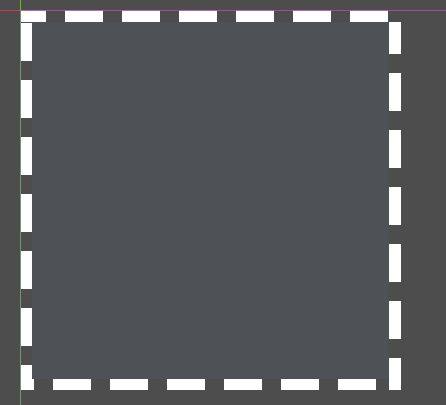
Selection Box
A selection box like windows , you can link the scale by selection_rect.material.set_shader_parameter(“rect_size”, selection_rect.size)
Shader code
shader_type spatial;

uniform float radius = 0.4; // rayon en UV space (0..0.5)
uniform float border_width = 0.02;
uniform float dash_length = 0.1;
uniform float dash_gap = 0.05;
uniform float speed = 1.0;
uniform vec4 border_color:source_color = vec4(1.0, 1.0, 1.0, 1.0);

void fragment() {
    vec2 center = vec2(0.5, 0.5);
    vec2 uv = UV - center;
    float dist = length(uv);

    float angle = atan(uv.y, uv.x); // -PI..PI
    angle = (angle + 3.141592) / (2.0 * 3.141592); // 0..1

    angle = fract(angle + TIME * speed);

    float dash_cycle = dash_length + dash_gap;
    float pattern_pos = mod(angle, dash_cycle);

    float edge = abs(dist - radius);

    if (edge < border_width) {
        if (pattern_pos < dash_length) {
            ALBEDO = border_color.rgb;
            ALPHA = border_color.a;
        } else {
            discard;
        }
    } else {
        discard;
    }
}
Live Preview
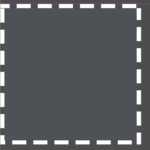

This is the same code as the circle rect