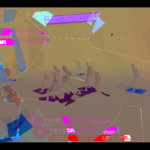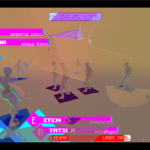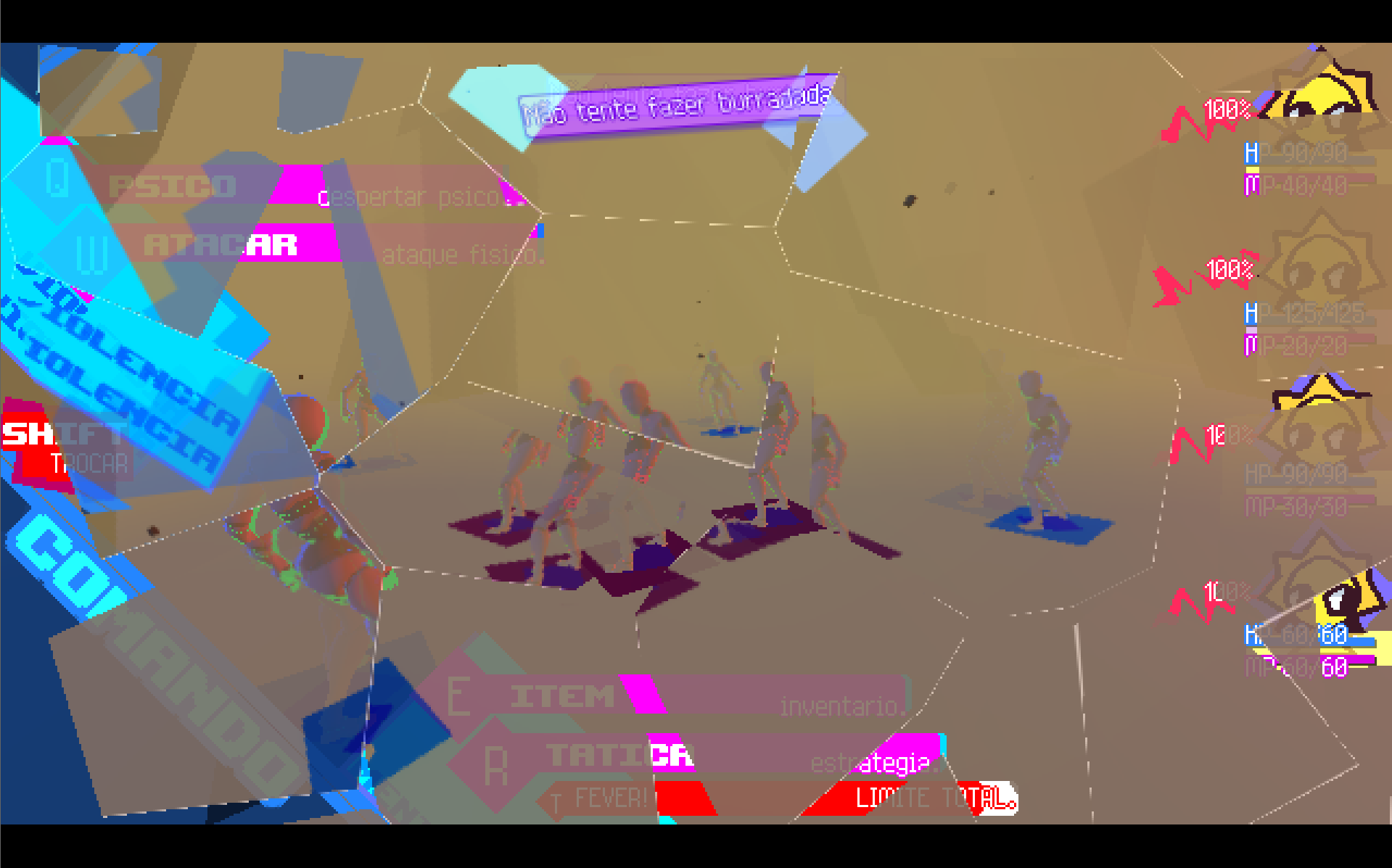
simple glass broken

Glass Shattering Shader (Simple Screen Break Effect)
This is a simple screen-space glass shattering shader designed for Godot CanvasItem nodes (such as ColorRect or UI overlays). It creates the illusion that the screen has broken into multiple glass shards which then fall downward with gravity, rotate slightly, and scatter apart.
The shader works by sampling the current screen texture and dividing it into irregular Voronoi-like fragments. Each fragment behaves like an independent piece of glass, with its own movement delay, falling speed, and rotation.
Because it reads from the screen texture, it visually appears as if the entire screen has shattered, even though the shader is simply transforming fragments of the rendered image.
How it works
The shader performs several steps:
-
Fragment generation
The screen is divided into multiple cells using a Voronoi-style pattern.
These cells represent the individual glass shards. -
Randomization
Each shard receives pseudo-random values that control:-
falling delay
-
horizontal drift
-
rotation
-
slight shape irregularities
-
-
Shard transformation
When the animation progresses, each shard:-
falls downward using a gravity curve
-
drifts slightly sideways
-
rotates around its center
-
-
Screen reconstruction
The shader traces where each pixel originally came from and samples the screen texture accordingly, ensuring each shard displays the correct portion of the image. -
Edge highlighting
A subtle glow is applied along shard borders to simulate glass edges catching light. -
Fade and masking
Shards that move outside the screen gradually disappear, preventing visual artifacts.
Animation Control
The animation is controlled by a single parameter:
fall_progress (0 → 1)
Controls the progression of the shatter animation.
-
0.0→ glass is intact -
1.0→ shards have fully fallen
This parameter is typically animated using a Tween or AnimationPlayer in Godot.
Adjustable Parameters
Several uniforms allow the effect to be customized:
| Parameter | Description |
|---|---|
pieces_x, pieces_y |
Number of shards across the screen |
gravity |
Downward falling force |
scatter |
Horizontal spreading of shards |
rotation_amount |
How much shards rotate |
point_jitter |
Irregularity of shard shapes |
delay_variation |
Random delay before shards start falling |
edge_thickness |
Thickness of the shard edges |
edge_brightness |
Brightness of the edge highlight |
alpha_fade |
Amount of fading as shards fall |
Typical Use Cases
This shader can be used for:
-
Screen break transitions
-
Damage or impact effectsStylized UI destruction effects
-
Glass-breaking cinematic transitions
- or.. glass broken effects?
Because the effect operates entirely in a shader, it is lightweight and does not require spawning physics objects or meshes, making it suitable for real-time use.
bleep :3 uwu
Shader code
shader_type canvas_item;

uniform sampler2D screen_tex : hint_screen_texture, filter_linear_mipmap;

uniform float fall_progress : hint_range(0.0, 1.0) = 0.0;

uniform int pieces_x = 5;
uniform int pieces_y = 3;

uniform float gravity : hint_range(0.0, 4.0) = 2.2;
uniform float scatter : hint_range(0.0, 1.0) = 0.22;
uniform float rotation_amount : hint_range(0.0, 4.0) = 1.0;

uniform float point_jitter : hint_range(0.0, 0.48) = 0.34;
uniform float delay_variation : hint_range(0.0, 0.8) = 0.28;

uniform float edge_thickness : hint_range(0.0005, 0.05) = 0.01;
uniform float edge_brightness : hint_range(0.0, 2.0) = 0.35;
uniform float alpha_fade : hint_range(0.0, 1.0) = 0.0;

const int SEARCH_RADIUS = 1;

float hash12(vec2 p) {
	vec3 p3 = fract(vec3(p.xyx) * 0.1031);
	p3 += dot(p3, p3.yzx + 33.33);
	return fract((p3.x + p3.y) * p3.z);
}

vec2 hash22(vec2 p) {
	return vec2(
		hash12(p + vec2(1.23, 4.56)),
		hash12(p + vec2(7.89, 0.12))
	);
}

mat2 rot(float a) {
	float s = sin(a);
	float c = cos(a);
	return mat2(vec2(c, -s), vec2(s, c));
}

vec2 cell_point(vec2 cell_id) {
	vec2 h = hash22(cell_id);
	return cell_id + 0.5 + (h - 0.5) * (point_jitter * 2.0);
}

// Finds which Voronoi point/cell owns p
// and computes an approximate distance to the edge
void voronoi_info(vec2 p, out vec2 owner_cell, out vec2 owner_point, out float edge_dist) {
	vec2 base = floor(p);

	float best_d = 1e20;
	float second_d = 1e20;
	vec2 best_cell = vec2(0.0);
	vec2 best_point = vec2(0.0);

	for (int j = -SEARCH_RADIUS; j <= SEARCH_RADIUS; j++) {
		for (int i = -SEARCH_RADIUS; i <= SEARCH_RADIUS; i++) {
			vec2 c = base + vec2(float(i), float(j));
			vec2 pt = cell_point(c);
			float d = distance(p, pt);

			if (d < best_d) {
				second_d = best_d;
				best_d = d;
				best_cell = c;
				best_point = pt;
			} else if (d < second_d) {
				second_d = d;
			}
		}
	}

	owner_cell = best_cell;
	owner_point = best_point;
	edge_dist = second_d - best_d;
}

void piece_transform(
	vec2 piece_cell,
	out float t,
	out vec2 piece_offset_uv,
	out float piece_angle
) {
	float rnd  = hash12(piece_cell);
	float rnd2 = hash12(piece_cell + 17.37);
	float rnd3 = hash12(piece_cell + 91.11);

	float delay = rnd * delay_variation;
	t = clamp((fall_progress - delay) / max(0.0001, 1.0 - delay), 0.0, 1.0);

	float fall_y = gravity * t * t * (1.0 + rnd2 * 0.9);
	float drift_x = (rnd2 - 0.5) * scatter * t;
	float drift_y = (rnd3 - 0.5) * scatter * 0.18 * t;

	piece_offset_uv = vec2(drift_x, fall_y + drift_y);
	piece_angle = (rnd - 0.5) * rotation_amount * t;
}

void fragment() {
	vec2 uv = SCREEN_UV;
	vec2 grid = vec2(float(pieces_x), float(pieces_y));

	// Current pixel in the logical fracture space
	vec2 p_now = uv * grid;

	// Finds which shard occupies this pixel
	vec2 now_cell;
	vec2 now_point;
	float now_edge;
	voronoi_info(p_now, now_cell, now_point, now_edge);

	// Gets the transform for this shard
	float t;
	vec2 piece_offset_uv;
	float piece_angle;
	piece_transform(now_cell, t, piece_offset_uv, piece_angle);

	vec2 piece_center_uv = now_point / grid;

	// Reverses the shard transform to find the original position
	vec2 rel_now = uv - piece_center_uv;
	vec2 uv_from = piece_center_uv + rot(-piece_angle) * (rel_now - piece_offset_uv);

	// Mask for being inside the screen
	float inside_screen =
		step(0.0, uv_from.x) *
		step(0.0, uv_from.y) *
		step(uv_from.x, 1.0) *
		step(uv_from.y, 1.0);

	// Clamp to avoid sampling outside the texture
	vec2 safe_uv = clamp(uv_from, vec2(0.0), vec2(1.0));

	// Finds which shard the original position belonged to
	vec2 p_from = safe_uv * grid;
	vec2 from_cell;
	vec2 from_point;
	float from_edge;
	voronoi_info(p_from, from_cell, from_point, from_edge);

	// Only draw if the origin belongs to the same shard
	float same_piece = 1.0 - step(0.001, distance(from_cell, now_cell));

	vec4 col = texture(screen_tex, safe_uv);

	// Edge highlight between shards
	float edge = 1.0 - smoothstep(0.0, edge_thickness, now_edge);
	col.rgb += edge * edge_brightness;

	// Final fade and masks
	col.a *= inside_screen;
	col.a *= same_piece;
	col.a *= mix(1.0, 1.0 - alpha_fade, t);

	COLOR = col;
}
Live Preview