
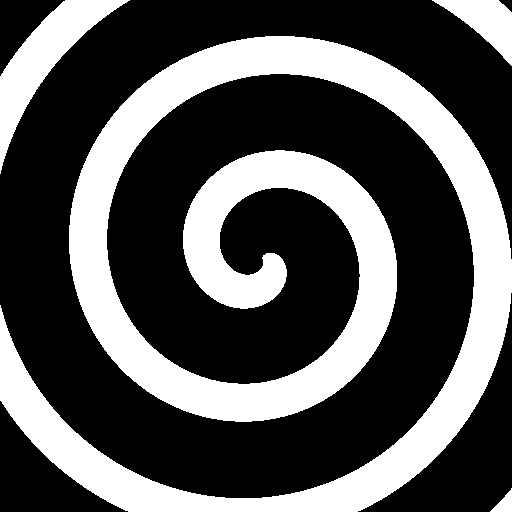
Simple Spiral

I made this very simple spiral shader on accident, so I decided to save and share in case I need it in the future.
Shader code
shader_type canvas_item;

uniform float ring_amount = 3.;
uniform int line_amount = 1;
uniform vec2 offset;
uniform vec2 scale = vec2(1,1);

void fragment() {
	vec2 curr_uv = UV;
	curr_uv += offset;
	curr_uv *= scale;

	vec2 uv_offset = vec2(0.5 * scale);
	float angle = atan(curr_uv.y - uv_offset.x, curr_uv.x - uv_offset.y);

	float curr_dist = distance(curr_uv, uv_offset);
	float curr_value = round(sin(curr_dist * (ring_amount * 10.) + angle * float(line_amount)));

	COLOR.rgb = vec3(curr_value);
}

Thanks a lot for sharing. The scaling is a bit broken when using line_amount=1 to get a simple spiral, as the center of the spiral gets offset, but not the rings. I worked my way around it to get the spiral always in the center at different scaling (which was interesting for me for the shader to work in a 19:6 ratio). I also changed a few parameter to make it work as a transition. You can see the result here: https://mastodon.gamedev.place/@rouli/117462703127272154