
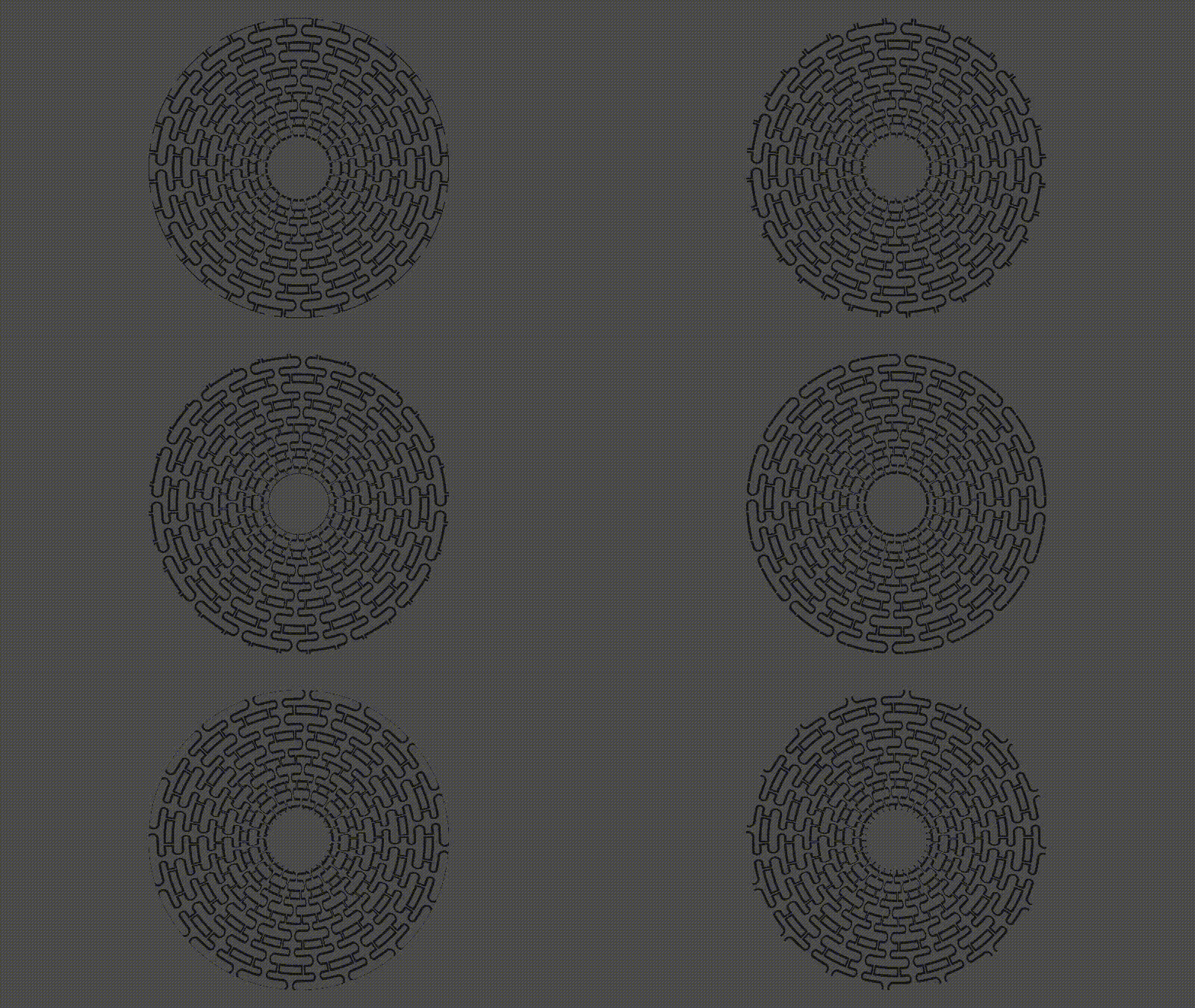
Circular/Polar Texture Tilling

With this Shader you are able to do Tilling in a circle.
The parameters are fully documented.
If you wish to use this shader in 2D, comment the line #define SPATIAL
Shader code
/*
!!!Attention!!!
Comment the next line if you wish to use this shader For 2D Objects
But the transforms does not work very well with them yet */
#define SPATIAL
#ifdef SPATIAL
shader_type spatial;
#else
shader_type canvas_item;
#endif

#define HALF_PI 1.57079632679

/** The texture to tile */
uniform sampler2D tex: filter_linear;

/** How much tilling you wish */
uniform ivec2 tilling = ivec2(1, 1);

group_uniforms Animation;
/** How fast the image should spin */
uniform float rotation_speed = 0.;
/** How fast the image move from the center to the outside */
uniform float movement_speed = 0.;

group_uniforms RadiusSize;
/** Clip the image from the outside towards the middle */
uniform float max_radius: hint_range(0.0, 0.5) = 0.5;
/** Clip the image from the center towards outside */
uniform float min_radius: hint_range(0.0, 0.5) =  0.;

group_uniforms Transformation;
/** Image translation */
uniform vec2 translation;
/** Image scale */
uniform vec2 scale = vec2(1, 1);
/** Image rotation */
uniform float rotation;

mat2 rotation_matrix(float angle){
	return mat2(
		vec2(cos(angle), -sin(angle)),
		vec2(sin(angle), cos(angle))
	);
}

vec2 cartesian_to_polar(in vec2 pos, vec2 center){
	float radius = distance(pos, center);

	pos.y = pos.y - center.x;
	pos.x = pos.x - center.y;

	float angle = atan(pos.y, pos.x);
	return vec2(radius, angle);
}

void fragment() {
	vec2 curr_uv = UV;
	curr_uv += translation;
	curr_uv *= scale;

	vec2 uv_offset = vec2(0.5 * scale);

	vec2 original_polar = cartesian_to_polar(curr_uv, uv_offset);
	if(original_polar.x > max_radius || original_polar.x < min_radius) discard;

	vec2 polar_uv = vec2(original_polar);
	polar_uv.x += -TIME * movement_speed;

	vec2 pattern_uv;
	pattern_uv.x = fract(polar_uv.x * float(tilling.y));
	pattern_uv.y = fract(polar_uv.y * float(tilling.x) / HALF_PI);

	mat2 rot_matrix = rotation_matrix(rotation) * rotation_matrix(rotation_speed * TIME);
	vec2 rotated_uv = rot_matrix * curr_uv - rot_matrix * vec2(0.5);

	float rotated_angle = atan(rotated_uv.y, rotated_uv.x);
	vec2 rotated_pattern = vec2(pattern_uv.x, fract(rotated_angle * float(tilling.x) / HALF_PI));

	vec4 color = texture(tex, rotated_pattern);
#ifdef SPATIAL
	ALBEDO = color.rgb;
	ALPHA = color.a;
#else
	COLOR = texture(tex, rotated_pattern);
#endif

}

Cool!
The tiling setting has ivec2, which the preview tool does not support btw