
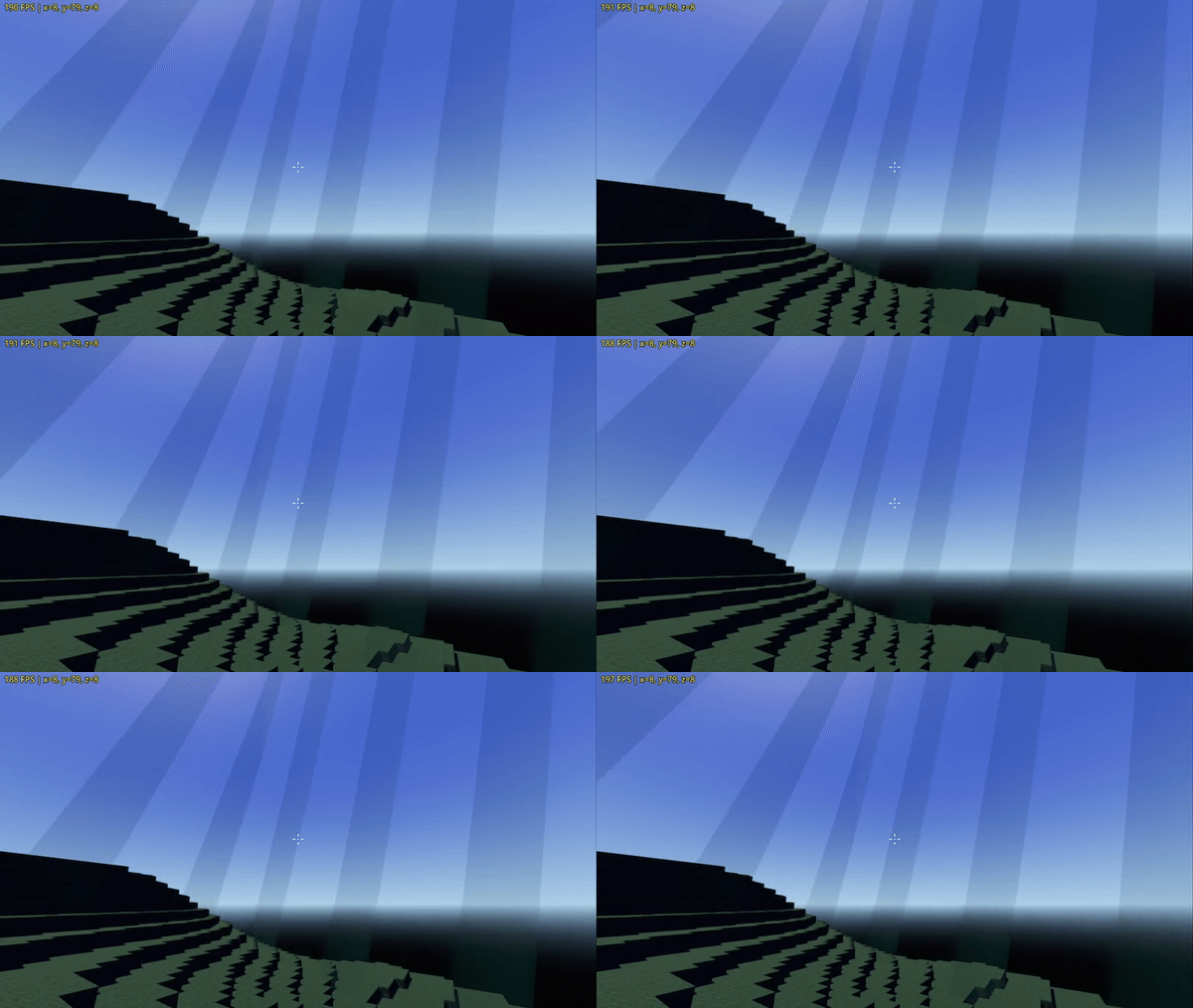
Simple Worldborder

A simple Minecraft style animated worldborder.
I am no shader expert, so please comment if there is something to improve.
Shader code
shader_type spatial;
render_mode shadows_disabled;

uniform float scale = 5.0;
uniform vec4 color : source_color = vec4(0.225, 0.97, 0.9, 0.25);

void fragment() {

	vec2 uv = UV * scale;
	float ar = (VIEWPORT_SIZE.x/VIEWPORT_SIZE.y);
	float t = (fract(TIME/7.5) * scale);
	float x = uv.x + (uv.y * ar) - t;

	ALPHA = 0.0;

	for(float i = -4.0; i < 4.0; i += 0.25) {

		float off = (i * scale) + x;

		if(off > 0.0 && off < 0.5) {
			ALBEDO = vec3(color.rgb) * mix(0.25, 1.0, off);
			ALPHA = color.a;
		}
	}
}

Shaders calculate for every individual pixel (more or less), so you don’t need to iterate at all. Here’s what I would personally do, recreating the Minecraft world border:
shader_type spatial;
render_mode unshaded, blend_add, world_vertex_coords;

varying vec3 worldPos;

uniform float freq = 5.0;
uniform float speed = 1.0;
uniform float cutoff: hint_range(0.0, 1.0) = 0.5;
uniform vec3 color: source_color = vec3(0.0, 0.5, 1.0);

void vertex() {
   worldPos = VERTEX;
}

void fragment() {
   float o = dot(worldPos, vec3(freq));
   float f = fract(speed * TIME + o);
   ALBEDO = color * step(cutoff, f);
}