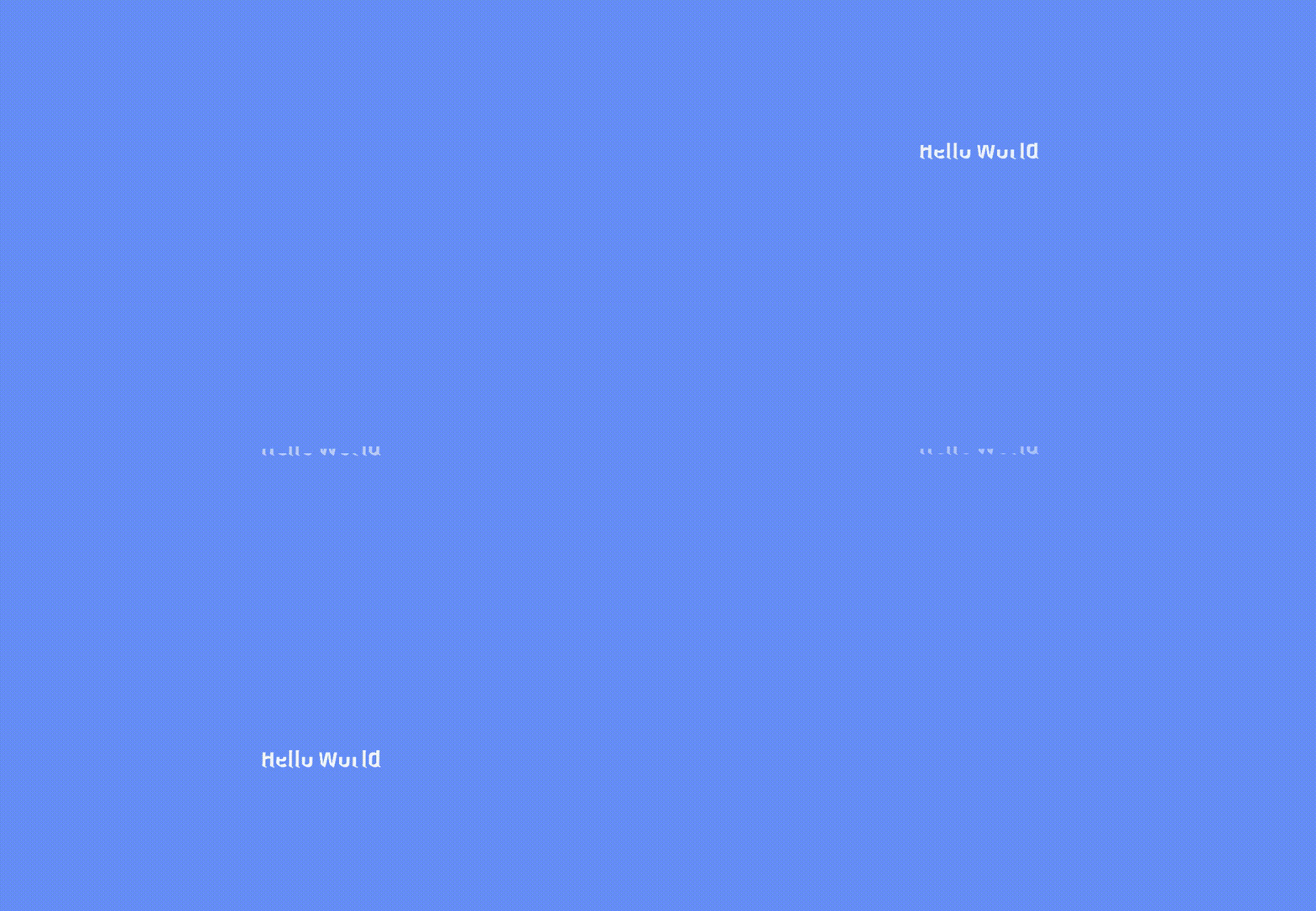
Slide Down & Up Text Effect

This shader based text effect allows you to create a smooth slide in and slide out animation for text elements.
You can control the progress parameter to move the text upward or downward, and optionally enable fade for a soft opacity transition during the slide.
The effect works perfectly for UI elements, dialogues, and title animations, and integrates easily with Godot’s Tween or Animations nodes for smooth time-based transitions.
Tested on Godot v3.5.3
Shader code
shader_type canvas_item;

uniform float progress : hint_range(0.0, 1.0) = 0.0;
uniform float move_amount : hint_range(0.0, 2.0) = 1.0;
uniform float fade_start : hint_range(0.0, 1.0) = 0.6;

void fragment() {
    vec2 uv = UV;
    vec2 new_uv = uv + vec2(0.0, progress * move_amount);
    float inside = step(0.0, new_uv.y) * step(new_uv.y, 1.0);
    vec4 col = texture(TEXTURE, new_uv) * inside;
    float fade = 1.0 - smoothstep(fade_start, 1.0, progress);
    col.a *= fade;
    COLOR = col;
}
Live Preview