
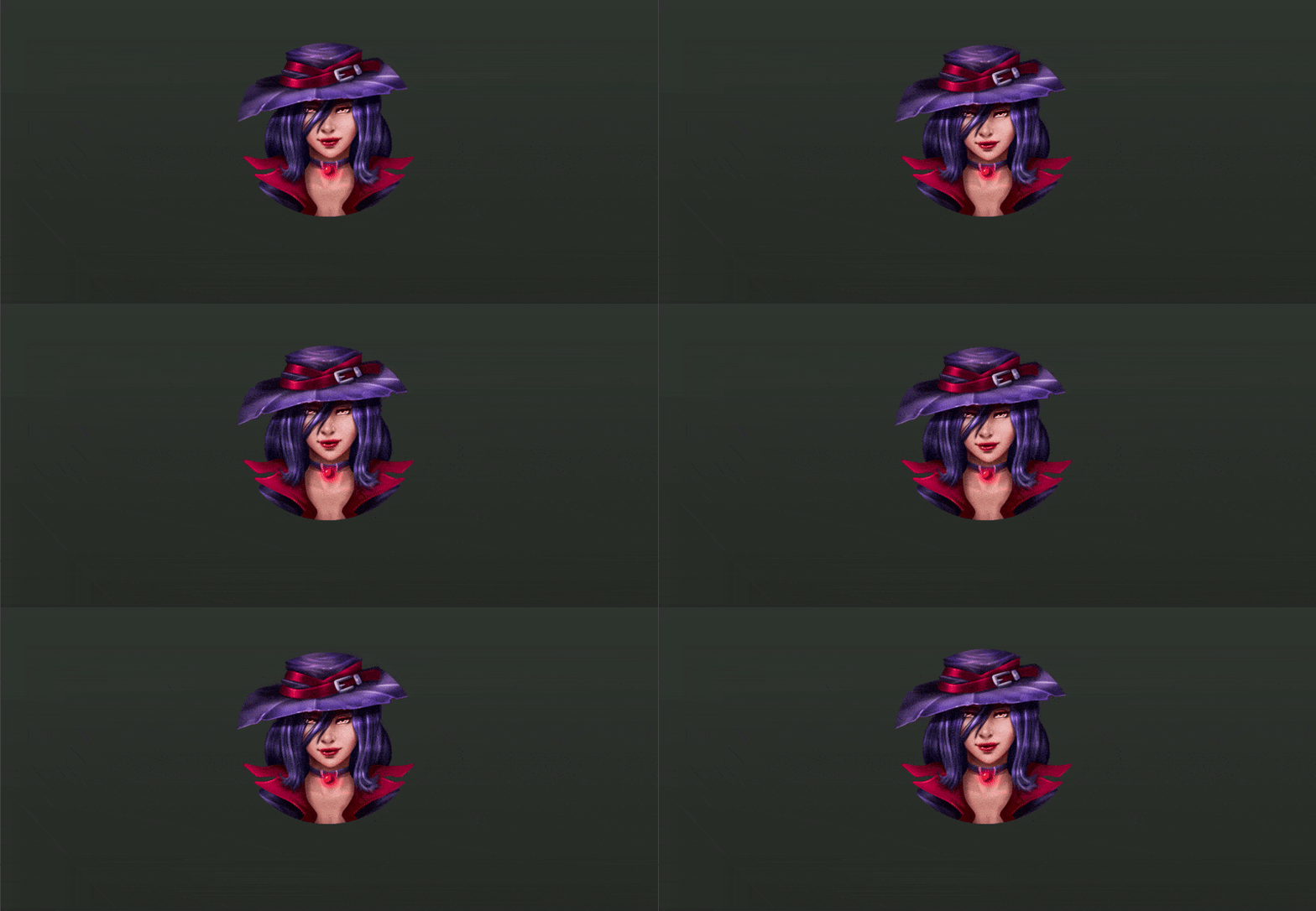
Gentle Breathing Effect for Face & Body Animation

This shader makes an image look like it’s gently breathing.breath_strength controls how much it moves, breath_speed controls how fast it moves.face_center is the center of the motion, and face_radius defines how wide the breathing area is.
The effect smoothly fades out toward the edges, giving a natural breathing feel to still images.
Tested on Godot v3.5.3
Shader code
shader_type canvas_item;

uniform float breath_strength = 0.007;
uniform float breath_speed = 0.8;
uniform vec2 face_center = vec2(0.5, 0.5);
uniform float face_radius = 0.5;

varying vec4 modulate;

void vertex() {
	modulate = COLOR;
}

float circle_mask(vec2 uv, vec2 center, float radius) {
	float d = distance(uv, center);
	return 1.0 - smoothstep(radius * 0.6, radius, d);
}

void fragment() {
	vec2 uv = UV;
	float face_m = circle_mask(uv, face_center, face_radius);
	float dist = distance(uv, face_center);
	float falloff = exp(-dist * dist * 6.0);
	float breath = sin(TIME * breath_speed) * breath_strength * face_m * falloff;
	vec2 breath_disp = vec2(0.0, breath);
	vec2 final_uv = uv + breath_disp;
	COLOR = texture(TEXTURE, final_uv) * modulate;
}
Live Preview


Very versatile, well done!