
Torch Flame Shader (Fire on One Quad)

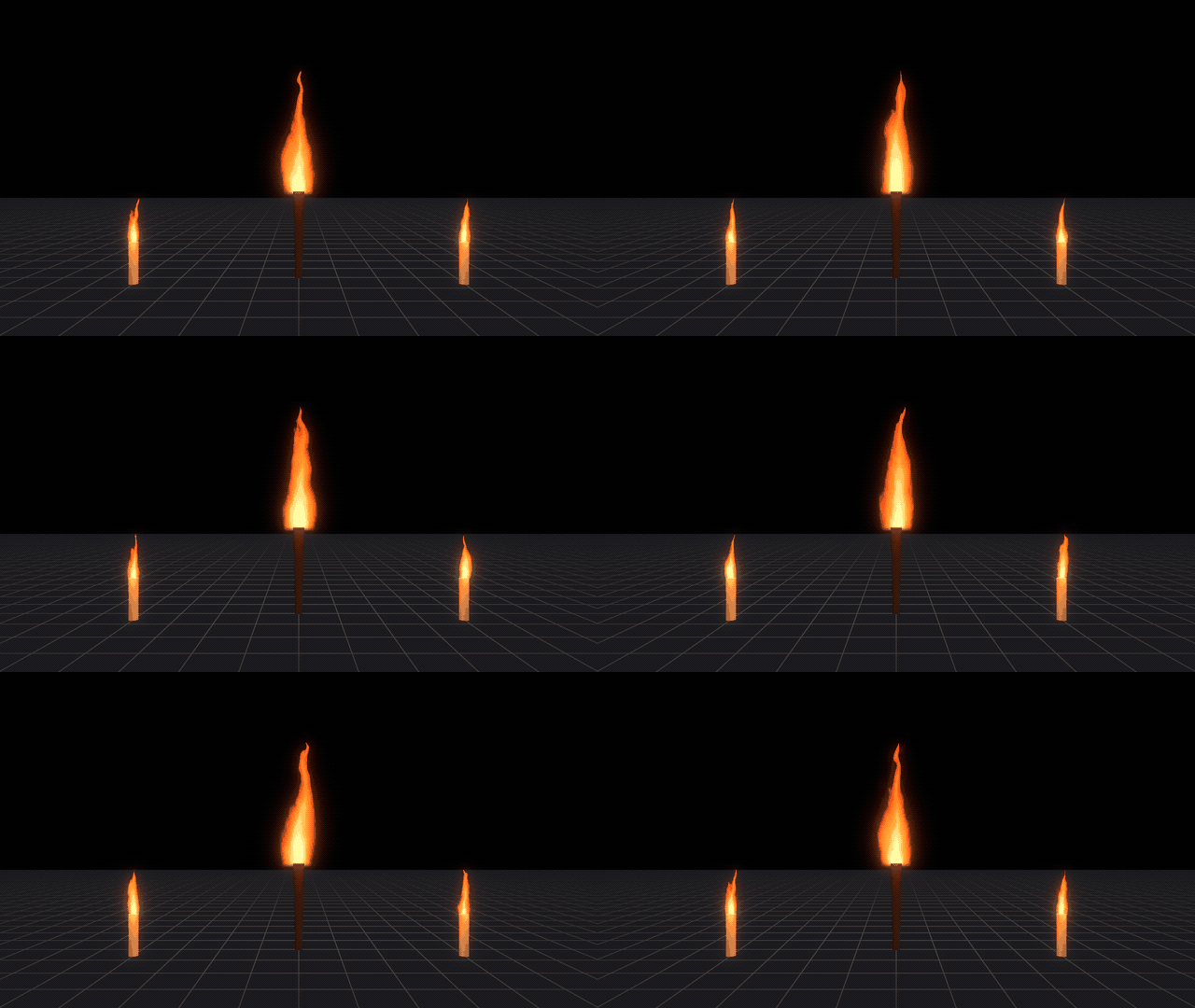
A flame for a torch or a candle, drawn on one quad that turns to face the camera but stays upright. The shape is noise scrolling upward, so it licks, splits and sways by itself.
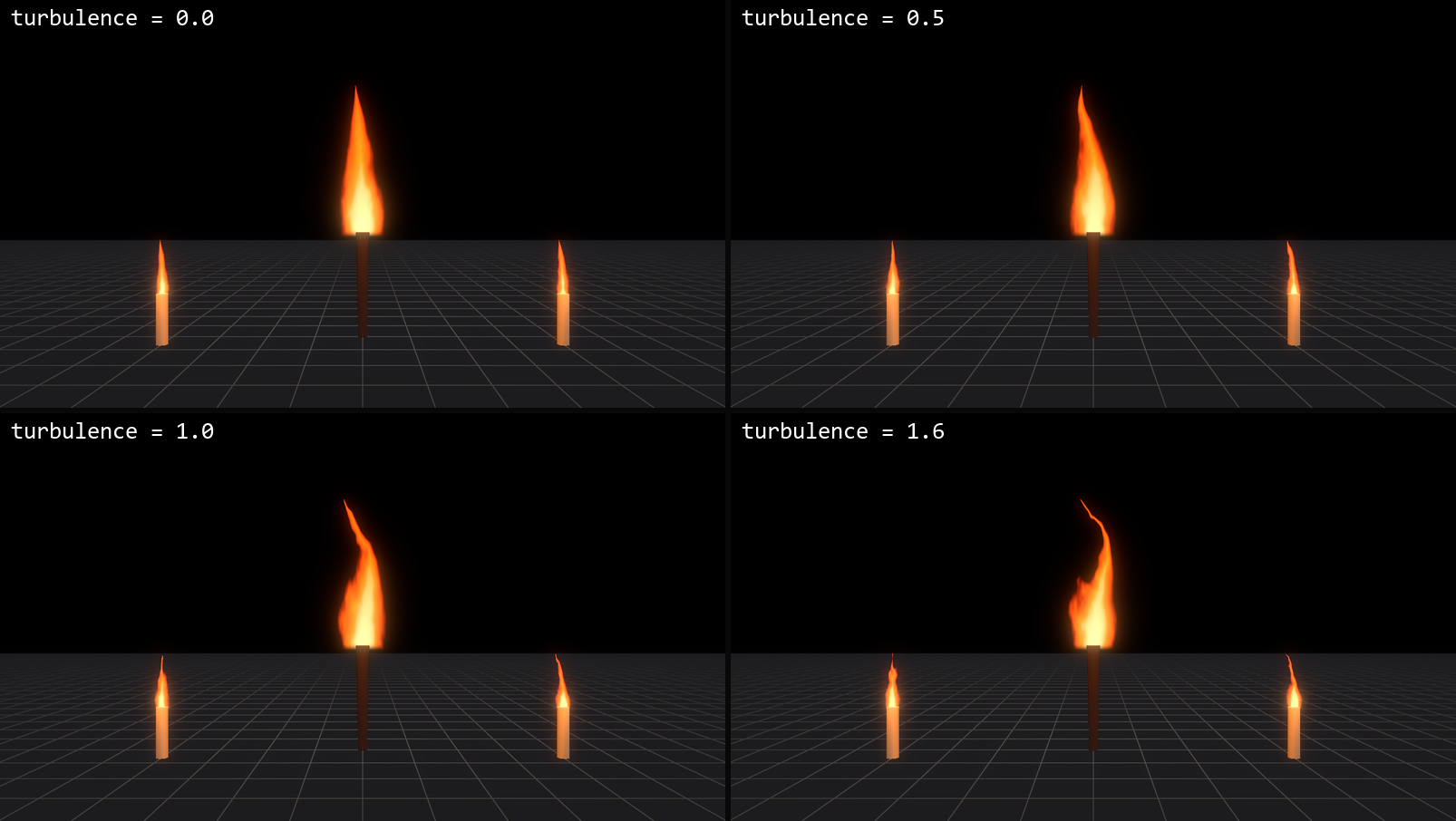
Put it on a MeshInstance3D with a QuadMesh of about 1 x 1.6 as Material Override, with the bottom edge at the wick. Scale the node down for a candle or up for a bonfire. Give each flame its own seed and two torches side by side won’t move in step. turbulence, breakup and sway control how wild it gets, and the three colors run from the red edge to the pale core. Turn Glow on, intensity goes above 1.
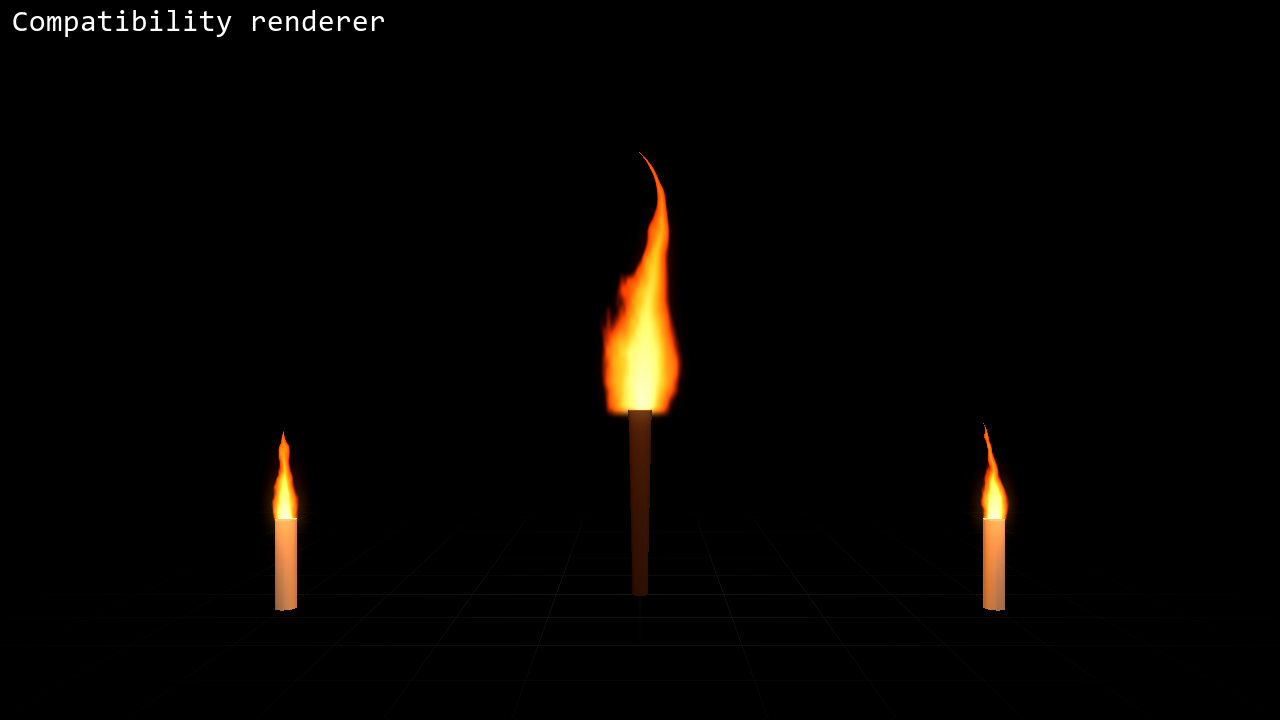
No textures. It looked the same on Forward+, Mobile and Compatibility in 4.4 and 4.7, just a bit flatter in Compatibility because there’s no glow there.
The code was written with the help of an AI coding assistant.
I wrote this as a small take on the fire in my PYROLUX pack for Godot 4, which also has smoke, explosions and lava. The free version is the first link and the full pack is the second.
https://gennai.itch.io/pyrolux-lite?utm_source=godotshaders&utm_medium=referral&utm_campaign=torch
https://gennai.itch.io/pyrolux-fire-explosion-vfx?utm_source=godotshaders&utm_medium=referral&utm_campaign=torch
Shader code
// Procedural Torch Flame (One Quad) for Godot 4
// MIT License. Copyright (c) 2026 gennai (https://gennai.itch.io)
//
// A flame drawn on a single quad that always turns to face the camera (it stays upright).
// Put it on a MeshInstance3D with a QuadMesh as Geometry > Material Override. A QuadMesh of
// 1 x 1.6 gives a torch-sized flame; scale the node for a candle or a bonfire. The flame
// grows up from the bottom edge of the quad, so place the quad's bottom at the wick.
//
// The silhouette is a noise field that scrolls upward, so the flame licks, splits and
// sways by itself. Change seed so two flames next to each other do not move together.
// The colours run from a red outer edge through orange to a pale core. Values above 1
// in intensity bloom when Glow is on in the WorldEnvironment.
// No textures: the noise is computed in the shader with sin-free hashes, so it looks
// the same on every renderer.
shader_type spatial;
render_mode unshaded, blend_add, depth_draw_never, cull_disabled, shadows_disabled, fog_disabled;

group_uniforms flame;
// How wide the flame is, as a fraction of the quad width.
uniform float width : hint_range(0.2, 1.2) = 0.7;
// How much the flame splits and licks. 0 is a smooth teardrop.
uniform float turbulence : hint_range(0.0, 2.0) = 1.0;
// Ragged edge at the tip.
uniform float breakup : hint_range(0.0, 1.5) = 0.7;
// Slow side-to-side sway of the whole flame.
uniform float sway : hint_range(0.0, 2.0) = 1.0;
// Speed of the upward flow and the flicker.
uniform float speed : hint_range(0.0, 4.0) = 1.0;
// Changes the pattern so two flames do not match.
uniform float seed : hint_range(0.0, 100.0) = 0.0;

group_uniforms look;
// Outer edge colour.
uniform vec4 color_cool : source_color = vec4(0.85, 0.12, 0.02, 1.0);
// Main body colour.
uniform vec4 color_hot : source_color = vec4(1.0, 0.5, 0.07, 1.0);
// Colour of the hottest core at the bottom.
uniform vec4 color_core : source_color = vec4(1.0, 0.92, 0.6, 1.0);
// Brightness. Values above 1 bloom when glow is on.
uniform float intensity : hint_range(0.0, 8.0) = 2.0;
// How strongly the brightness flickers.
uniform float flicker : hint_range(0.0, 1.0) = 0.25;
// Fades the flame out when the camera comes close, in metres. 0 = off.
uniform float near_fade : hint_range(0.0, 3.0) = 0.3;

varying float v_dist;

float tf_hash(vec2 p) {
	vec3 p3 = fract(vec3(p.xyx) * 0.1031);
	p3 += dot(p3, p3.yzx + 33.33);
	return fract((p3.x + p3.y) * p3.z);
}

float tf_noise(vec2 p) {
	vec2 i = floor(p);
	vec2 f = fract(p);
	f = f * f * (3.0 - 2.0 * f);
	return mix(mix(tf_hash(i), tf_hash(i + vec2(1.0, 0.0)), f.x),
			mix(tf_hash(i + vec2(0.0, 1.0)), tf_hash(i + vec2(1.0, 1.0)), f.x), f.y);
}

float tf_fbm(vec2 p) {
	float s = 0.0;
	float a = 0.5;
	for (int o = 0; o < 4; o++) {
		s += tf_noise(p) * a;
		p = p * 2.03 + 17.1;
		a *= 0.5;
	}
	return s / 0.9375;
}

vec3 tf_ramp(float h) {
	h = clamp(h, 0.0, 1.0);
	if (h < 0.5) {
		return mix(color_cool.rgb, color_hot.rgb, h * 2.0);
	}
	return mix(color_hot.rgb, color_core.rgb, h * 2.0 - 1.0);
}

void vertex() {
	// Upright billboard: faces the camera but keeps the node's up axis. Scale is kept.
	vec3 up = normalize(MODEL_MATRIX[1].xyz);
	vec3 right = normalize(cross(up, INV_VIEW_MATRIX[2].xyz));
	vec3 fwd = cross(right, up);
	mat4 bb = mat4(vec4(right * length(MODEL_MATRIX[0].xyz), 0.0),
			vec4(up * length(MODEL_MATRIX[1].xyz), 0.0),
			vec4(fwd * length(MODEL_MATRIX[2].xyz), 0.0),
			MODEL_MATRIX[3]);
	MODELVIEW_MATRIX = VIEW_MATRIX * bb;
	v_dist = length((MODEL_MATRIX * vec4(0.0, 0.0, 0.0, 1.0)).xyz - INV_VIEW_MATRIX[3].xyz);
}

void fragment() {
	float x = (UV.x - 0.5) * 2.0;
	float y = 1.0 - UV.y;
	float t = TIME * speed;
	float s = seed * 1.37;
	float n1 = tf_fbm(vec2(x * 1.1 + s, y * 1.5 - t * 1.25));
	float n2 = tf_fbm(vec2(x * 2.4 + s * 0.5 + 9.0, y * 3.2 - t * 2.1));
	float xw = x + (n1 - 0.5) * 1.3 * y * turbulence + (n2 - 0.5) * 0.35 * y * turbulence;
	xw += (tf_noise(vec2(t * 0.6 + s, 3.0)) - 0.5) * 0.7 * y * y * sway;
	float prof = pow(clamp(1.0 - y, 0.0, 1.0), 0.8) * mix(0.7, 1.0, smoothstep(0.0, 0.25, y)) * 0.85 * width;
	float f = 1.0 - abs(xw) / max(prof, 0.001);
	float field = f + (n2 - 0.5) * breakup - y * 0.35;
	float dens = smoothstep(0.0, 0.32, field) * smoothstep(0.0, 0.05, y);
	float heat = smoothstep(0.0, 0.9, field) * (0.95 - y * 0.75);
	float fl = 1.0 - flicker * (0.5 + 0.5 * tf_noise(vec2(t * 7.0 + s, 1.0)));
	float nf = near_fade > 0.0 ? clamp((v_dist - near_fade) / near_fade, 0.0, 1.0) : 1.0;
	ALBEDO = tf_ramp(heat) * intensity * fl;
	ALPHA = clamp(dens * nf, 0.0, 1.0);
}
Live Preview

Comments 0
No comments yet.