
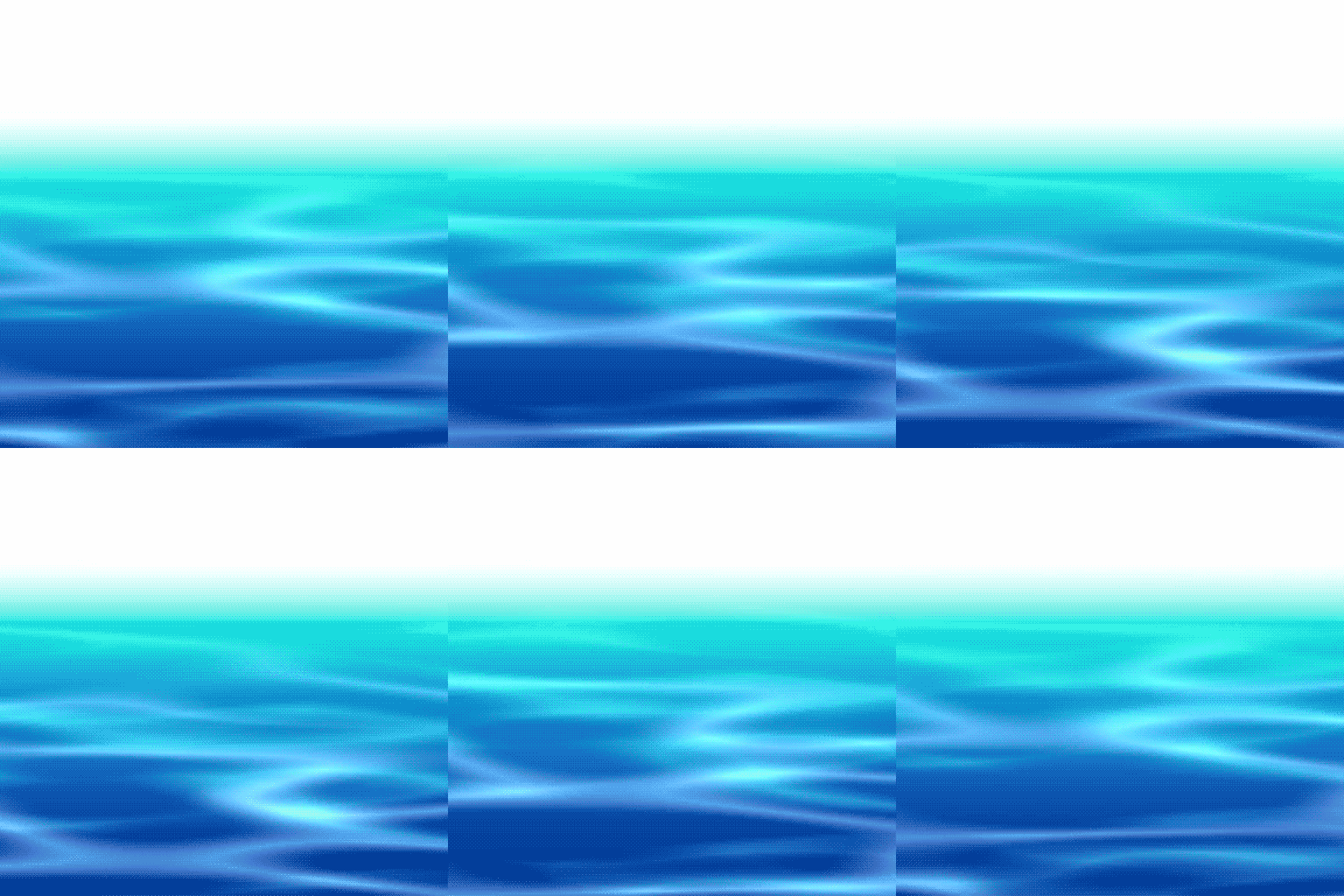
Water waves

Shader to simulate the look of waves.
It moves by itself over time.
To use with seamless textures.
Since I don’t yet understand much on how GPUs work and how to optimize shaders, AI was used to help me understand what would be more costly: using an if statement or using math to decide wether to apply the shader to the pixel. In this case, according to the AI, the if statement is lighter.
Shader code
shader_type canvas_item;

// The two following uniforms exist so that the shader looks fine on top of stretched textures
uniform vec2 canvasitem_dimensions = vec2(100.0, 100.0);
uniform vec2 texture_dimensions = vec2(100.0, 100.0);

// The direction of the water waves
uniform vec2 direction = vec2(0.0, 1.0);
// How much the water waves move per wave
uniform float wave_length = 1;
// The frequency of the water waves, where higher values result in faster movement
uniform float wave_frequency = 1.0;
// The intensity of the water effect, where 0.0 means no effect and 1.0 means full effect
uniform float intensity: hint_range(0.0, 1.0) = 0.5;
// Determines the line where the effect starts
uniform float horizon_line: hint_range(0.0, 1.0);
// Determines if the effect should be applied above or below the horizon line
uniform bool is_under_horizon = true;
// The two following uniforms are used to create a highlight effect on the water.
// They do not need to be noise textures. They can be any texture that has a lot of light and dark areas.
// The two textures move out of sync with each other:
// One moves at the speed of the waves, while the other moves at double the speed.
// This also means that one moves more pixels in the direction of the waves than the other.
uniform sampler2D water_noise : repeat_enable, filter_linear;
uniform sampler2D water_noise2 : repeat_enable, filter_linear;
uniform vec2 water_noise_scale = vec2(1.0, 1.0);
uniform vec2 water_noise_scale2 = vec2(1.0, 1.0);
// The amount of mixing between the two water noise textures
uniform float water_noise_mix: hint_range(0.0, 1.0) = 0.5;
// The color that will be mixed with the original color to make the wave highlights,
// where the amount of mixing is determined by the luminance of the original color
uniform vec4 highlight_color: source_color = vec4(1.0);

// Returns the UV coordinates for the water noise texture, taking into account the movement of the waves and the scaling of the texture
vec2 get_uv(vec2 move, vec2 uv, vec2 scale) {
	vec2 scaled_uv = canvasitem_dimensions / texture_dimensions * uv;
	return (move * wave_length / 10.0 + scaled_uv / scale);
}

// Returns the luminance of a color using the Rec. 709 formula
float get_luminance(vec4 color){
	return (0.2126 * color.r + 0.7152 * color.g + 0.0722 * color.b);
}

void fragment() {
	bool in_effect = is_under_horizon ? (UV.y >= horizon_line) : (UV.y <= horizon_line);
	// If the current pixel is outside the area the water effect should be applied, then just returns the original color
	if (in_effect) {
		// Calculates the movement of the water noise texture based on the wave frequency and direction
		vec2 move = cos(TIME * wave_frequency) * normalize(direction);
		vec4 factor = texture(water_noise, get_uv(move, UV, water_noise_scale));
		// Mix the two water noise textures together based on the water_noise_mix uniform
		factor = mix(factor, texture(water_noise2, get_uv(move * 2.0, UV, water_noise_scale2)), water_noise_mix);

		// Calculates the luminance of the current pixel and uses it to determine how much to mix the highlight color.
		// More luminance will result in less highlight color being applied.
		float luminance = smoothstep(0.0, 1.0, 1.0 - get_luminance(COLOR));
		COLOR.rgb = mix(COLOR.rgb, highlight_color.rgb, (factor * luminance * intensity).rgb);
	}
}