
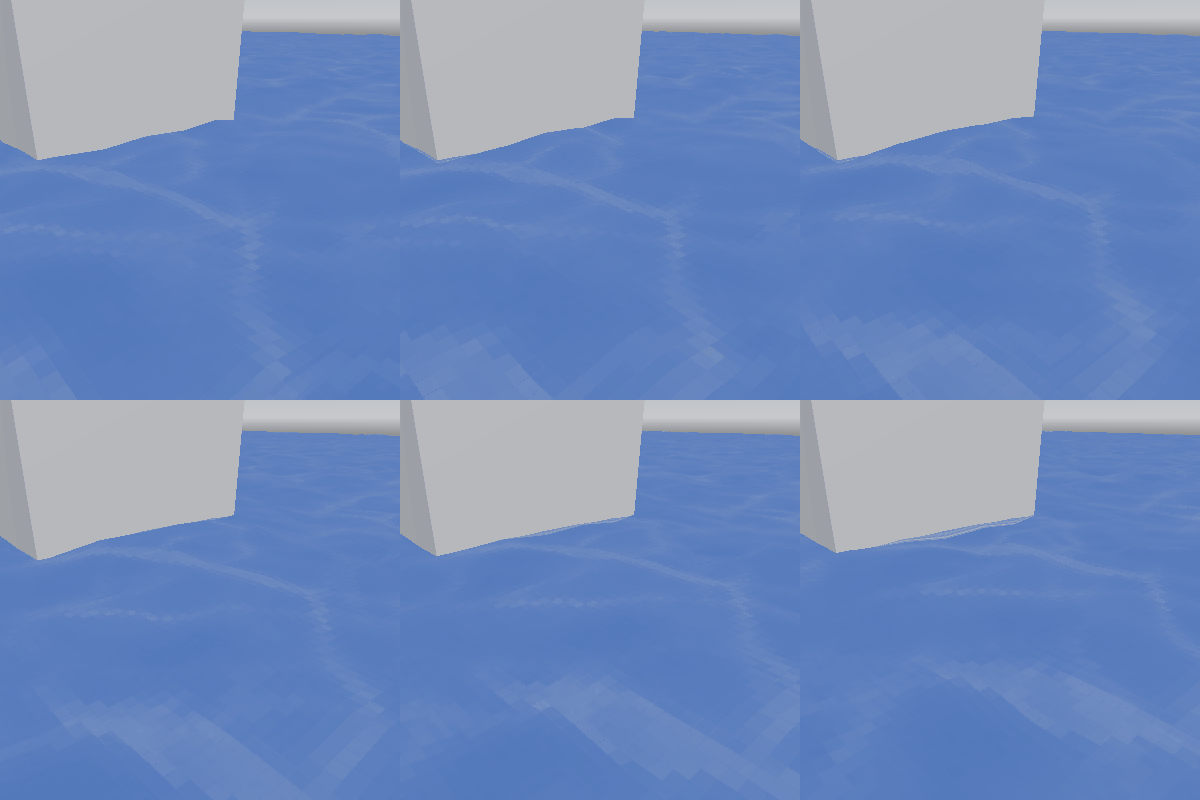
PSX Style Water Surface – Pixelation, Waves, Scrolling Textures

Update – edge glow and opacity
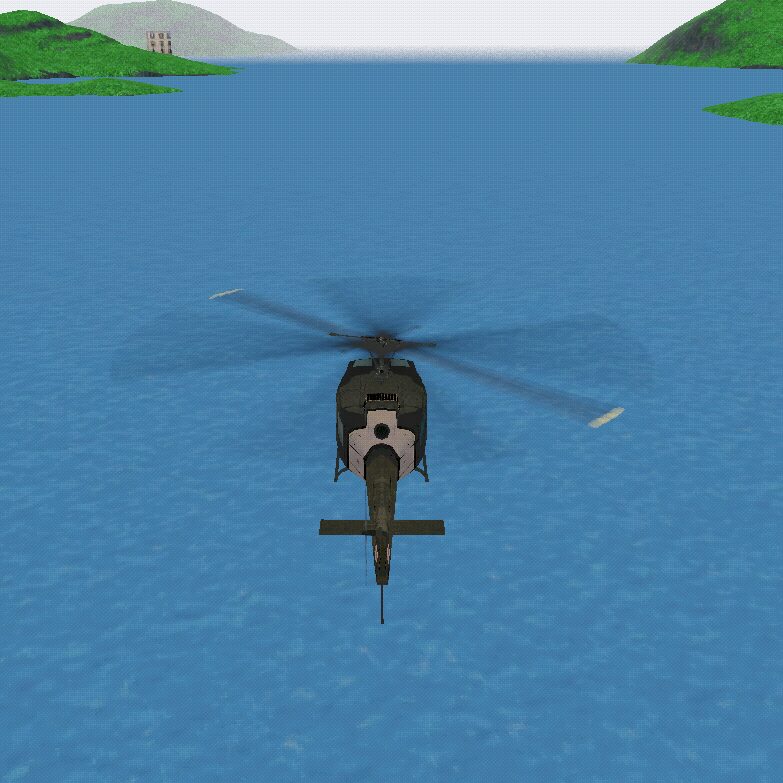
This is a water surface shader for Godot 4 that I am using in my helicopter project. I wanted to make a simple water shader that blended two textures and had vertex displacement, and could also pixelate the texture for a more old-school look. Features include:
- 2-layer customizable textures (current is a royalty-free placeholder) that can move in different directions and have adjustable blending levels
- Vertex-based wave displacement based on Godot’s fastnoiselite
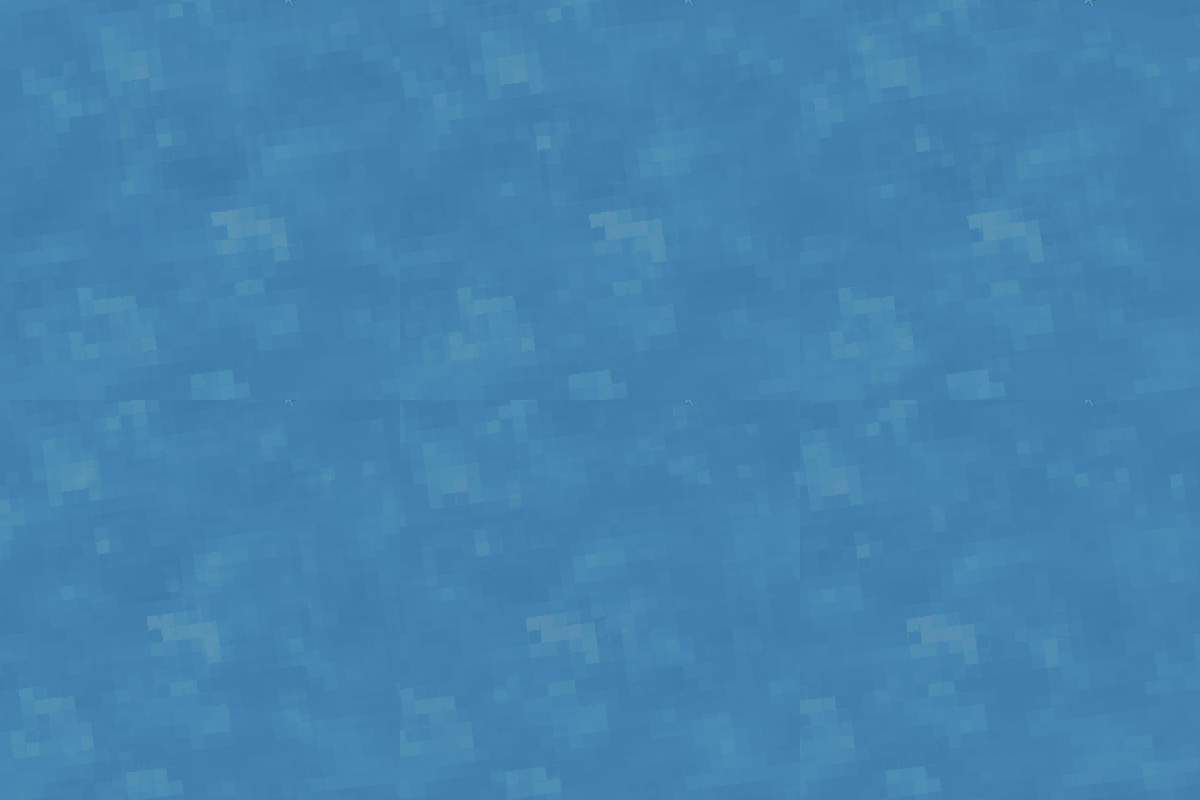
- Control the level of pixelation in each texture
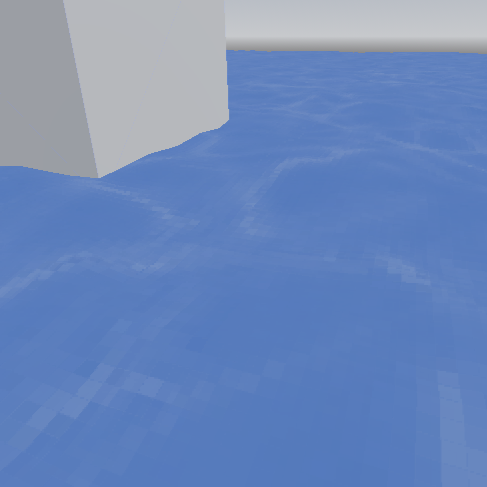
- Opacity and edge foam is customizable
I have tested this in small maps (100×100) as well as large maps (6000×6000) with no issues.
Remember if you scale up the size, you will need to subdivide the mesh AND raise the UV scaling for all textures.
License: MIT, use however you’d like. I hope this helps you on your Godot Journey!
Shader code
shader_type spatial;
render_mode blend_mix, depth_draw_opaque, cull_back, diffuse_lambert, specular_schlick_ggx;

uniform vec3 albedo : source_color;
uniform sampler2D water_texture1;
uniform sampler2D water_texture2;
uniform sampler2D noise_texture;
uniform vec2 scroll_speed1 = vec2(0.05, 0.0);
uniform vec2 scroll_speed2 = vec2(-0.03, 0.0);
uniform float blend_factor = 0.5;
uniform vec2 scale1 = vec2(1.0, 1.0);
uniform vec2 scale2 = vec2(1.0, 1.0);
uniform float wave_strength = 1.0;
uniform float wave_scale = 0.02;
uniform int pixelation_level = 64;
uniform float FoamSize = 0.5;
uniform sampler2D DepthTexture : hint_depth_texture;
uniform float WaterOpacity = 1.0;
uniform float FoamGlowIntensity = 0.5;

void vertex() {
    vec2 global_position = (MODEL_MATRIX * vec4(VERTEX, 1.0)).xz;
    float noise_value = texture(noise_texture, global_position * wave_scale).r;
    float wave = sin(global_position.x * 0.2 + global_position.y * 0.2 + TIME + noise_value * 10.0) * wave_strength;
    VERTEX.y += wave;
}

void fragment() {
    vec2 scaledUV1 = UV * scale1;
    vec2 scaledUV2 = UV * scale2;
    vec2 scrolledUV1 = scaledUV1 + scroll_speed1 * TIME;
    vec2 scrolledUV2 = scaledUV2 + scroll_speed2 * TIME;
    scrolledUV1 = mod(scrolledUV1, vec2(1.0, 1.0));
    scrolledUV2 = mod(scrolledUV2, vec2(1.0, 1.0));
    scrolledUV1 = floor(scrolledUV1 * float(pixelation_level)) / float(pixelation_level);
    scrolledUV2 = floor(scrolledUV2 * float(pixelation_level)) / float(pixelation_level);

    vec4 water_color1 = texture(water_texture1, scrolledUV1);
    vec4 water_color2 = texture(water_texture2, scrolledUV2);
    vec4 blended_water_color = mix(water_color1, water_color2, blend_factor);

    float depthValue = texture(DepthTexture, SCREEN_UV).r;
    vec4 worldPosition = INV_PROJECTION_MATRIX * vec4(SCREEN_UV * 2.0 - 1.0, depthValue, 1.0);
    worldPosition.xyz /= worldPosition.w;
    float foamEffect = clamp(1.0 - smoothstep(worldPosition.z + FoamSize, worldPosition.z, VERTEX.z), 0.0, 1.0);
    float foamOpacity = 1.0 - foamEffect;
    float foamEffectRounded = round(foamOpacity);
    float finalOpacity = foamEffectRounded + WaterOpacity;

    ALBEDO = blended_water_color.rgb * albedo;
    ALPHA = finalOpacity;
    EMISSION = vec3(foamEffectRounded) * FoamGlowIntensity;
    METALLIC = 0.0;
    ROUGHNESS = 1.0;
}
Live Preview

Comments 10
Really cool!
Thanks! Let me know if you have any suggestions for improvement!
This is amazing. Been implementing it for my 3d/2d hybrid game, and helped me out a lot. I am trying to figure out how I can add some 'sparkling' elements, compared to this 2d example: https://godotshaders.com/shader/pixel-art-water/
I am also looking for a way to bring out the whites a bit more. I already added some edge detection logic to it. Looks pretty cool :D
wip screenshot: https://www.dropbox.com/transfer/AAAAAMCZIcd3y3ElNPNJr8GVeaI94b2ucRVLqYwzX2cAjYXO9h0Kup0
Again, thanks a lot, made my day!
Hey thank you! Glad it's helping 😁 and nice job on the edge detection it looks really slick. I'm trying to work on sparkling elements as well so hopefully there will be an update once I figure it out.
Great!
Thank you so much!
im trying to add a texture under shader parameters but it doesnt seem to be doing anything. How do I add textures?
Hi! There are 2 sections to add your textures, so make sure that they are pngs (for the transparency compatibility) and also ensure both textures are the same size (ideally 2048x2048). If that doesn't work, submit a ticket on my GitHub and I'll get you sorted out.
Just launched a game on Steam using this! Added you to the credits :) Thanks! https://store.steampowered.com/app/3765700/Clown_Camp/
thanks bro