
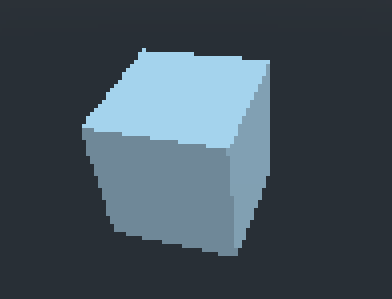
Pixelate

Pixelate shader. Uses a different factor for X and Y resulting in square pixels independent of texture size and precise pixel size via the Pixel Size param
Shader code
shader_type canvas_item;

uniform int pixelSize = 4;

void fragment()
{

	ivec2 size = textureSize(TEXTURE, 0);

	int xRes = size.x;
	int yRes = size.y;

	float xFactor = float(xRes) / float(pixelSize);
	float yFactor = float(yRes) / float(pixelSize);

	float grid_uv_x = round(UV.x * xFactor) / xFactor;
	float grid_uv_y = round(UV.y * yFactor) / yFactor;

	vec4 text = texture(TEXTURE, vec2(grid_uv_x, grid_uv_y));

	COLOR = text;
}
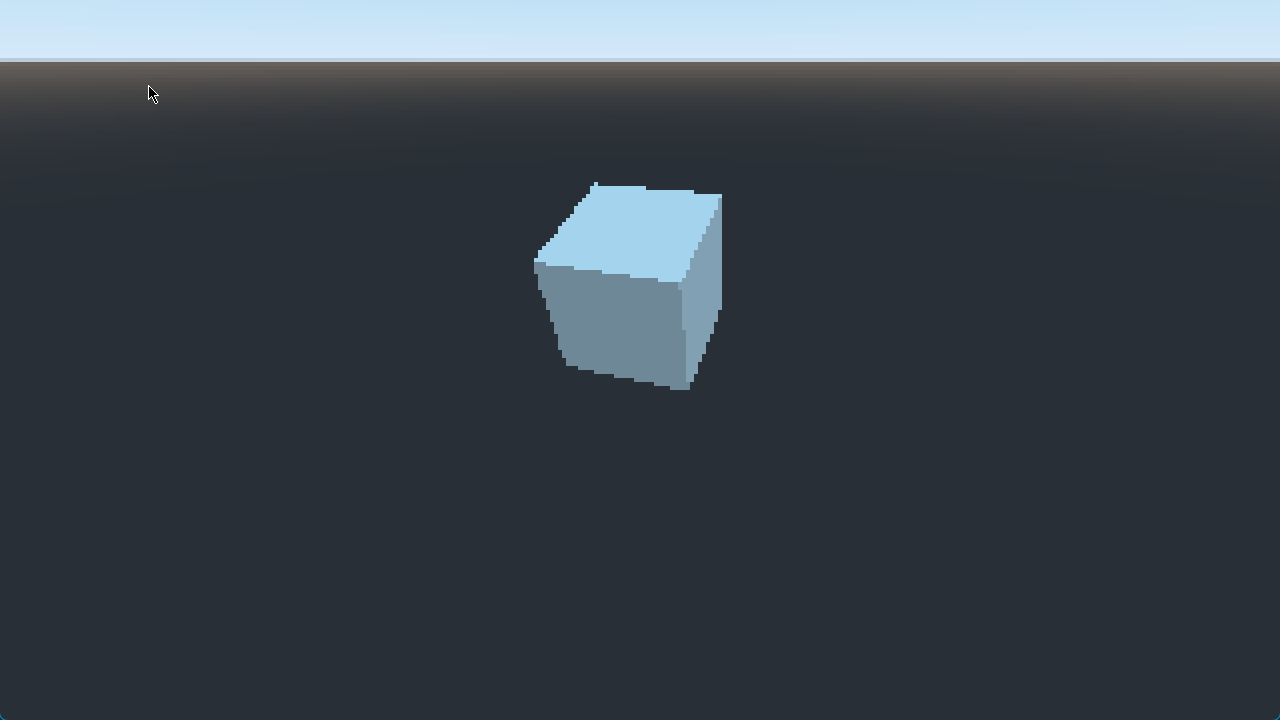
Live Preview

Comments 7
This is just what I needed for my project. Where do you apply the shader?
I have no idea either
You can get it to work by adding a ViewportContainer with a Viewport as a child node. Set the shader on the ViewportContainer.
In my scene I have ViewportContainer -> Viewport -> Player
Using this on a 3D scene has really mixed results - sometimes it looks fine, sometimes it just breaks. Can't quite figure it out, honestly!
Works flawlessly, but for some reasons all 3D sprites disappear when looked from a certain angle. Apparently said angle depends on the quadmesh position in the world.
Only works if the viewport is 1:1 aspect ratio. Otherwise you get distorted (non-square) pixels.
i think it can be fixed using something like this (but havent tested it yet):
uv.x *= SCREEN_PIXEL_SIZE.x / SCREEN_PIXEL_SIZE.y;