
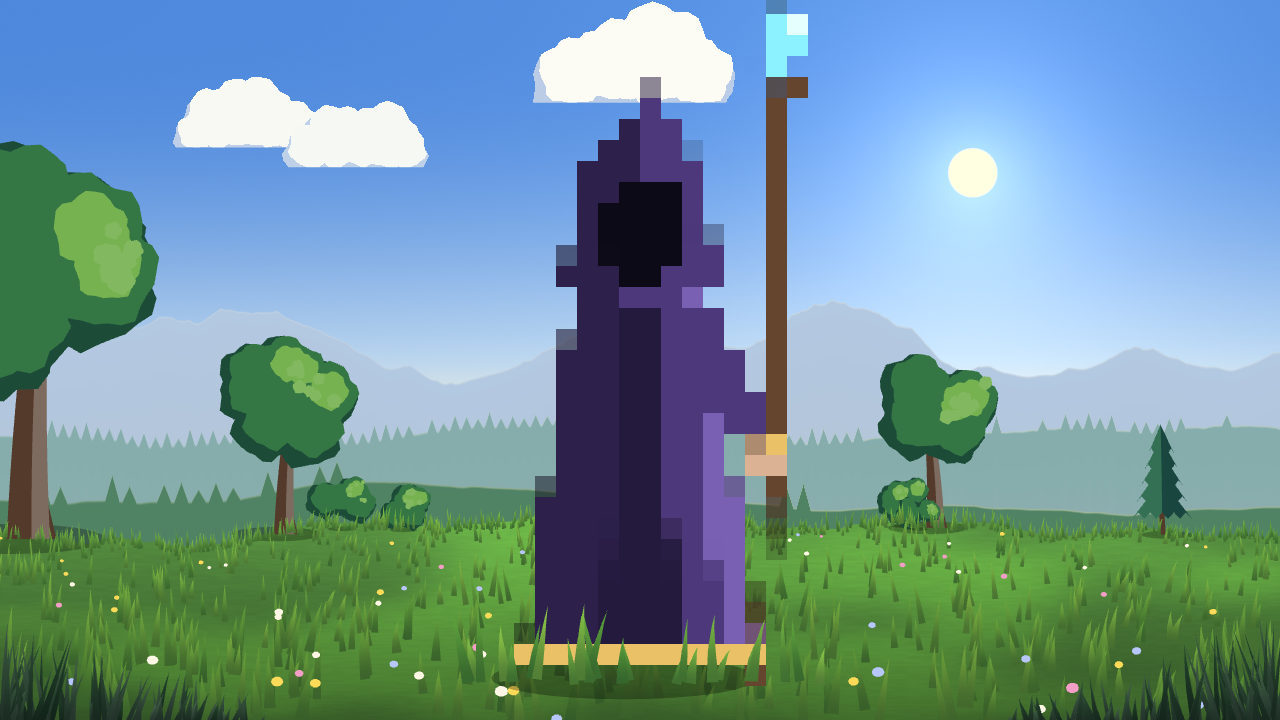
Pixelate a sprite

Mosaic effect for a single sprite: retro looks, censor blocks, or a dissolve into pixels when you animate it.
Settings:
- amount (1-32): block size in texture pixels. Tween it for a pixelate transition.
Works with the Compatibility renderer and respects the node modulate.
This shader is part of the free 2D FX Essentials pack (9 sprite shaders with a demo scene): https://dimensionalmios.itch.io/almios-2d-fx-essentials
Shader code
shader_type canvas_item;

// Mosaic a sprite: retro looks, censor blocks, transitions. `amount` is the block size in texels.
uniform float amount : hint_range(1.0, 32.0) = 8.0;
uniform vec2 sheet_frames = vec2(1.0, 1.0);   // a sprite sheet: its hframes and vframes, so the blocks start at each frame's corner

varying vec4 vertex_tint;   // modulate and self_modulate, applied at the end

void vertex() {
	vertex_tint = COLOR;
}

void fragment() {
	vec2 grid = TEXTURE_PIXEL_SIZE * amount;
	vec2 uv = floor(UV / grid) * grid + grid * 0.5;
	if (sheet_frames != vec2(1.0)) {
		// blocks counted from the corner of each frame (from the sheet's they shifted from
		// frame to frame), and the last one of a frame never samples the next frame
		vec2 frame_px = (1.0 / TEXTURE_PIXEL_SIZE) / sheet_frames;
		vec2 cell = min(floor(UV * sheet_frames), sheet_frames - 1.0);
		vec2 local_px = UV / TEXTURE_PIXEL_SIZE - cell * frame_px;
		vec2 centre = min(floor(local_px / amount) * amount + amount * 0.5, frame_px - 0.5);
		uv = (cell * frame_px + centre) * TEXTURE_PIXEL_SIZE;
	}
	COLOR = textureLod(TEXTURE, uv, 0.0);   // (no blurred line at each block edge with mipmaps)
	COLOR *= vertex_tint;
}
Live Preview



Comments 0
No comments yet.