
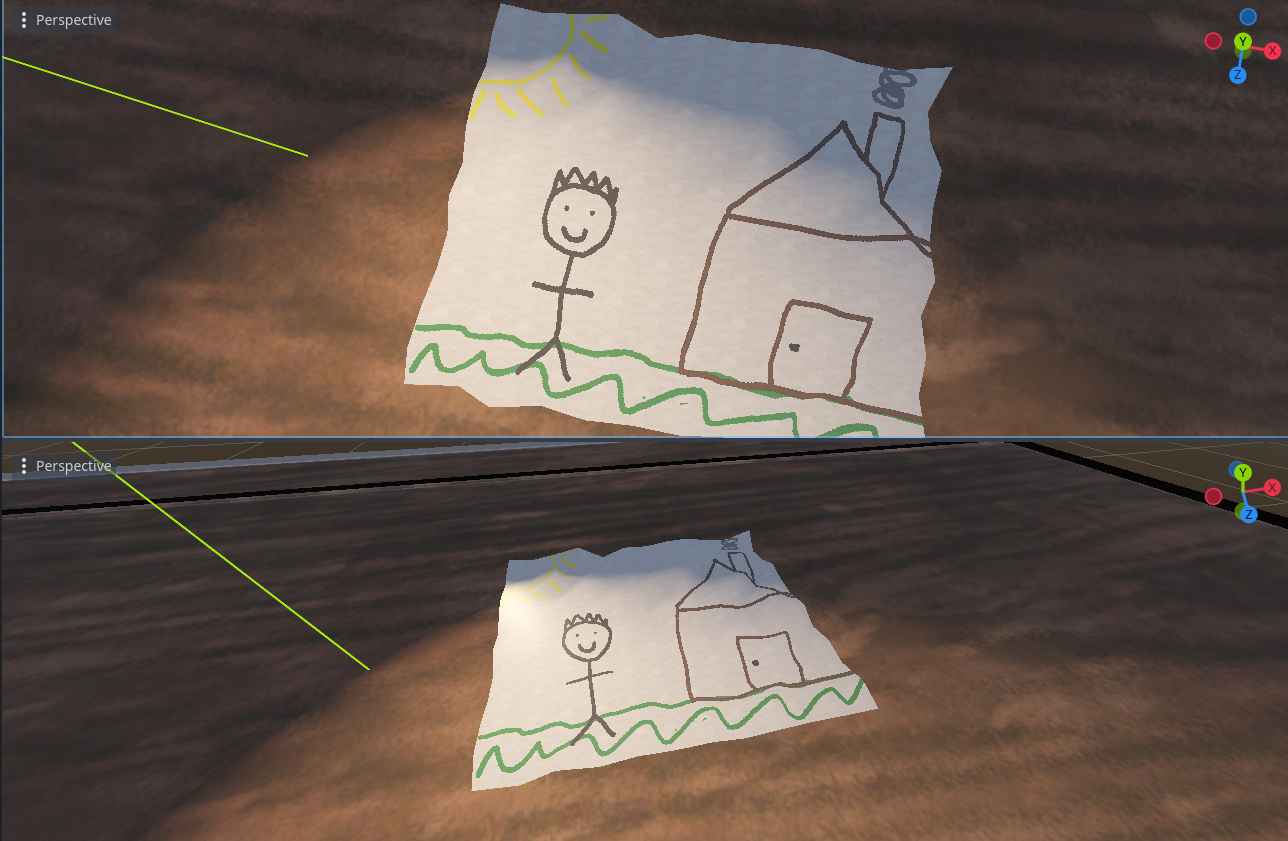
3D Paper from Plane Mesh

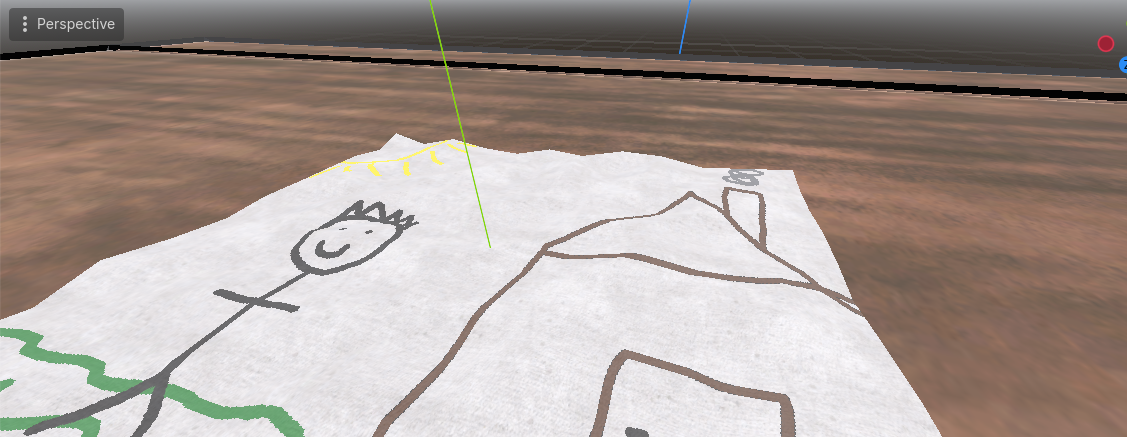
This shader warps and colours a plane mesh to look like a piece of paper which can then have an image drawn onto it’s surface.
I have included a demo project and the parameter values are based on the paper texture that I used. That texture, however, is not included so you will need to import your own before it works. The one I used can be found here and used under an attribution license: https://juliovii.itch.io/paperpk01 – I scaled these down from 4k using GIMP.
It requires a paper albedo texture, plus a normal map and a roughness texture. You can generate maps for textures online if the one you are using doesn’t come with a map.
The sketch needs to have a transparent background in order for the paper to show up correctly under parts without drawing on them – I included the one from the images in the demo.
Paper Texture In Images:: “Texture Pack: Paper 01” by JulioVII — https://juliovii.itch.io/paperpk01 — License: CC-BY
If you have any improvements to the shader please do reach out via comments or github, I’d love to refine it further!
Shader code
shader_type spatial;

uniform sampler2D paper_texture;
uniform sampler2D paper_normal : hint_normal;
uniform sampler2D paper_roughness: hint_default_white;
uniform float paper_influence: hint_range(0.0, 1.0) = 0.5; // amount the sketch is blended into the paper: 1.0 = sketch not visible
uniform float paper_scale = 4.0; // scale of the paper texture/normal/rough - used to 'zoom' the textures
uniform float height_scale = 0.2; // scale of the creases
uniform sampler2D sketch: source_color, filter_nearest;

varying vec2 tex_position;

void vertex() { //this warps the plane mesh according to the paper_normal and the height_scale
	tex_position = VERTEX.xz ;
	float height = texture(paper_normal, tex_position * paper_scale).x;
	VERTEX.y = height * height_scale;
}

void fragment() {
	NORMAL_MAP = texture(paper_normal, tex_position * paper_scale).xyz;
	ROUGHNESS = texture(paper_roughness, tex_position * paper_scale).r;

	vec4 final_colour;
	vec4 sketch_colour = texture(sketch, UV);

	if (sketch_colour.a == 0.0) // where the sketch is transparent just draw paper
	{
		final_colour = texture(paper_texture, tex_position * paper_scale);
	}
	else // where the sketch is not transparent mix the sketch colour with the paper colour according to the paper_influence
	{
		final_colour = mix(texture(sketch, UV), texture(paper_texture, tex_position * paper_scale), paper_influence);
	}

	ALBEDO = final_colour.xyz;
}
Live Preview

Comments 0
No comments yet.