
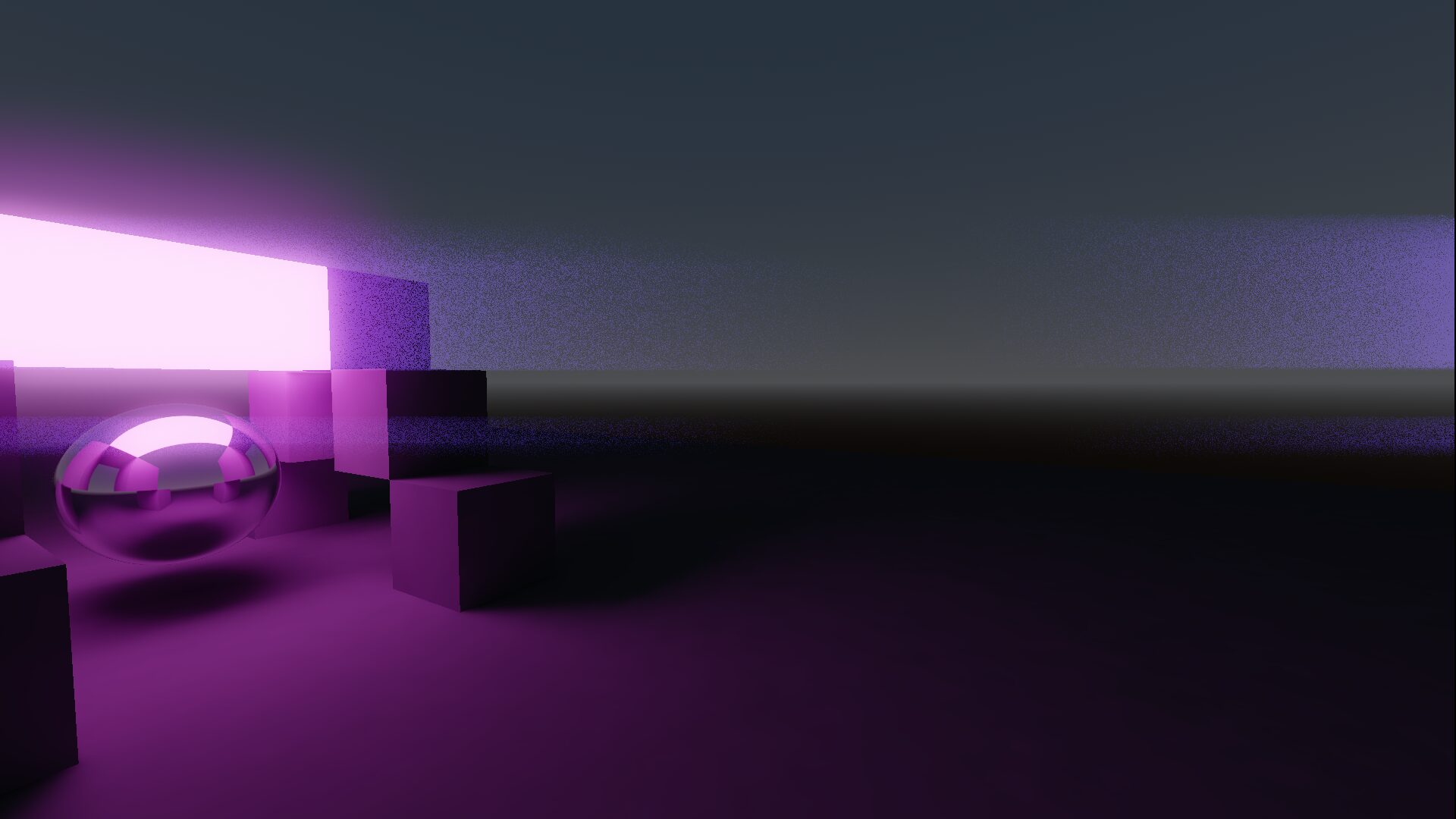
Anamorphic Lens Flare

Great, now your game looks like a J.J Abrams movie.
Usage:
Apply this shader on a full screen quad: https://docs.godotengine.org/en/stable/tutorials/shaders/advanced_postprocessing.html#full-screen-quad
Support me: https://www.paypal.me/vinrato
Shader code
shader_type spatial;
render_mode unshaded, blend_add;

#define SAMPLES 10

uniform sampler2D ST : hint_screen_texture, filter_nearest, repeat_enable;
uniform float threshold = 1.0;
uniform float lower_threshold = 0.75;
uniform float intensity = 0.08;
uniform vec4 flare_color : source_color = vec4(0.482, 0.003, 0.917, 1.0);
uniform float width : hint_range(0.0, 0.1, 0.001) = 0.04;

const float weights[20] = {
	.3, .45, .53, .65, .78, .87, .90, .93, .96, 1.0,
	1.0, .96, .93, .90, .87, .78, .65, .53, .45, .3
};

float rand(vec2 n) {
	return fract(sin(dot(n, vec2(12.9898, 4.1414)) * TIME) * 43758.5453);
}

void vertex() {
	POSITION = vec4(VERTEX.xy, 1.0, 1.0);
}

void fragment() {
	vec4 screen;
	vec4 sum = vec4(0.0);
	float lum;
	float mask;
	int idx = 0;
	for (int i = -SAMPLES; i < SAMPLES; i ++) {
		screen = texture(ST, SCREEN_UV + vec2(float(i) * width * rand(SCREEN_UV), 0.0));
		lum = dot(vec3(0.30, 0.59, 0.11), screen.rgb);
		mask = smoothstep(lower_threshold, threshold, lum);
		sum += flare_color * mask * weights[idx];
		idx++;
	}
	ALBEDO = sum.rgb * intensity;
}
Live Preview
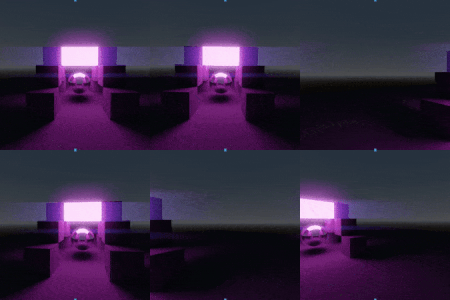

Doesn’t work…
which renderer? and don’t forget to tick “flip faces” on the quad mesh.
Forward+
Oh thanks I flipped faces and it works
Hey can you recreate the lens flare effect like in unity’s postprocessing shaders?
like the sun lens flare? didn’t someone made that for godot already?
No, it’s like the one in unity for bright objects it shows it all over the screen here’s a video of what it looks like. https://www.youtube.com/watch?v=xzwo0muslE8
And I can’t do a sun because I dont have a sun. I just need it for bright lights/objects