
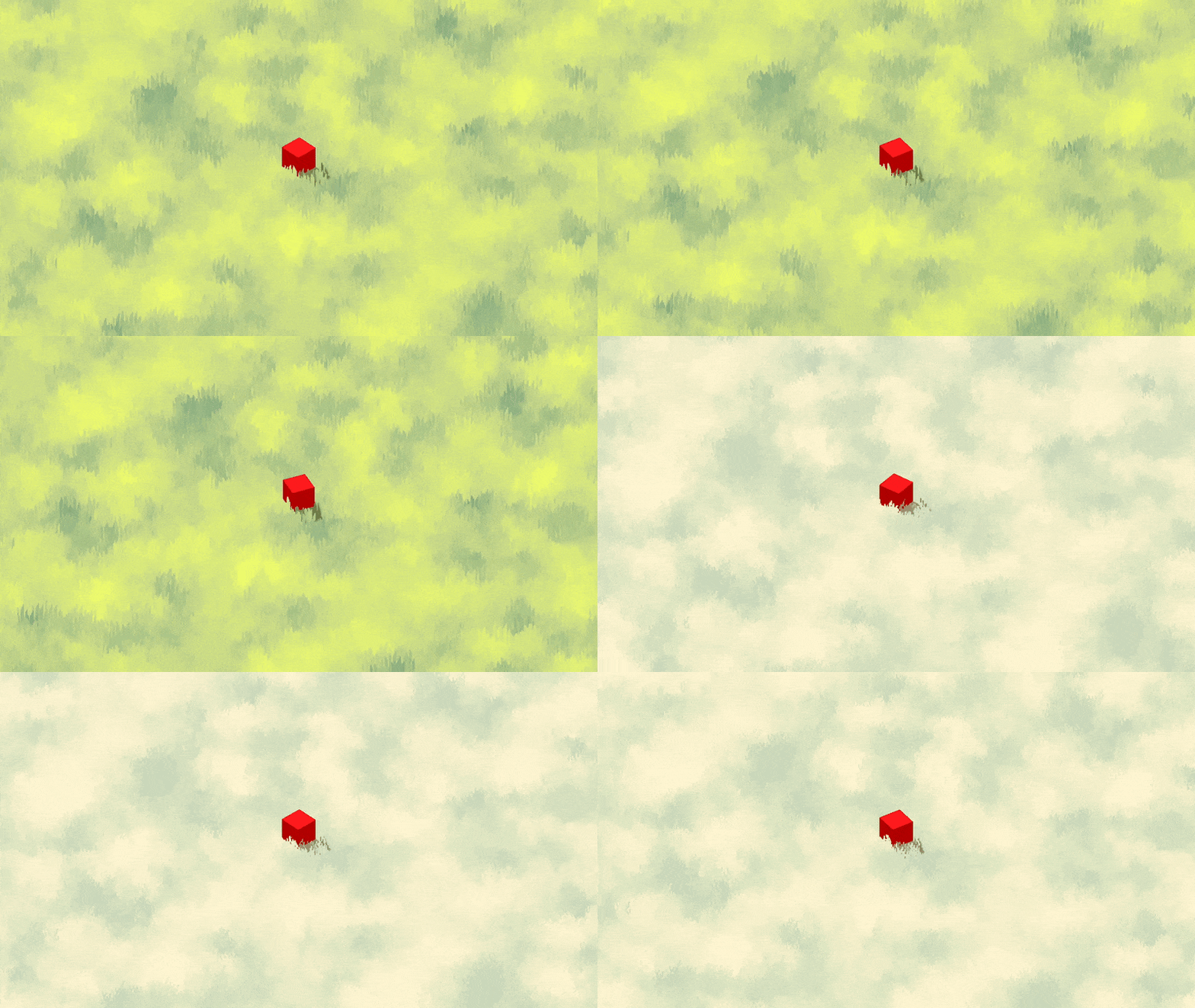
Billboard Grass with Wind

For presets and textures check the grass out here.
Features
- Option to use a 2×2 texture atlas for variation.
- Wind based on noise texture
- Option to have grass blades be billboards.
- Options for smooth, dithering and cut alphas for more control.
- Wind based on a noise texture giving a wavy pattern
- Colors based on a gradient textures.
- Option to randomly pick parts of grass to have different color for highlights.
Usage
This grass shader uses MultiMeshInstance3D as its base.
- If your scene doesn’t already have a ground mesh: Create a MeshInstance3D with your chosen mesh for the ground
- Add another MeshInstance3D with a QuadMesh. This will act as a base for the grass blades.
- Increase the subdivisions to improve the quality of bending in the wind. Change the size to change the size.
- You can change the subdivisions and size later as well. It’s also suggested to set the Center Offset Y axis to half your size (This way the pivot of the grass is at the bottom of the blades)
-
Add a MultiMeshInstance3D node, and at the top of your viewport select MultiMesh > Populate Surface
-
Set your ground mesh as the target, Source mesh as the quad mesh and play with the settings to fit your needs.
-
Finally add the shader to the Material Override slot on the MultiMeshInstance3D
Shader code
shader_type spatial;
render_mode blend_mix, depth_prepass_alpha;

uniform bool billboard = false;

uniform sampler2D shape_texture;
uniform sampler2D shape_atlas;
uniform bool use_atlas = false;

group_uniforms Colors;
uniform sampler2D noise_texture;
uniform sampler2D color_gradient;
uniform float random_variation : hint_range(0.0, 1.0, 0.001) = 0.002;

group_uniforms Wind;
uniform sampler2D wind_texture;
uniform vec2 wind_velocity;

group_uniforms Transparency;
uniform float alpha_cut_start : hint_range(0.0, 1.0, 0.05) = 0.1;
uniform float alpha_cut_end : hint_range(0.0, 1.0, 0.05) = 0.9;
uniform int alpha_mode : hint_enum("Smooth", "Dithered", "Cut") = 0;

varying flat int id;
varying vec3 world_pos;

#include "util/dither.gdshaderinc"

vec2 atlas_uv(vec2 uv, int index, int size){
	int tile_count = size * size;
	int i = index % tile_count;
	float x = float(i % size);
	float y = float(i / size);
	vec2 tile_size = 1.0 / vec2(float(size));
	return uv* tile_size + (vec2(x, y) * tile_size);
}

float randomf(int index, int seed){
	float value = sin(float(index + seed)) * 0.5 + 0.5;
	return value;
}

float wind_noise(){
	float value = texture(wind_texture, (world_pos.xz*0.03) - (vec2(TIME * 0.01) * wind_velocity)).r;
	return value;
}

vec3 wind(vec2 uv){
	float wind_noise = wind_noise();
	float wind_affect = pow(1.0 - uv.y, 2.0);
	vec3 value = vec3(
		wind_noise * (wind_velocity.x),
		0.0,
		wind_noise * (wind_velocity.y)) * 0.25;
	value *= wind_affect;
	return value;
}

void vertex() {
	world_pos = (MODEL_MATRIX * vec4(VERTEX, 1.0)).xyz;
	id = INSTANCE_ID;

	if(billboard){
		mat4 billboard_matrix = mat4(
				MAIN_CAM_INV_VIEW_MATRIX[0],
				MAIN_CAM_INV_VIEW_MATRIX[1],
				MAIN_CAM_INV_VIEW_MATRIX[2],
				MODEL_MATRIX[3]);
		MODELVIEW_MATRIX = VIEW_MATRIX * billboard_matrix;

		VERTEX += (VIEW_MATRIX * vec4(wind(UV), 0.0)).xyz;
	} else {
		VERTEX += wind(UV);
	}
	NORMAL = vec3(0.0,1.0,0.0);
}

void fragment() {
	float shape_value = texture(shape_texture, UV).r;
	if(use_atlas){
		vec2 atlas_uv = atlas_uv(UV, id, 2);
		shape_value = texture(shape_atlas, atlas_uv).r;
	}

	float noise_value = texture(noise_texture, world_pos.xz * 0.1).r;
	if(randomf(id,1) < random_variation) noise_value += 0.4;
	vec4 color = texture(color_gradient, vec2(noise_value, 0.0));

	ALBEDO = color.rgb;

	float alpha = shape_value;
	if(alpha_mode == 0){
		ALPHA = alpha;
	} else {
		alpha = clamp((shape_value - alpha_cut_start) / (alpha_cut_end - alpha_cut_start), 0.0, 1.0);
		if(alpha_mode == 1){
			alpha = step(bayer4(FRAGCOORD.xy) + 0.01, alpha);
		}
		if(alpha < 0.1) discard;
	}

}

void light(){
	float ndotl = dot(LIGHT, NORMAL) * ATTENUATION;
	DIFFUSE_LIGHT += ndotl;
}
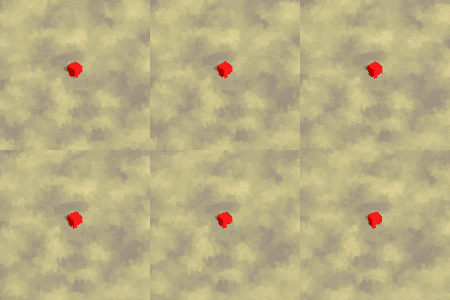
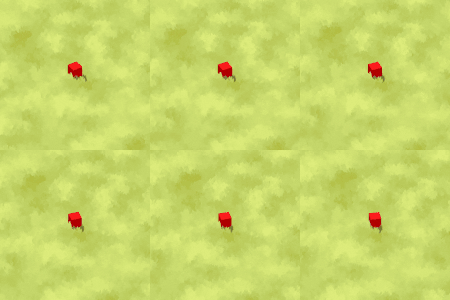
Live Preview

Looks amazing! It appears to be missing the shader include “util/dither.gdshaderinc”
Oh that’s right. I’ll include it in this one
Please, add
source_colorfor color textures to adjust color space, because the colors are displayed wrong.I’m not sure what you mean. There are no color uniforms. The colors come from using a gradient texture. You can add a gradient texture from the slot directly.
You can add source_color for texture. It’s used for sRGB conversions, not just for fancy vec representation.
I experienced issues with very obvious seams at the edges of the wind noise texture, particularly visible with fast wind speeds. This likely happens because the default behavior for UV coordinates exceeding 1.0 is simply to wrap them back around to 0, or a modulus operation.
Proposed solution is feeding the wind texture UV map through a periodic tent map function, like so:
// Maps given UV coordinates to a periodic sawtooth pattern,
// with inflections every 1.0 units, allowing for endless and
// seamless tiling by symmetrically flipping.
vec2 tent_map(vec2 uv) {
uv *= vec2(0.5, 0.5);
return vec2(2.0,2.0)*min(mod(uv,1), vec2(1,1)-mod(uv,1));
}
float wind_noise() {
vec2 looped_uv = tent_map((world_pos.xz*0.03) – (vec2(TIME * 0.01) * wind_velocity));
float value = texture(wind_texture, looped_uv).r;
return value;
}
Oh. There is also the option to make noise textures seamless. Missed that the first time around.
Hey! There a mention of you needing to include util/dither.gdshaderinc, I’ve searched through the comments but can’t seem to find what this is.
I couldn’t find it either, ended up downloading it from his itch page: https://binbun3d.itch.io/godot-grass