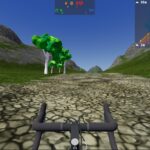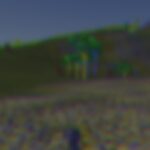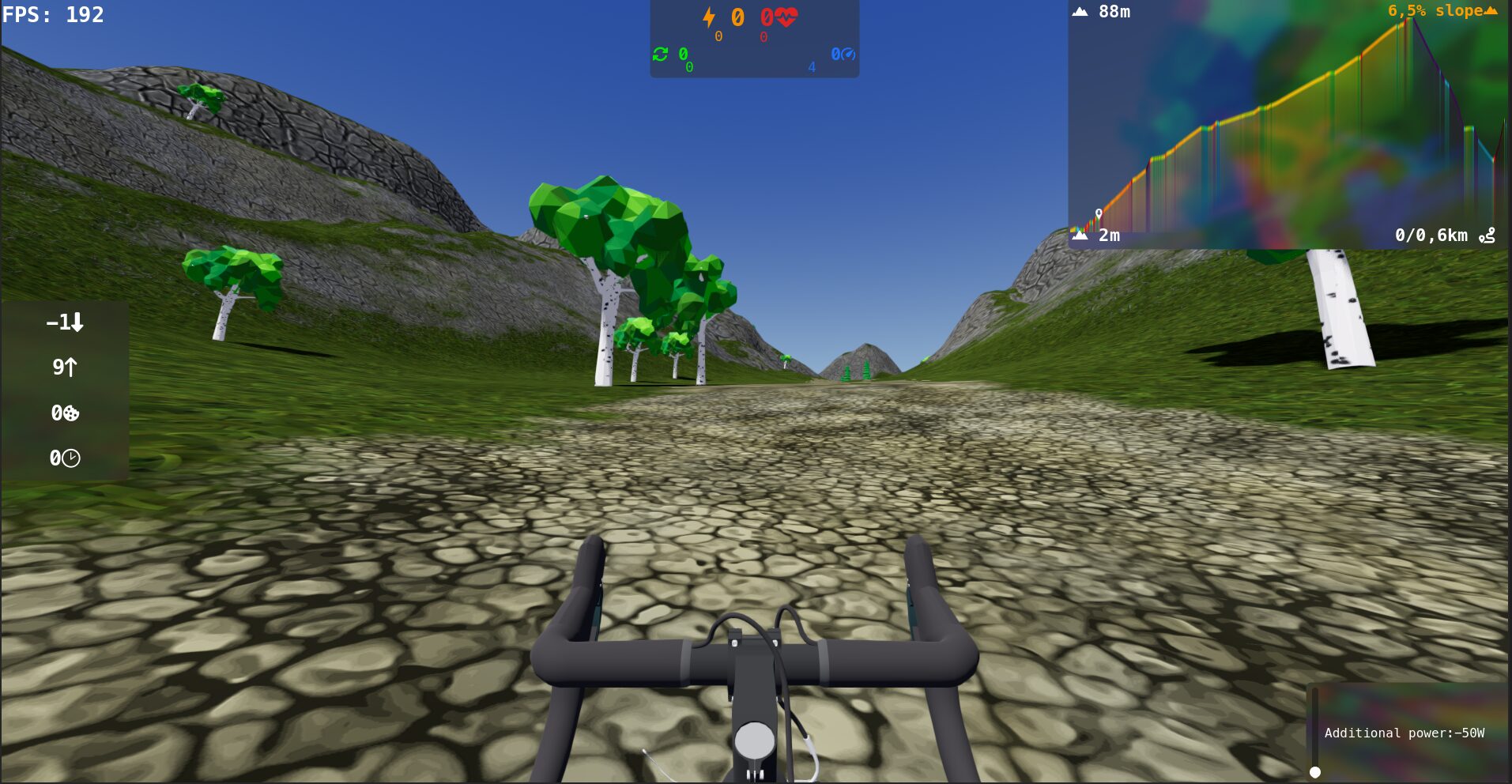
Blur + chromatic aberration shader for UI

IT LOOKS SICK!
Based on: https://godotshaders.com/shader/just-chromatic-aberration/ && https://godotshaders.com/shader/simple-blur-godot-4-1/
Shader code
shader_type canvas_item;

uniform float blur_amount : hint_range(-2.0, 10.0);
uniform float mix_amount : hint_range(0.0, 1.0);
uniform vec4 color_over : source_color;
uniform sampler2D SCREEN_TEXTURE : hint_screen_texture, filter_linear_mipmap;
uniform vec2 r_displacement = vec2(3.0, 0.0);
uniform vec2 g_displacement = vec2(0.0, 0.0);
uniform vec2 b_displacement = vec2(-3.0, 0.0);

void fragment() {

float r = textureLod(SCREEN_TEXTURE, SCREEN_UV + vec2(SCREEN_PIXEL_SIZE*r_displacement),blur_amount).r;
float g = textureLod(SCREEN_TEXTURE, SCREEN_UV + vec2(SCREEN_PIXEL_SIZE*g_displacement), blur_amount).g;
float b = textureLod(SCREEN_TEXTURE, SCREEN_UV + vec2(SCREEN_PIXEL_SIZE*b_displacement), blur_amount).b;
vec4 rough = vec4(r,g,b,255.0);
   vec4 fin = mix(rough, color_over, mix_amount);

	COLOR = vec4(r, g, b, fin.z);
   COLOR = fin;
}
Live Preview