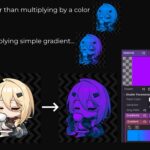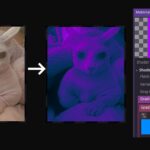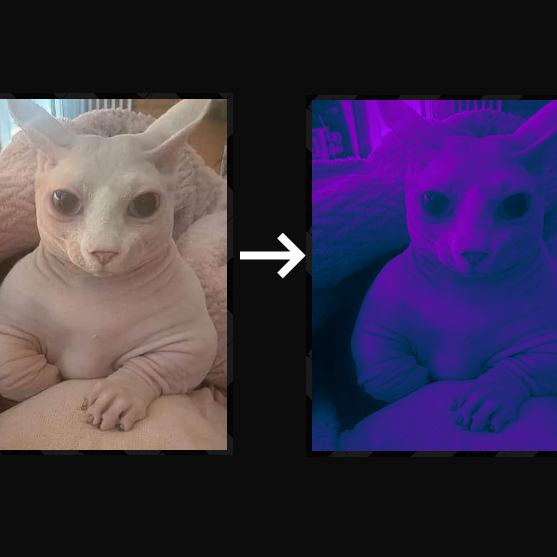
Color Remap Shader (Palette swapper)

Remaps the colors of any texture using custom gradients or color palettes. Apply 1D gradients, 2D gradient maps, or custom palette images to completely transform the appearance of your sprites. Perfect for palette swapping.
STEPS:
- Attach the shader to a sprite material
- Once you have the shader compiled, go to the Inspector and add a gradient or texture image
I’m starting to learn shaders, so comments and feedback are appreciated. Thank you!
Shader code
shader_type canvas_item;

uniform sampler2D gradient;

void fragment() {
	//1st step: Set the sprite to Gray tones
	float GrayValue = (COLOR.r + COLOR.g + COLOR.b)/3.0;
	COLOR = vec4(GrayValue,GrayValue,GrayValue,1.0);

	//2nd step: Swap palette
	vec2 new_uv = vec2(GrayValue);
	vec4 gradient_color = texture(gradient, new_uv);
	COLOR = vec4(gradient_color.rgb,1.0)*COLOR;

	//Erase the contour for png images
	vec4 textura = texture(TEXTURE,UV);
	COLOR.a = COLOR.a * textura.a;
}
Live Preview