
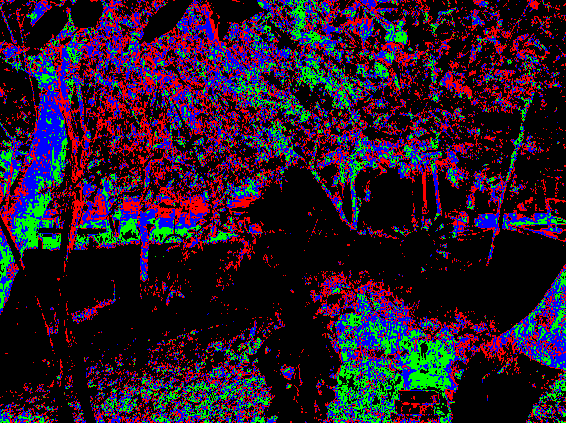
Pixel color remap

Remap colors from the original image by filling in colors array with colors you want.
Looks the best with the highly saturated and “indexed” colors, but you can input whatever colors you want into array.
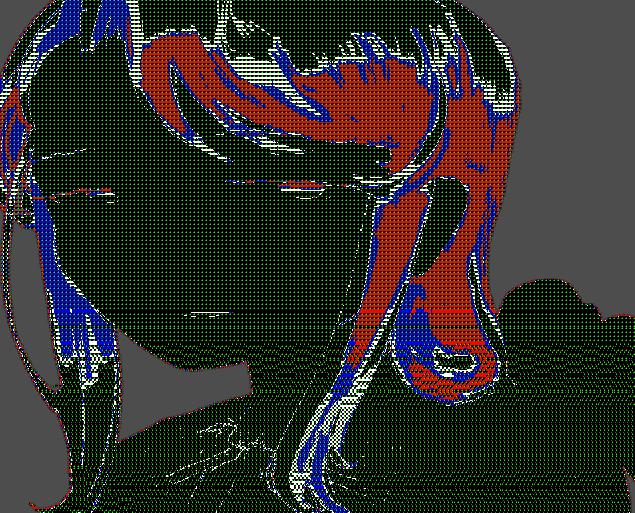
(P.S. tested on my Linux setup and it looked very corrupted and cool (see last screenshot). Was not able to replicate it on a second device. I probably have some driver issues lol..!)
Shader code
shader_type canvas_item;

uniform vec3 colors[16]: source_color;

int get_index(float value) {
	// divide colors by 20%
	return int(round(value * 16.));
}
void fragment() {
	COLOR.rgb = colors[get_index(COLOR.r)];
}
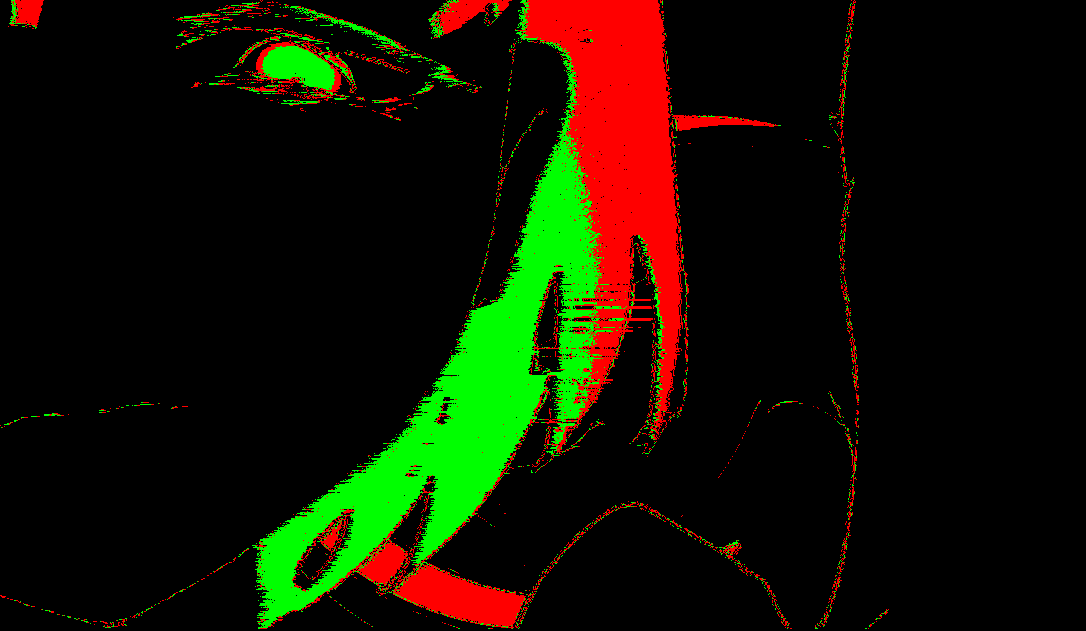
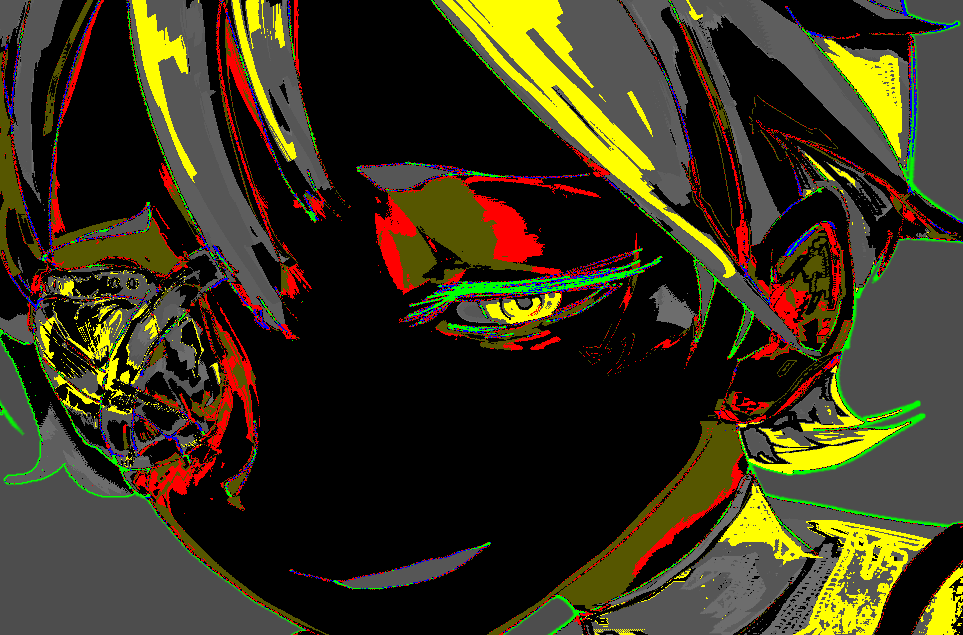
Live Preview

Awesome
Thank you! Glad you liked it