
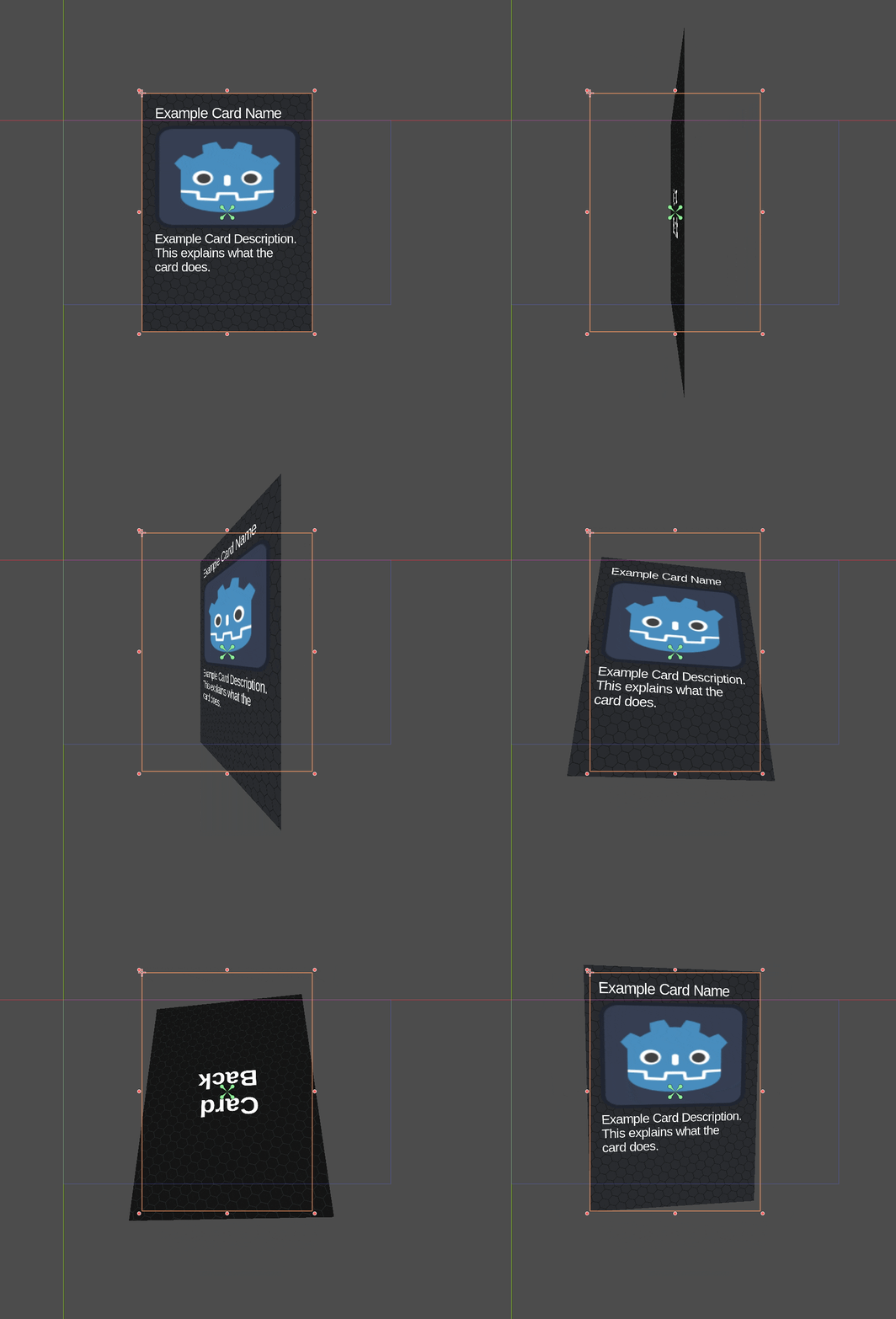
Faux 3D Perspective Shader for 2D Canvas Items

Faux 3D Perspective Shader for 2D Canvas Items in Godot
WHAT IS IT?
An improvement on Hei’s 2d-perspective shader.
The most important difference to note in this shader are:
- This shader uses updated syntax (Compatible with
Godot 4.4+) - It adds a parameter ‘
use_front‘ that allows for the Canvas Item to have a front and the back side. - The UV’s will scale so the textures are applied as you would expect any other 3D object to behave.
- It adds an example use case script for simulating 3D cards in a 2D card game, which uses the shader applied on a SubViewportContainer, allowing you to layout the cards with 2D UI elements while retaining their 3D looks.p
EFFECT
Due to file size limitations on this website, please see this GIF:
https://raw.githubusercontent.com/codevogel/faux-3d-perspective-shader-godot/refs/heads/main/github-assets/example_effect.gif
USAGE
The best way to explore this shader’s usage is to clone the example project on GitHub and open it in Godot 4.4+.
General usage:
- Create a new ShaderMaterial and assign this shader to it.
- Apply the ShaderMaterial to a CanvasItem, such as a TextureRect or SubViewportContainer.
- Adjust the shader parameters to achieve the desired perspective effect.
Card Game Example:
- Create a new SubViewportContainer node.
- Add a SubViewport as a child of the SubViewportContainer.
- Add a VBoxContainer as a child of the SubViewport.
- Add a TextureRect as a child of the VBoxContainer. This will be used to display the card art.
- Add a CardContents node as a child of the VBoxContainer. This will be used to display any UI elements on the card.
- Add any Controls of your liking to the CardContents node.
- Assign the Faux 3D Perspective shader to a ShaderMaterial and assign it to the SubViewportContainer’s material property.
See the `Card.gd` script below for an example of how to control the shader parameters and switch between front and back art based on rotation.
The latest version can be found in card.gd, but here is a copy for convenience:
# An example of a simulating a 3D card with a 2D TextureRect
# using the Faux 3D Perspective shader by CodeVogel (https://github.com/codevogel/faux-3d-perspective-shader-godot)
@tool
extends SubViewportContainer
class_name Card

@export var front_art: Texture2D = preload("uid://d0cdfxs15e68h"):
	set(value):
		front_art = value
		_refresh()
@export var back_art: Texture2D = preload("uid://d2qctukn38v5q"):
	set(value):
		back_art = value
		_refresh()
@export var cull_backface: bool = false

@onready var art_texture_rect: TextureRect = $SubViewport/ArtTextureRect
@onready var card_contents: Control = $SubViewport/CardContents

@export_range(1, 120, 1) var simulated_camera_fov: float = 60:
	set(value):
		simulated_camera_fov = value
		_refresh()
@export_range(-360, 360, 1) var rotation_y: float = 0.0:
	set(value):
		rotation_y = value
		_refresh()
@export_range(-360, 360, 1) var rotation_x: float = 0.0:
	set(value):
		rotation_x = value
		_refresh()


func _get_configuration_warnings() -> PackedStringArray:
	var warnings: PackedStringArray = []
	if not front_art:
		warnings.append("Front art texture is not assigned.")
	if cull_backface:
		if back_art:
			warnings.append(
				"Back art texture will not be visible because backface culling is enabled."
			)
	elif not back_art:
		warnings.append("Back art texture is not assigned.")
	if not (material is ShaderMaterial):
		warnings.append("CardArt requires a ShaderMaterial to function properly.")
	return warnings


func _ready():
	if not Engine.is_editor_hint():
		_refresh()


func _refresh():
	if not (material is ShaderMaterial):
		return
	if not card_contents or not art_texture_rect:
		return
	var shader_material := material as ShaderMaterial
	shader_material.set_shader_parameter("rot_y_deg", rotation_y)
	shader_material.set_shader_parameter("rot_x_deg", rotation_x)
	shader_material.set_shader_parameter("cull_backface", cull_backface)
	shader_material.set_shader_parameter("fov", simulated_camera_fov)
	_refresh_texture()


func _refresh_texture():
	if not front_art or not back_art:
		return

	var rot_x_deg = wrapf(rotation_x, 0, 360)
	var rot_y_deg = wrapf(rotation_y, 0, 360)
	var front_facing_over_x = rot_x_deg < 90 or rot_x_deg > 270
	var front_facing_over_y = rot_y_deg < 90 or rot_y_deg > 270
	var use_front = front_facing_over_y == front_facing_over_x
	card_contents.visible = use_front
	art_texture_rect.texture = front_art if use_front else back_art
	material.set_shader_parameter("use_front", use_front)
LICENSE
MIT License
See the Example Project on GitHub for more details.
Shader code
/// Faux 3D Perspective Shader for 2D CanvasItems in Godot.
/// By CodeVogel (https://codevogel.com), based on Hei's '2D-perspective' shader (https://godotshaders.com/shader/2d-perspective/)
/// This version adds versatility for showing front/back textures.
// MIT Licensed

shader_type canvas_item;

uniform bool cull_backface = true;
uniform bool use_front = true;
uniform float fov : hint_range(1, 179) = 90.0;
uniform float rot_y_deg : hint_range(-360, 360) = 0.0;
uniform float rot_x_deg : hint_range(-360, 360) = 0.0;
uniform float inset : hint_range(0, 1) = 0.0;

varying vec2 offset;
varying vec3 world_pos_3d;

void vertex() {
	float rot_y_rad = radians(rot_y_deg);
	float rot_x_rad = radians(rot_x_deg);

	float sin_y = sin(rot_y_rad), cos_y = cos(rot_y_rad);
	float sin_x = sin(rot_x_rad), cos_x = cos(rot_x_rad);

	// Construct rotation matrix
	mat3 rotation_matrix;
	rotation_matrix[0] = vec3(cos_y, 0.0, -sin_y);
	rotation_matrix[1] = vec3(sin_y * sin_x, cos_x, cos_y * sin_x);
	rotation_matrix[2] = vec3(sin_y * cos_x, -sin_x, cos_y * cos_x);

	// Project UV coordinates into pseudo-3D space
	float perspective_scale = tan(radians(fov) * 0.5);
	world_pos_3d = rotation_matrix * vec3(UV - 0.5, 0.5 / perspective_scale);

	// Adjust XY coordinates based on perspective depth
	float depth_scale = (0.5 / perspective_scale) + 0.5;
	world_pos_3d.xy *= depth_scale * rotation_matrix[2].z;
	offset = depth_scale * rotation_matrix[2].xy;

	// Apply perspective transformation to vertex position
	VERTEX += (UV - 0.5) / TEXTURE_PIXEL_SIZE * perspective_scale * (1.0 - inset);
}

void fragment() {
	// Discard back-facing fragments if culling is enabled
	if (cull_backface && world_pos_3d.z <= 0.0) discard;

	// Perspective divide to get 2D UV coordinates
	vec2 projected_uv = (world_pos_3d.xy / world_pos_3d.z) - offset + 0.5;

	// Discard pixels outside of the rectangle
	if (projected_uv.x < 0.0 || projected_uv.x > 1.0 || projected_uv.y < 0.0 || projected_uv.y > 1.0)
		discard;

	// Sample the texture depending on which face is visible
	if (use_front) {
		COLOR = texture(TEXTURE, projected_uv);
	} else {
		// flip back face uv horizontally to keep texture orientation correct
		COLOR = texture(TEXTURE, vec2(1.0 - projected_uv.x, projected_uv.y));
	}
}
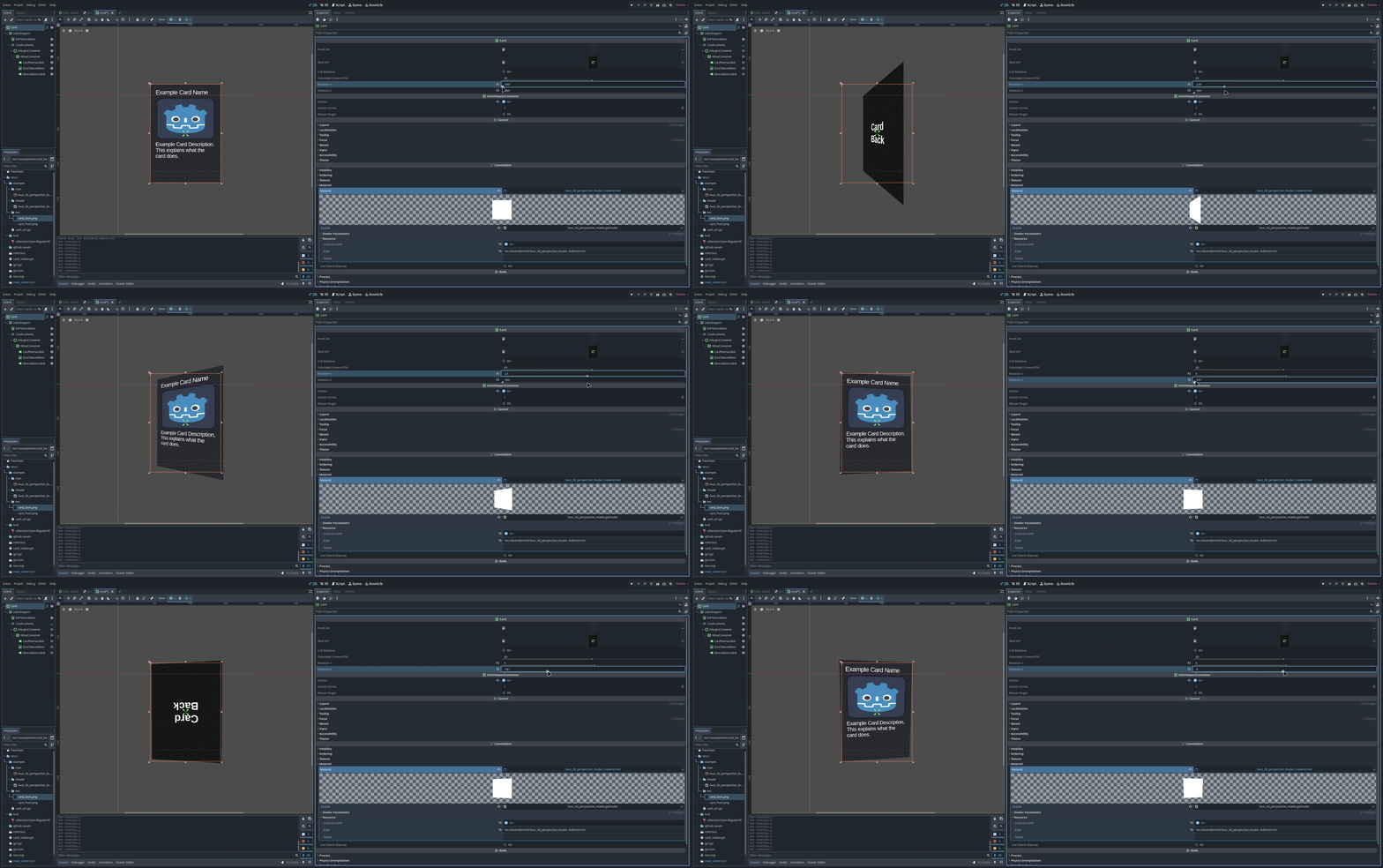
If SubViewport size is small, texts become way blurry. Even in your example, texts are little bit blurry. Do you know a fix for it? Thanks.