

Gradient Color Fog

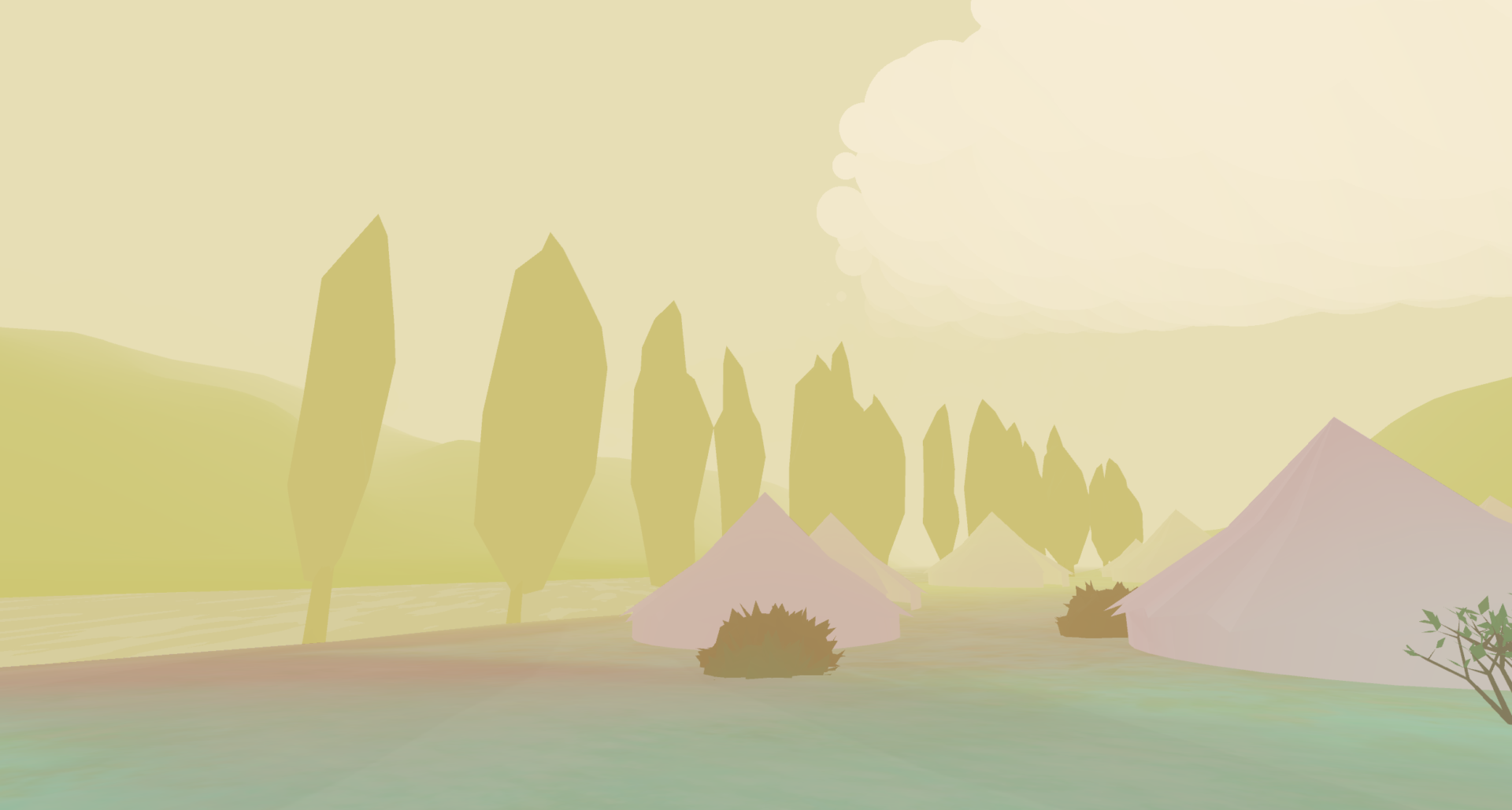
This is an attempt of implementing Harry Alisavakis multi-color fog shader using Godot.
A demo scene is published here.
Shader code
shader_type spatial;
render_mode unshaded;

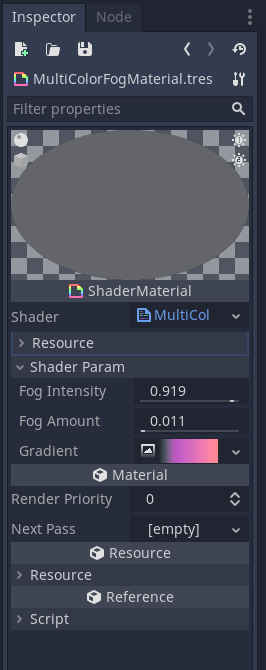
uniform sampler2D gradient: hint_albedo;
uniform float fog_intensity:  hint_range(0.0, 1.0);
uniform float fog_amount: hint_range(0.0, 1.0);

void vertex() {
	POSITION = vec4(VERTEX,	1.0);
}

void fragment() {
	vec4 original = texture(SCREEN_TEXTURE, SCREEN_UV);

	float depth = texture(DEPTH_TEXTURE, SCREEN_UV).x;
	vec3 ndc= vec3(SCREEN_UV, depth) * 2.0 - 1.0;
	vec4 view = INV_PROJECTION_MATRIX* vec4(ndc, 1.0);
	view.xyz /= view.w;
	depth = -view.z;

	float fog = depth * fog_amount;

	vec4 fog_color = texture(gradient, vec2(fog, 0.0));
	if (depth > 1.0)
		ALBEDO =  mix(original.rgb, fog_color.rgb, fog_color.a * fog_intensity);
	else
		ALBEDO = fog_color.rgb;
}
Live Preview

Comments 7
Very easy to implement and a fantastic effect. Thanks!
how do i add this to my game?
Heyy, I love your shader, but I have one problem with it and I need some help here. My problem is that the fog disables objects with a transparent material. For example I have some bullet holes which are a mesh with a material which has the transparent flag enabled and it's not visible because of the fog.
change value in last if to 0.0 for dynamic camera. In my project default shader not working good, but also value change it work
Anyone been able to get this to work in Godot 4?
Figured it out. Once you've updated all the variable names that change between Godot 3 and 4, you have to add cull_disabled to the render_mode.
Anyone know how to get it working on 4.4? I added
and changed vertex() according to this article https://godotengine.org/article/introducing-reverse-z/
void vertex() {
   POSITION = vec4(VERTEX.xy, 1.0, 1.0);
}
But I just get a pure yellow screen, the depth doesn't seem to be working