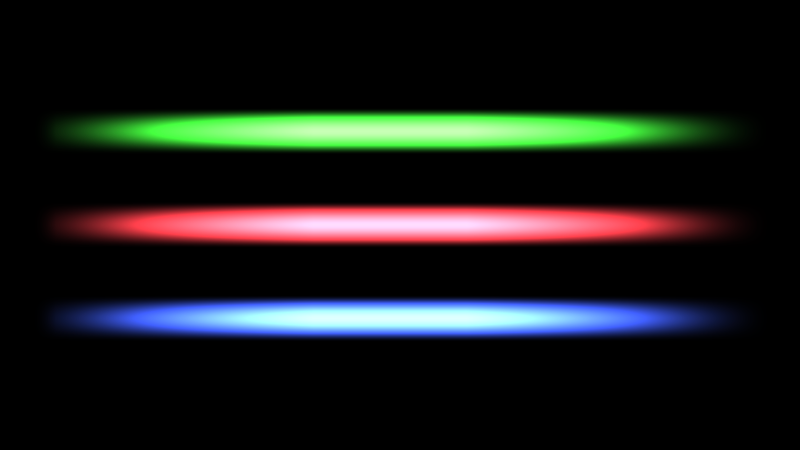
Laser Blaster Glow

How to use it:
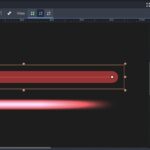
- Create a Line2D
- Width: 20px
- Default Color: #258722 (green), #a52931 (red), #293ea6 (blue)
- Fill/Texture Mode: Stretch
- Capping
- Begin Cap Mode: Round
- End Cap Mode: Round
- Set the shader by adding a material on the Line2D
- Make sure rendering/viewport/hdr_2d is enabled in the project settings
Alternatives:
- Apply it on a ColorRect or Sprite
- Use a gradient instead of a color
Limitations:
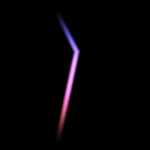
- It looks different for Mobile and Forward+, the screenhots are with gl_compatibility
- Tested only in Godot 4.5.1.stable.mono
Shader Parameters:
- Glow Intensity
- Core Width
- Core Length
Shader code
shader_type canvas_item;

uniform float glow_intensity : hint_range(0.0, 50.0) = 6.0;
uniform float core_width : hint_range(0.0, 1.0) = 0.5;
uniform float core_length : hint_range(0.0, 1.0) = 0.5;

void fragment() {
    float y_dist = abs(UV.y - 0.5);
    float x_dist = max(0.1, abs(UV.x - 0.5));

    float core_y_mask = 1.0 - smoothstep(0.0, core_width, y_dist);
    float core_x_mask = 1.0 - smoothstep(0.0, core_length, x_dist);
    float core_mask = core_y_mask * core_x_mask;
    vec4 core_color = COLOR * glow_intensity;
    core_color.a = core_mask;

    COLOR = core_color;
}
Live Preview