
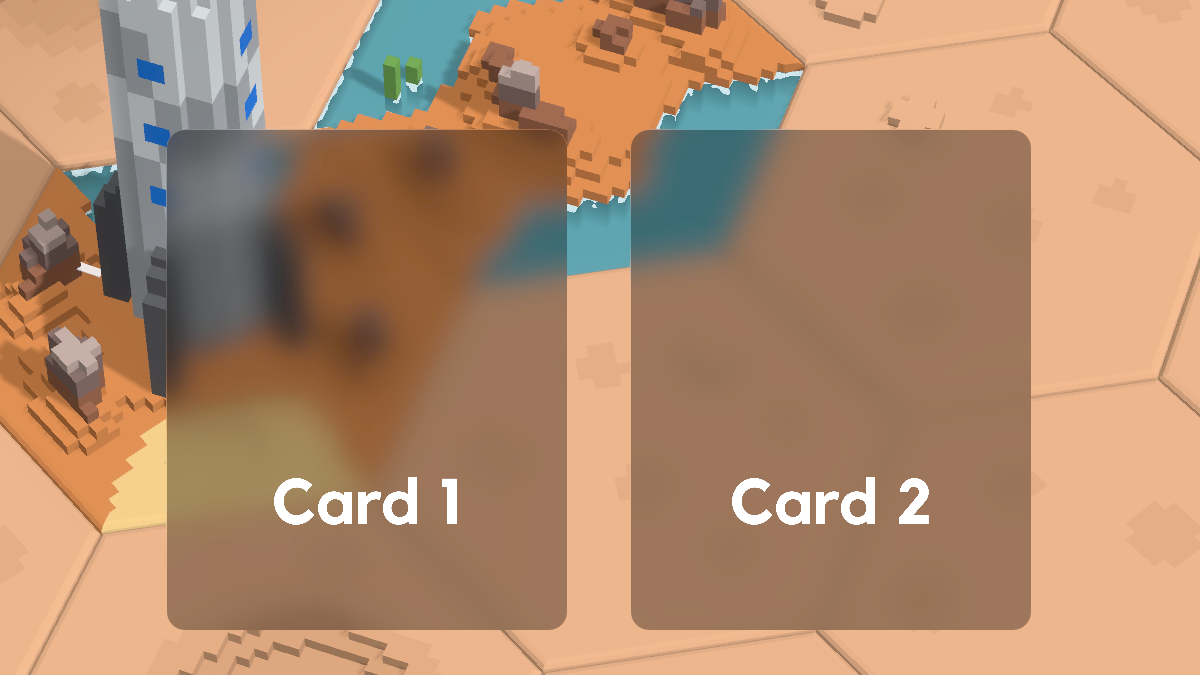
Vibrancy Backdrop – Blurred/Frosted Canvas Items

A lightweight vibrancy effect for 2D UI, similar to some MacOS or Windows 11 menus. It samples whatever is already drawn behind the control (hint_screen_texture), blurs it with mipmapped textureLod, and mixes it with the control’s own color using its alpha.
Useful for HUD panels, buttons, and overlays that should feel translucent without a separate blur pass or BackBufferCopy.
How to use
- Create a ShaderMaterial and assign this shader.
- Apply the material to a CanvasItem (PanelContainer, Button, ColorRect, etc.).
- Set the control’s background color. Alpha controls how much much of the color gets mixed into the blur (0 = only blurred, 1 = only color).
- Change blur_lod for blur strength. Higher = softer blur.
Tips
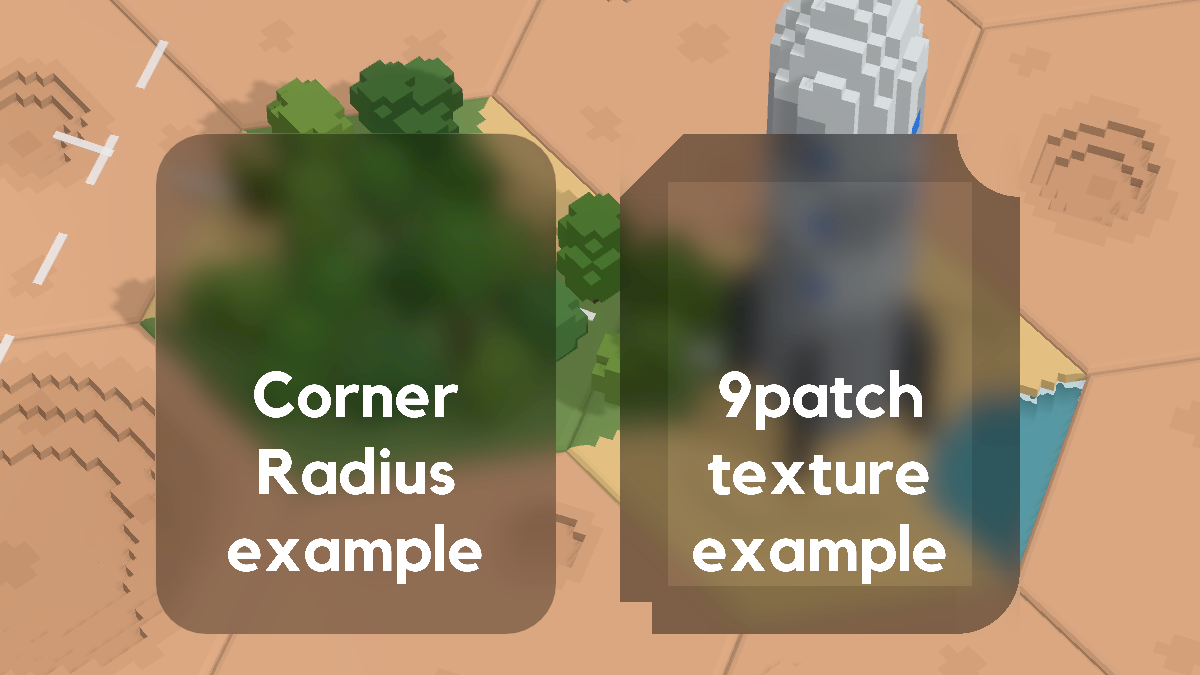
- Corner Radius from panels and buttons work nicely together with this shader.
- Instead of setting the controls background color you can use a custom texture, it gets mixed in the same way with the shader.
- Use BackBufferCopy nodes to make the shader consider canvas layer items also besides the 3d viewport. This can be used to layer multiple menus behind each other. Just be aware that there is a slight performance cost when using these.
- If you want to use it without relying on the background color of your node, you can just add a vec4 color uniform as a replacement of the COLOR source.
- Text drawn by the same CanvasItem (like Button.text) can show a box around each letter, since this shader forces alpha to 1.0. As a workaround you can use child labels which don’t get affected by the shader.
- Using background alpha as tint strength can cause antialiasing halos. To avoid them, use a separate tint uniform, set background alpha to 1.0, and preserve COLOR.a in the shader.
Shader code
shader_type canvas_item;

uniform sampler2D screen_texture : hint_screen_texture, repeat_disable, filter_linear_mipmap;

uniform float blur_lod : hint_range(0.0, 5.0) = 3.5;

void fragment() {
    vec3 bg = textureLod(screen_texture, SCREEN_UV, blur_lod).rgb;
    vec4 src = COLOR;

    COLOR.rgb = mix(bg, src.rgb, src.a);
    COLOR.a = 1.0;
}
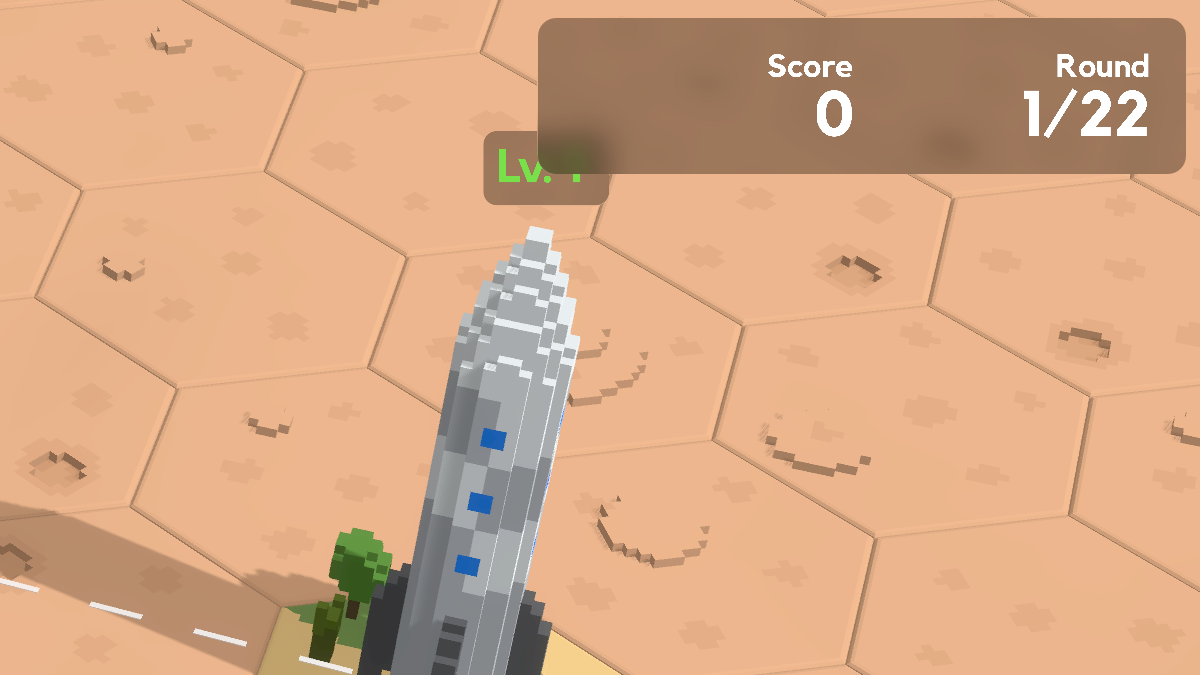
Live Preview

Comments 0
No comments yet.